Clone a List or Smart List clone-a-list-or-smart-list
Instead of creating a Smart List from scratch, save some time by cloning a similar one and making changes.
-
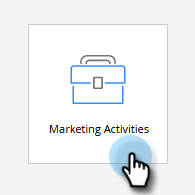
Go to Marketing Activities.
-
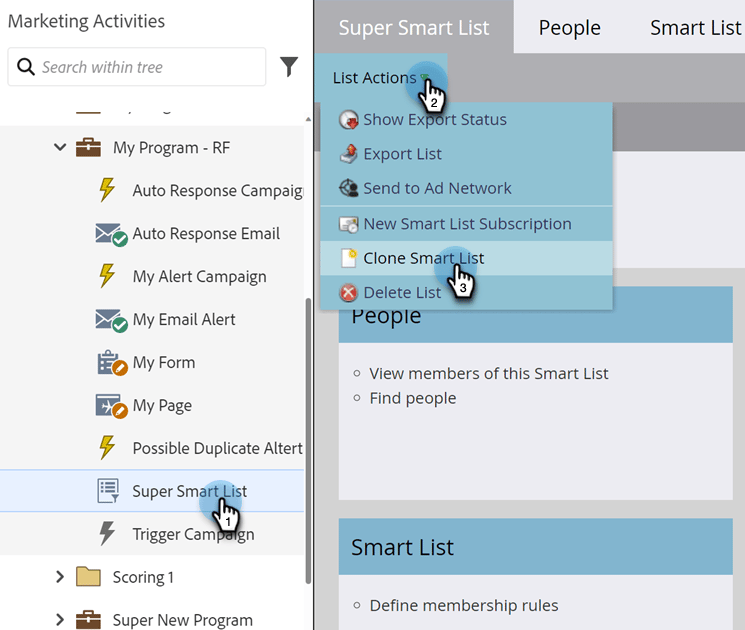
Select the Smart List you want to clone. Under List Actions, click Clone Smart List.
-
Enter a Name and click Clone.

You can also clone regular lists in the same manner.