Hide/Unhide a Program Channel hide-unhide-a-program-channel
You can delete a program channel if it is not being used by any programs. However, once it is in use, it must remain in the system. You can hide it if you no longer need it.
Hide a Program Channel hide-a-program-channel
-
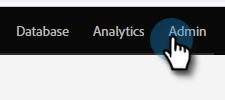
Go to the Admin area.
-
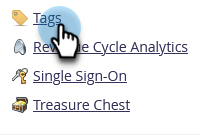
Click Tags.
-
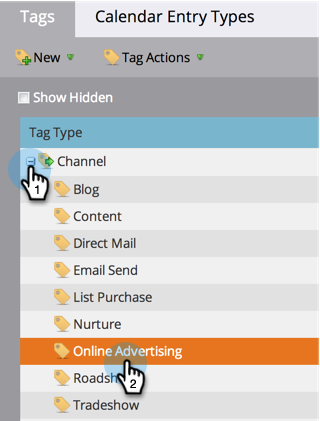
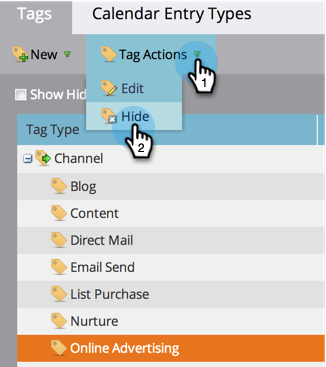
Click on the Channel drop-down and select the Channel to hide.
-
Under Tag Actions, click on Hide.
Unhide a Program Channel unhide-a-program-channel
-
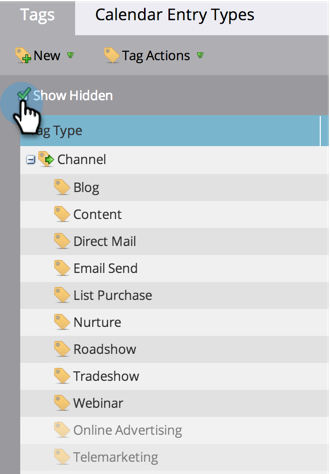
Unhide a Program Channel by checking the Show Hidden checkbox.