Apply Input Masking to a Field in a Form apply-input-masking-to-a-field-in-a-form
You can restrict input from your visitor using an input mask. For example, you may want visitors to enter phone numbers only in a specific format.
-
Go to Marketing Activities.

-
Select your form and click Edit Form.

-
Select your field and make sure the Field Type* is set to Text.
note NOTE Input masking only works with Text Field Types. 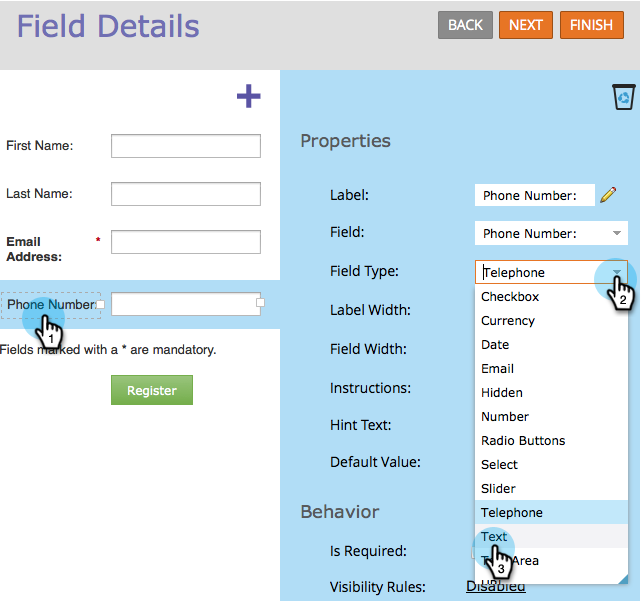
-
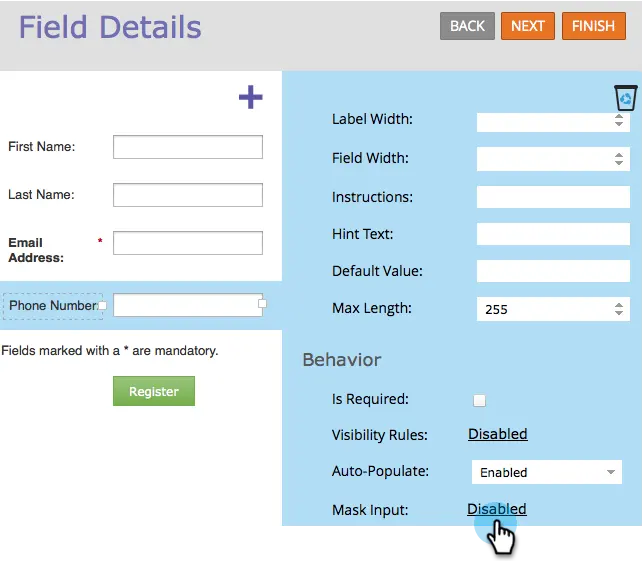
Click the Mask Input link.
-
Enter your input mask and click Save.
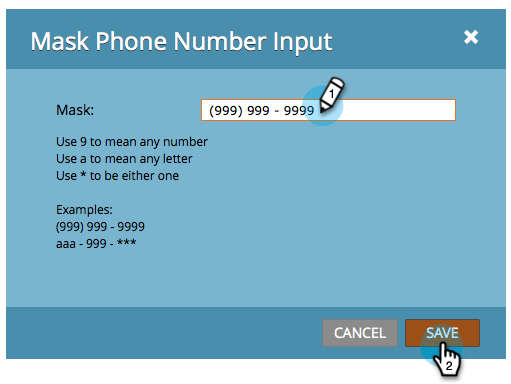
note NOTE Pay attention to the masking rules. You can restrict input to numbers, letters, both, and/or even limit the number of characters entered. -
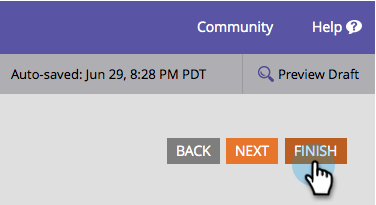
Click Finish.
-
Click Approve and Close.

Now you are asking the visitor to enter numbers in a specific format.
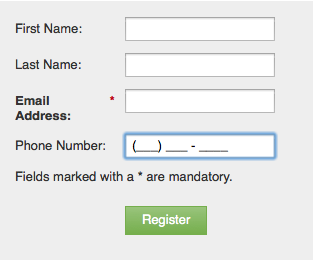
note NOTE The field may not display pre-defined regions as shown in the image above. It may appear blank until the visitor starts entering numbers, which will then automatically adhere to the input format you defined for the field.