Add a New Form to a Free-Form Landing Page add-a-new-form-to-a-free-form-landing-page
Form, meet landing page. Landing page, meet form.
-
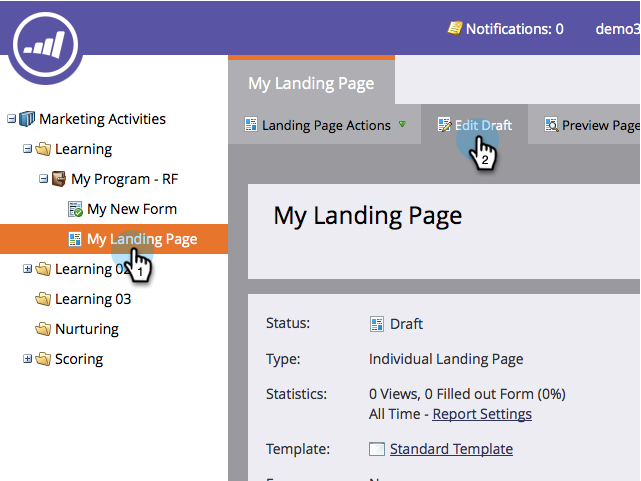
Go to Marketing Activities.

-
Find your landing page and click Edit Draft.
-
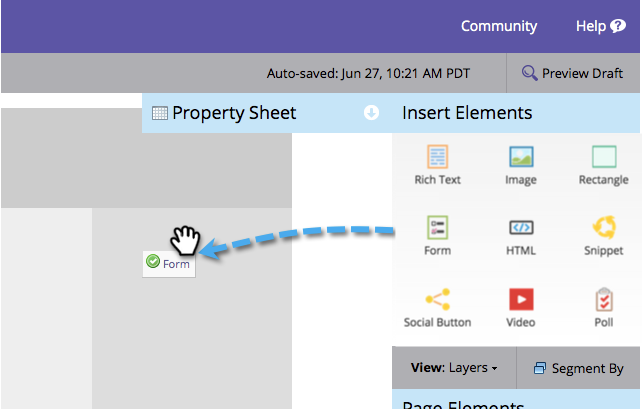
Drag and drop the Form element onto the page.
-
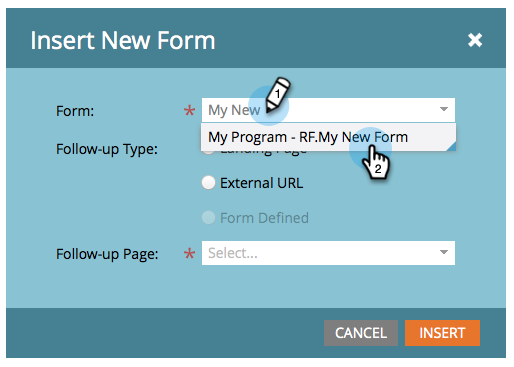
Find and select the form you want to add.
-
You have three options when choosing your follow-up page:
- Landing Page - to pick a Marketo landing page
- External URL - to pick any URL you want
- Form Defined - to use the settings defined at the form level
note note NOTE Definition The follow-up page is the page people will see after they submit the form. -
Click Insert.
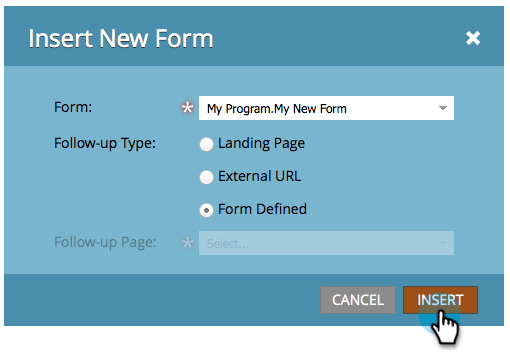
Nicely done!
Just close the landing page editor and approve the landing page draft.