Add a Field to a Form add-a-field-to-a-form
After you have created your form and selected a theme, you may want to add additional fields for people to fill out.
-
Go to Marketing Activities.

-
Select your form and click Edit Draft
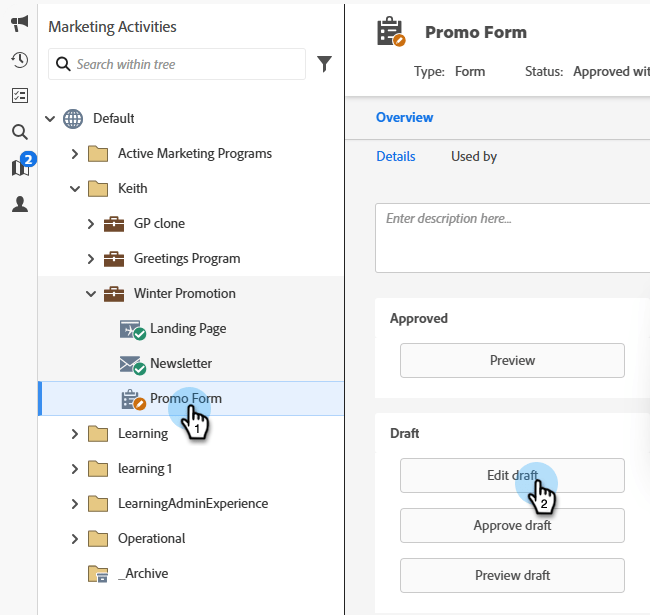
note NOTE If the desired form is in the Approved state, you must first click Create Draft. -
In the form, click the + sign.

note NOTE When you create a new form, First Name, Last Name, and Email Address are automatically added. -
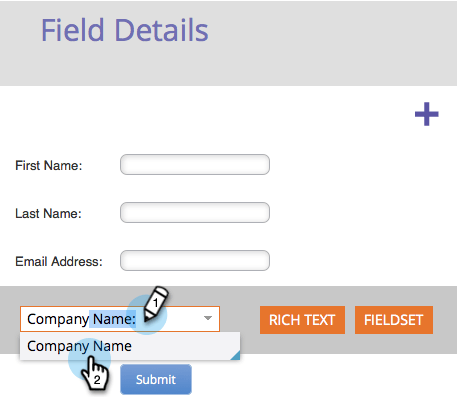
Find and select the field you want to add to your form.
-
Add as many fields as you need and click Finish.
-
Click Approve and Close.