Add a Mobile View for Your Free-Form Landing Page add-a-mobile-view-for-your-free-form-landing-page
It is easy to make your free-form landing pages look great on a smartphone.
-
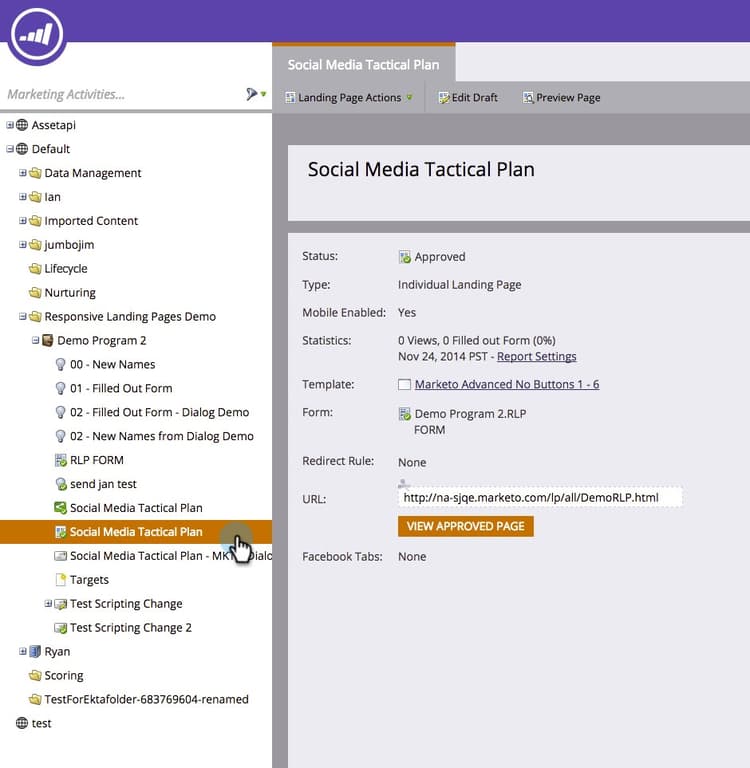
Go to Marketing Activities.

-
Select a free-form landing page.
-
Click Edit Draft.

-
Click the Mobile tab.

-
Click Activate.

note caution CAUTION The free-form template may need to be upgraded. If you see that message, quickly read about how to make an existing free-form landing page template mobile compatible. -
Great! You have now activated the mobile version of your landing page. Click Close.

You can now customize your mobile view.
