Issue or Revoke a Marketing Calendar License issue-revoke-a-marketing-calendar-license
To make use of your Marketing Calendar seats, you need to issue licenses to users who need access.
-
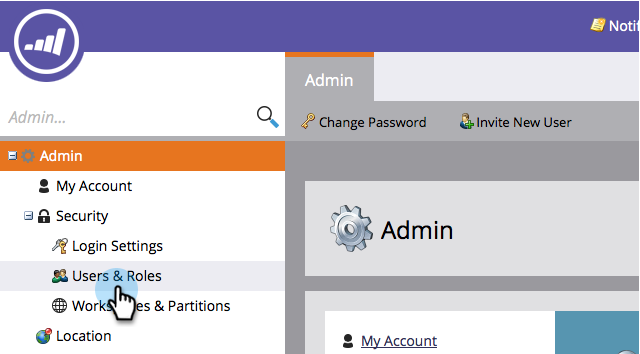
Go to the Admin section.

-
Click Users & Roles.
-
Select the user(s) and click Issue License.
note tip TIP Use Ctrl/Cmd+click to select multiple users in one go. 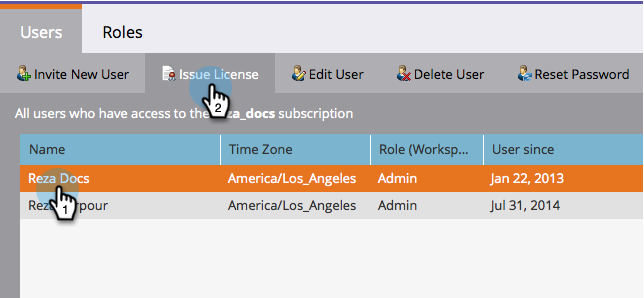
-
Check Enable License and click Save.
note NOTE There is a limit of 5 licenses. If you need more, contact your sales rep. 
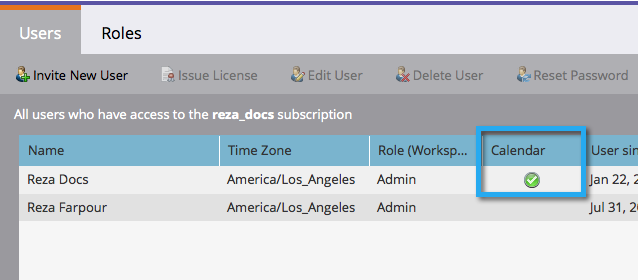
The green checkmark should now appear under ‘Calendar.’