Create and Use a Concatenated String (Formula) Field create-and-use-a-concatenated-string-formula-field
You can combine values from multiple fields or build a conditional value using a Marketo Engage formula field.
-
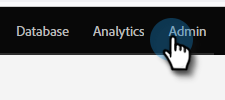
Go to the Admin area.
-
Click Field Management.

-
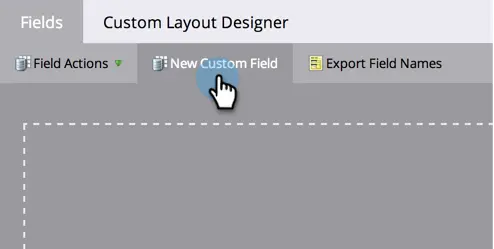
Click New Custom Field.
-
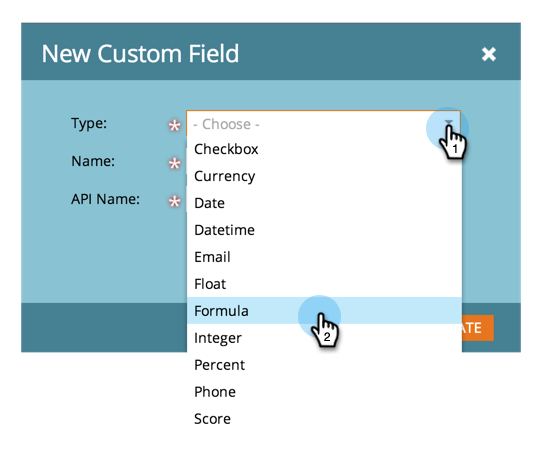
Select Formula for the Type.
-
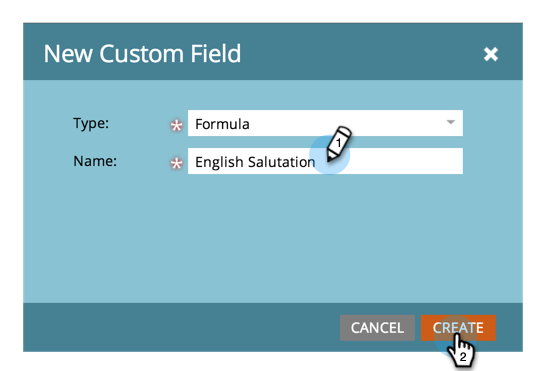
Enter a Name for your field then click Create.
-
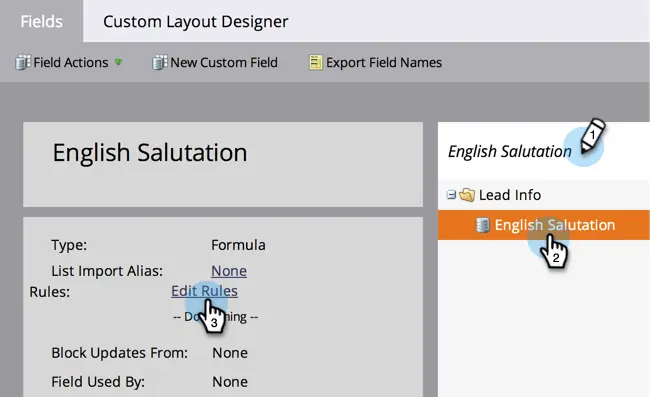
Find and select your formula field then click Edit Rules.
-
Add two choices and define them like the screenshot below.

note tip TIP Learn more about tokens for flow steps. -
Now you can add the formula field as a token in an email.
