Create New Campaign Folder create-new-campaign-folder
Campaign folders help you keep a tidy workspace. Follow these steps to get started.
-
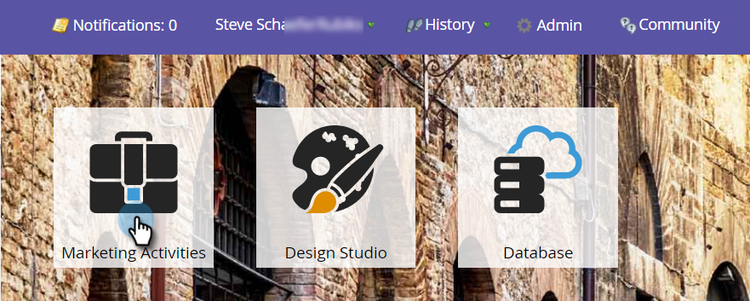
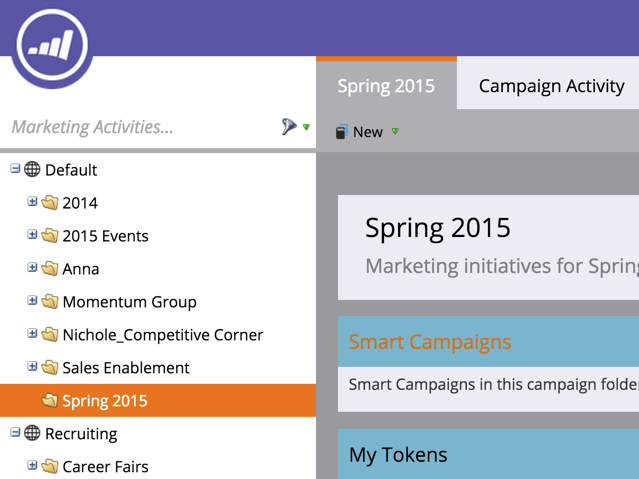
Go to Marketing Activities.
-
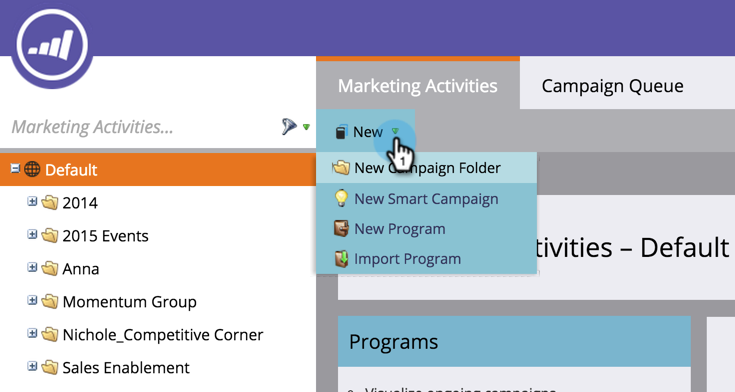
Select New.
-
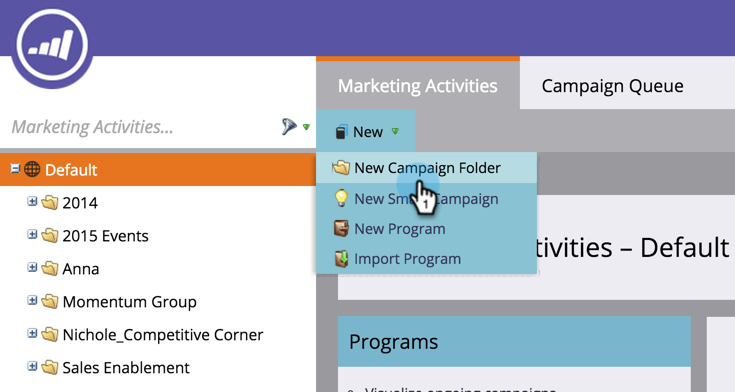
Select New Campaign Folder.
-
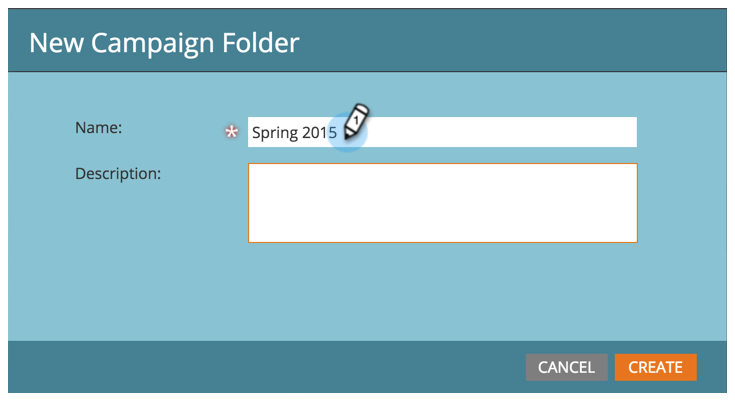
Enter a Name for the campaign folder.
-
Optional: Enter a Description and click Create.
note tip TIP Descriptions are for other users on the subscription. Your customers will not see this message. 
The campaign folder appears in the tree.
Now when creating a new program, this campaign folder appears as an option.