Add an Additional Branding Domain with Workspaces add-an-additional-branding-domain-with-workspaces
If you have workspaces, you can add additional branding domains.
-
Replace the generic tracking link with a branding domain before adding additional branding domains.
-
Go to the Admin area.

-
Click Email.

-
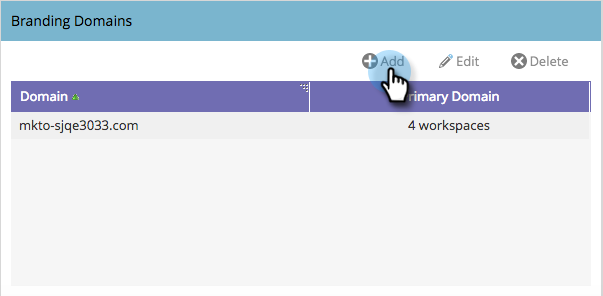
Click Add to add an additional branding domain.
-
Enter a new branding domain. Click Next.
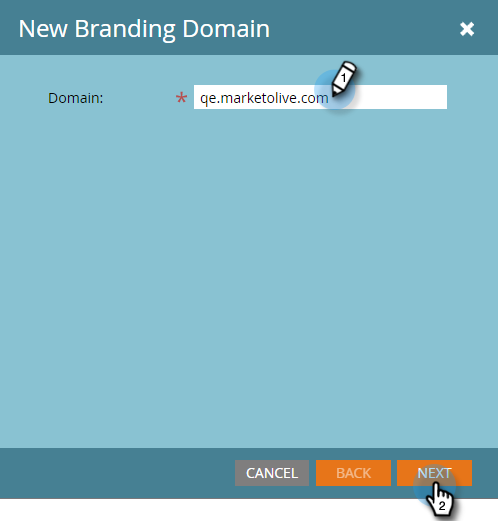
note note NOTE You can choose to make this your primary domain for one or more workspaces, and all existing unsent emails that are set to “Default” and all newly created emails will default to the primary domain. You can override this on a per-email basis. -
Select the new branding domain and click Save.
