SEO - Export Issues to CSV seo-export-issues-to-csv
Learn how to export your page issue data to a CSV file if you plan to share that information with people outside of Marketo.
-
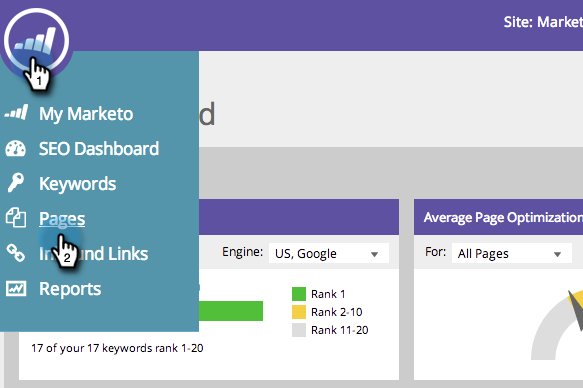
Go to the Pages section.
-
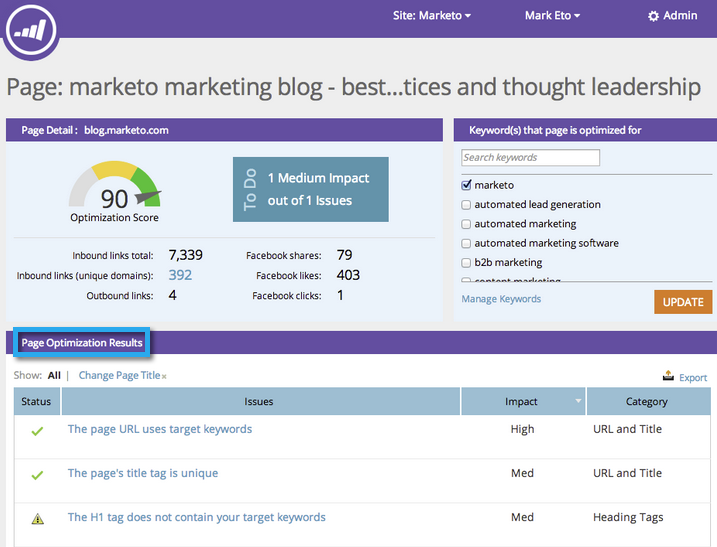
Click the page you wish to see details for.

The Page Detail Drill Down appears. Page Optimization Results is a list of all the issues with that particular page.
-
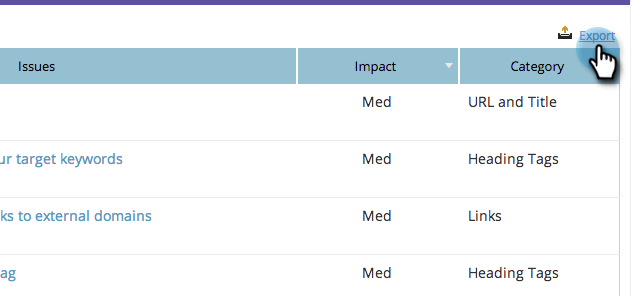
Click Export.