Sending a Sample sending-a-sample
You can share a sample of an email moment directly with someone. There are two ways to do it.
The Regular Way the-regular-way
-
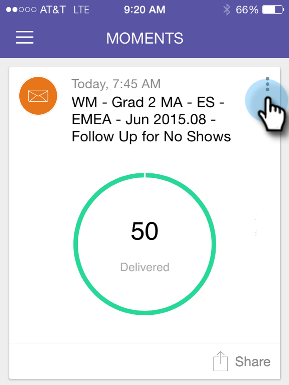
Open the Card Menu.
-
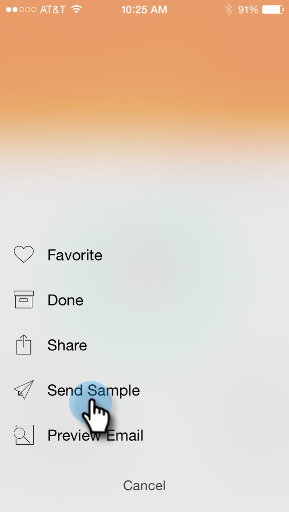
Tap Send Sample.
-
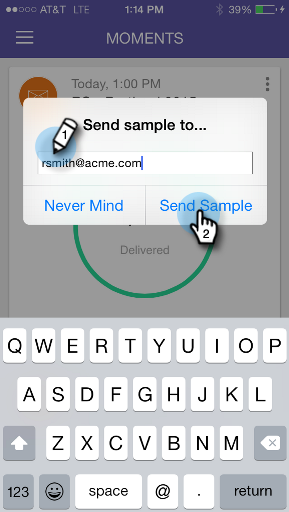
Enter an email address and click Send Sample.
The Quick Way the-quick-way
-
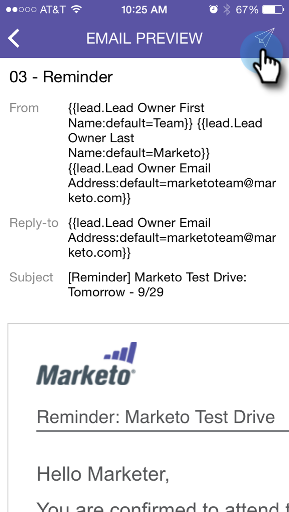
Tap the paper airplane icon on the Email Preview screen to send a sample directly from the preview.