Navigating the Program Schedule View navigating-the-program-schedule-view
Here are the basics to help you navigate the program schedule view.
Find the Schedule View find-the-schedule-view
-
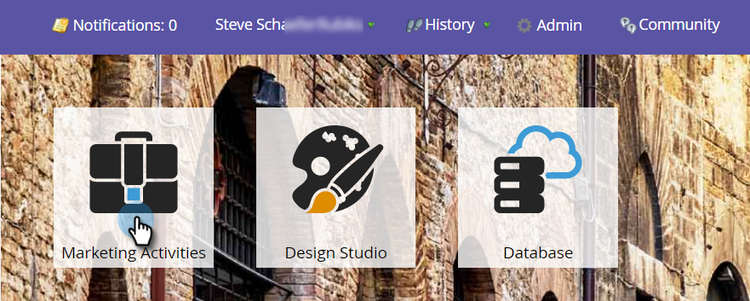
Go to Marketing Activities.
-
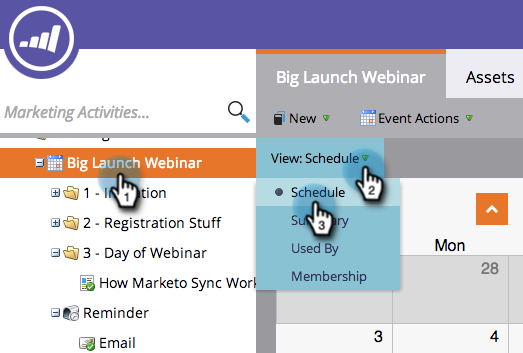
Select your program. Click the View drop-down. Select Schedule.
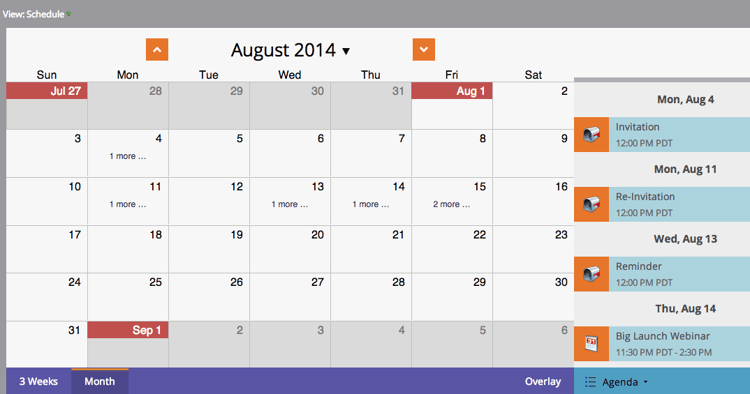
Now you’ll be looking at the schedule view of your program.
Switching Between Entries switching-between-entries
-
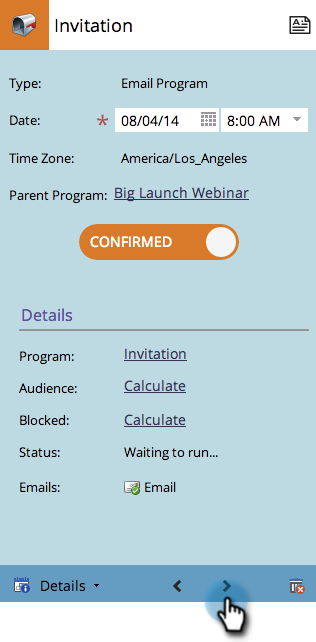
In the entry details, click the arrows to move to the next scheduled entry.
Pretty cool, huh?

View Context Menu view-context-menu
-
Right-click on any program to make edits to the Program, Smart List, Setup, My Tokens, or Members.

Changing Between Modes changing-between-modes
-
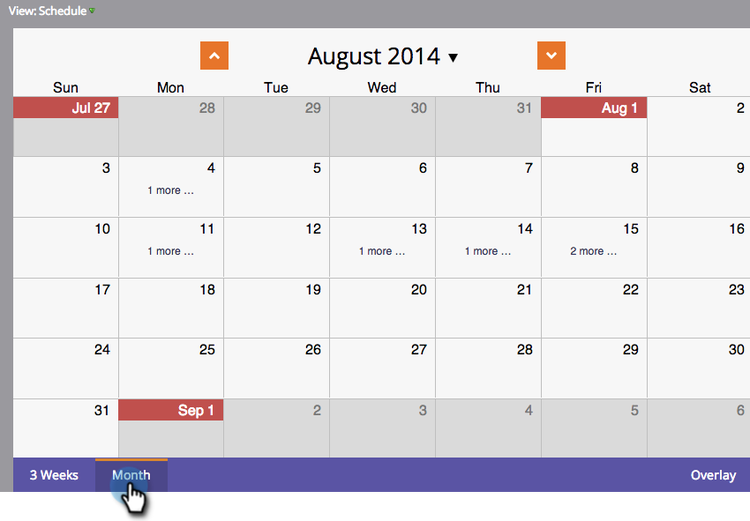
Clicking on 3 Weeks or Month will change the visible dates on your display.
Full Screen View full-screen-view
-
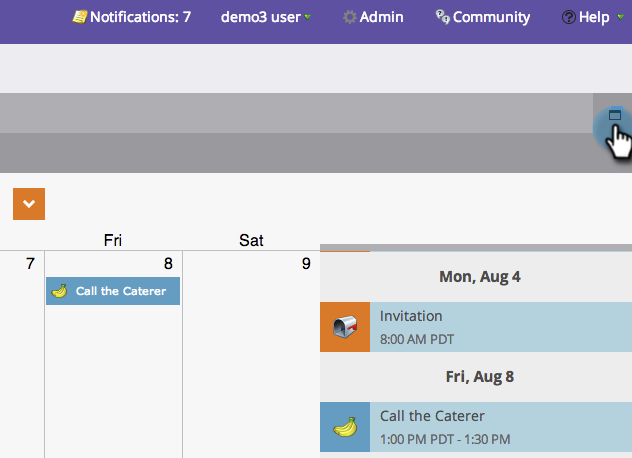
You can click the screen icon in the upper-right hand corner to view your program schedule in full screen mode.
Great! Now that you know how to view your program, let’s learn the other cool things it can do.