HTML Encode Tokens in Emails html-encode-tokens-in-emails
Enable or disable person and company tokens used in emails.
&). For more details, consult a web developer.-
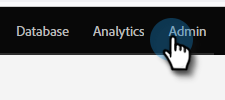
Go to the Admin area.
-
Click Field Management.

-
Find and select your desired field.

-
Check the HTML Encode Tokens in Emails box to enable, uncheck to disable.

Repeat for any additional fields as needed.