Filtering in Named Accounts filtering-in-named-accounts
Filtering is a great way to narrow down data quickly.
-
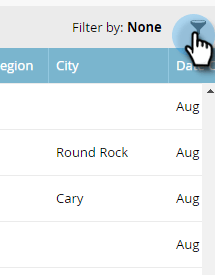
Click on the filter icon.
note note NOTE There are a several search parameter combinations. In this example we locate: Industry = Banking, Country = United States, Max Employees = 10000. -
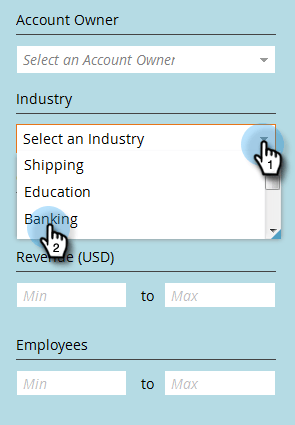
Click the Industry drop-down and select Banking.
-
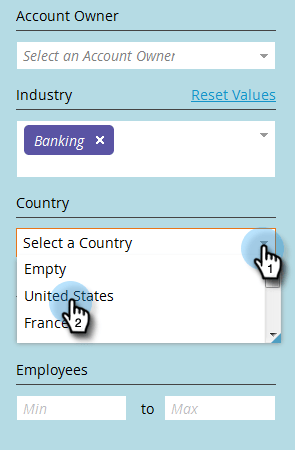
Click the Country drop-down and select United States.
-
Under Employees, type “0” in the Min field, “10000” in the Max field, then click Apply.
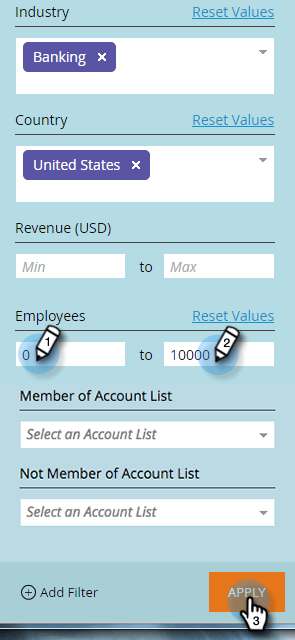
And that’s it! Your filtered results appear on the left side of the screen.
note note NOTE To add more filters to choose from, click Add Filter at the bottom left of the form.