Find the URL of an Uploaded Image or File find-the-url-of-an-uploaded-image-or-file
Follow these steps to find the URL of an image or file you uploaded.
-
Go to the Design Studio.

-
Click Images and Files.

-
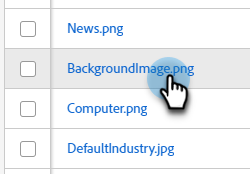
Select the desired asset.
-
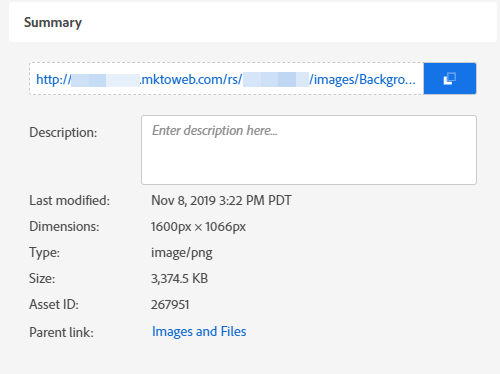
The URL is displayed on the details page.