Create a Smart List Goal create-a-smart-list-goal
Goals are ways to track progress and motivate your team. They can be combined with smart lists to track a variety of metrics in Marketo. Plus, after a smart list goal has been set up, it will automatically update every 2 hours when it is used in a presentation.
Like presentations, goals are workspace-specific.
-
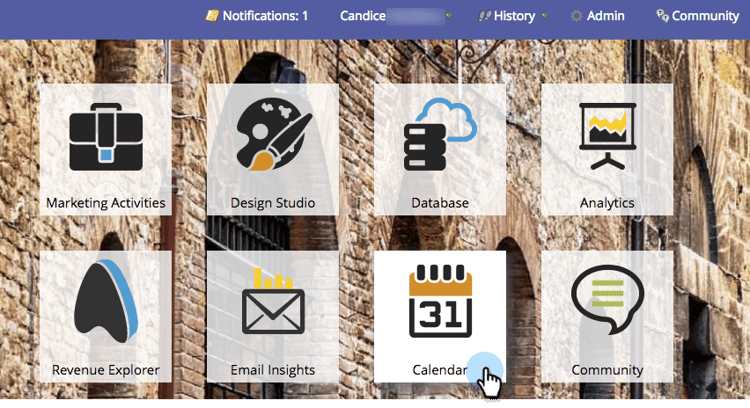
Go to the Calendar.
-
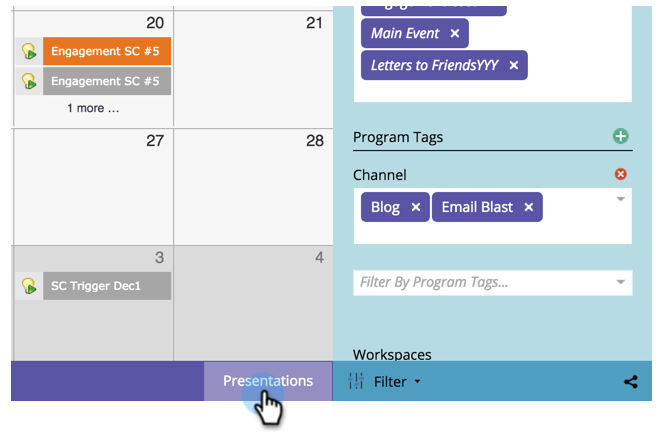
Click Presentations in the bottom right corner.
-
Select the Goals tab.

-
Drag and drop Smart List Goal onto the canvas.

-
Enter a name for the goal and enter a Goal Target. Then click Create.

-

-
Once the smart list is configured, click the Close button and go back to the previous tab.

The smart list goal has been created.
