Export a List of Users and Roles export-a-list-of-users-and-roles
Follow the steps below to export a full list of users and user roles.
-
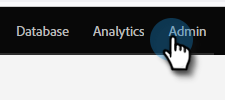
Go to Admin.
-
Click Users & Roles.

-
Add/remove any columns you want before exporting.
note tip TIP To export roles, go to the Roles tab first, then export. 
-
Click the Export icon.

The Excel file begins downloading.
