Substance 3D Painter
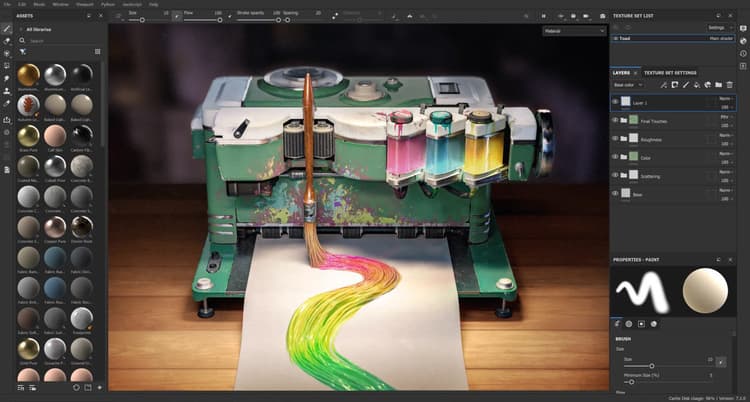
Substance 3D Painter is a 3D painting software allowing you to texture and render your 3D meshes.
This documentation is designed to help you learn how to use this software, from basic to advanced techniques.
If you have any question that is not answered in this manual feel free to ask on our Forum. You can also download our Physically Based Rendering guide if you wish to learn more about PBR.
Getting Started
- Activation and licenses — This page has information on how to activate and manage your licenses so you can start using Painter.
- System requirements — This page regroups system requirements and hardware compatibility information.
- Project Creation — The new project creation window allows to create a project file to store the 3D model and its texturing information.
- Export — A project can be exported into bitmap textures to be used with other software. It is also possible to export the geometry of the 3D model.
- Glossary — This page lists the most common keywords used by the application alongside a short explanation of the concept behind it.
- Performance — This page regroups tips and tricks on how to maximize performances and make things run smoothly.
Interface
Painting tools
- Tool list — This page details all the painting tool available and how to use them.
- Straight line — The Straight Line is an easy way of drawing a line with any painting tool with less clicks and more precision.
- Lazy mouse — The Lazy Mouse is a distance offset between the mouse cursor and the actual painting which allows to paint more precise or smooth strokes.
- Symmetry — Symmetry is the action of painting in multiple locations at the same time based on geometric constraints.
- Fill projections — Fill layer and fill effects project a texture directly onto the mesh based on a specific mode. This type of layer/effect avoid to manually paint textures on the 3D model. The settings of the projection can be edited via the Properties window.
- Presets — Presets are saved configurations of Painting Tools. This page explain how and why to use them.
- Dynamic strokes — Dynamic Strokes are regular brush strokes powered by Substance files that can change for each stamp inside a brush stroke.
- Advanced channel painting — A few of the default channels used in shaders can be painted on to created advanced or complex effects. For example painting height information that get converted into a normal map.
Baking
Content
Feature
Pipeline and integration
Scripting and development
Technical support
Release Notes
recommendation-more-help
substance-3d-painter-help-guide