Assets
The Asset window allows you to access the default resources that come with the application (referred to as Starter assets), as well as any imported resources (which can be then found under Your assets).
- On disk, the Starter assets library is stored within the application’s installation folder, whereas assets imported to Your assets library by default are located in the Documents folder.
- For more information on where your assets are stored on disk, see Adding content on the hard drive.
- It is also possible to add a different library location. For that, please take a look at Adding a new library.
Overview
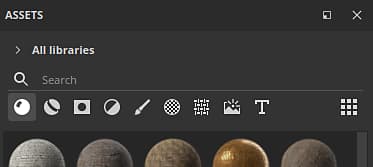
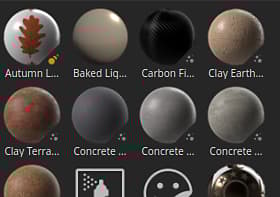
The Assets window is divided into three main sections by default:
- The filter area
- The assets list
- The bottom bar
Filter area
For more information see the Navigation page.
Assets list
Bottom bar
recommendation-more-help
substance-3d-painter-help-guide