Update checker
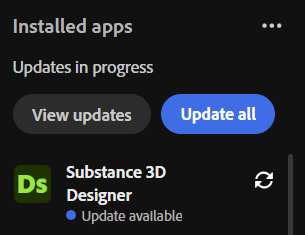
You can check for Substance 3D Painter updates from Creative Cloud Desktop. Navigate to the Apps tab, the look at the Installed apps section. Update available will appear under the app name if an update is ready for download.
You can access the release notes for the current release by opening Painter and using Help > Release notes.
recommendation-more-help
substance-3d-painter-help-guide