Dirt
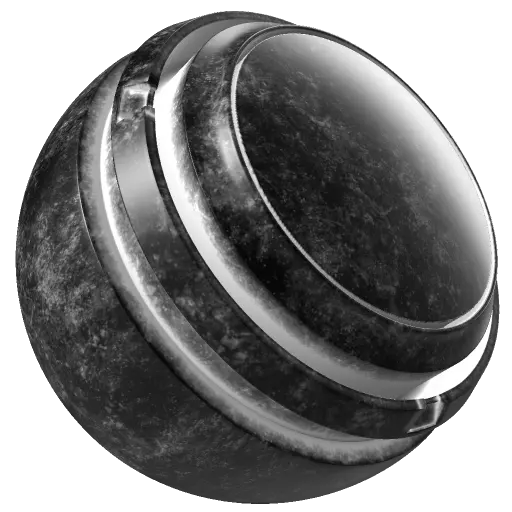
In: mask, generator
Description
The Dirt generator adds realistic buildup of dirt and grunge in crevices, edges, and flat surfaces based on curvature, ambient occlusion. You can also optionally use Micro Height and Micro Normal maps to add more detail.
The Dirt generator outputs a monochrome (black and white) texture. As a result, it’s useful for generating masks to add dirt or grunge details to your model.
Baked position, curvature, ambient occlusion and world space normal maps are required as image inputs. Learn more about baking here.
The Dirt generator adds realistic buildup of dirt and grunge in crevices, edges, and flat surfaces based on curvature, ambient occlusion. You can also optionally use Micro Height and Micro Normal maps to add more detail.
The Dirt generator outputs a monochrome (black and white) texture. As a result, it’s useful for generating masks to add dirt or grunge details to your model.
Baked position, curvature, ambient occlusion and world space normal maps are required as image inputs. Learn more about baking here.
NOTE
The Dirt generator is a powerful tool for quickly adding dirt to your mesh. For the best results, we recommend using additional masks to control how the dirt is applied, always considering the environment and history of your asset.
Inputs
Input name
Description
Curvature Grayscale
Use the baked Curvature map.
Ambient Occlusion Grayscale
Use the baked Ambient Occlusion map.
World Space Normal Color
Use the baked World Space Normals map.
Position Color
Use the baked Position map.
Custom grunge Grayscale
Use a custom texture or an anchor point.
Micro Normal Color
Use a custom normal texture or an anchor point.
Micro Height Color
Use a custom texture or an anchor point.
Parameters
Micro Details
recommendation-more-help
substance-3d-painter-help-guide