Display settings
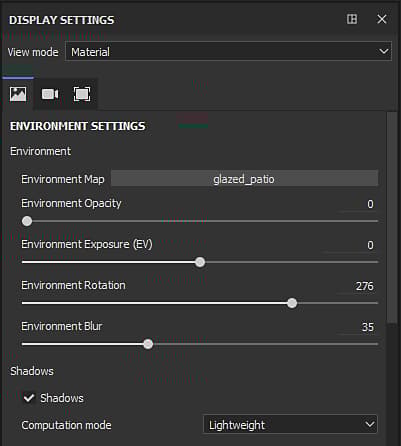
The Display Settings window regroups the environment, camera and viewport settings. These settings are global to the project and can affect the look of the viewport.
View mode
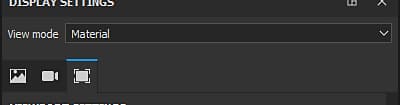
The view mode controls how the viewport will look. The dropdown is divided into three sections:
Section
Description
Lighting
Display the 3D model in the viewport with full lighting, including shadows if enabled.
Single channel
Also called solo mode. Display the mesh in the viewport with only a specific channel or texture without lighting.
Mesh maps
Display the mesh in the viewport only with a specific baked textures without lighting.
NOTE
Display Settings sections
For more details about each section see the dedicated page :
recommendation-more-help
substance-3d-painter-help-guide