Camera settings
This section of the Display Settings controls the behavior of the camera as well as the final look of the viewport.
Camera
Defines the distance at which the focus point is located. This point is used by the Depth of Field effect.
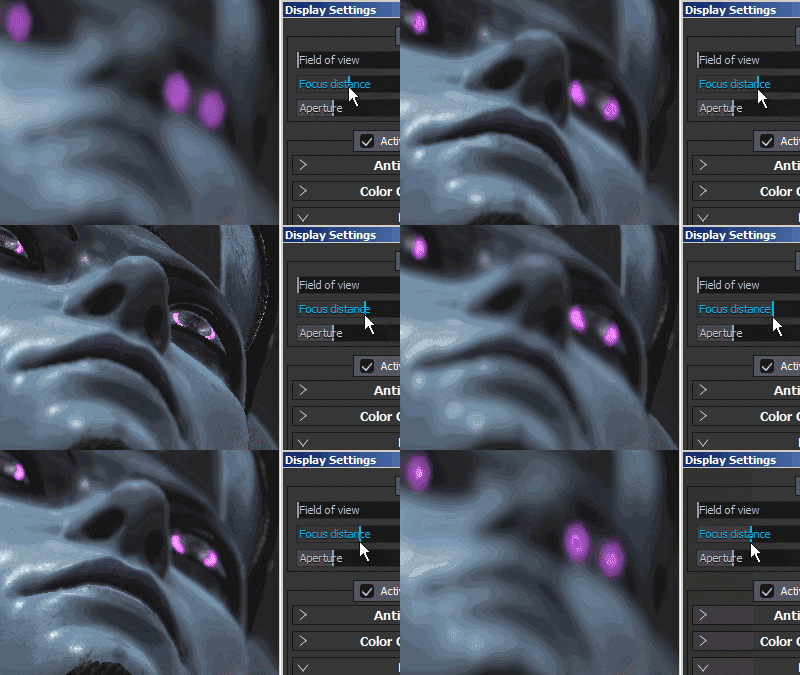
Note: The Focus Distance can be set automatically by clicking on a point of the mesh with the shortcut CTRL + Middle Mouse Button
Defines how wide the Depth of Field will be.
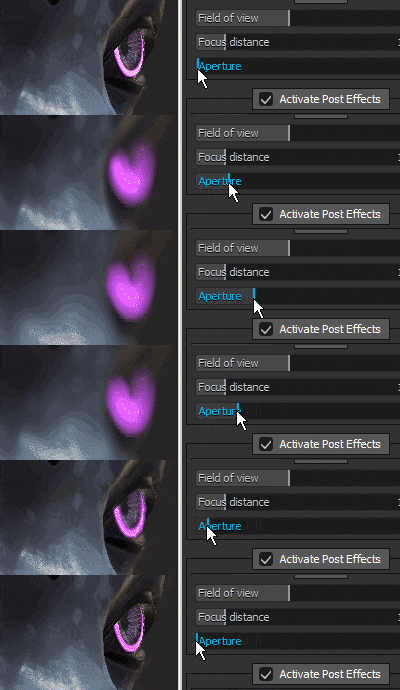
Note: If Iray is controlling this parameter, changing it will re-trigger a computation.
Post effects
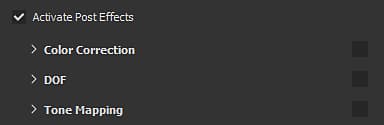
See the Post-Effect page for more information.
Temporal anti-aliasing
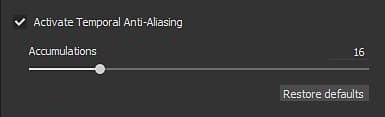
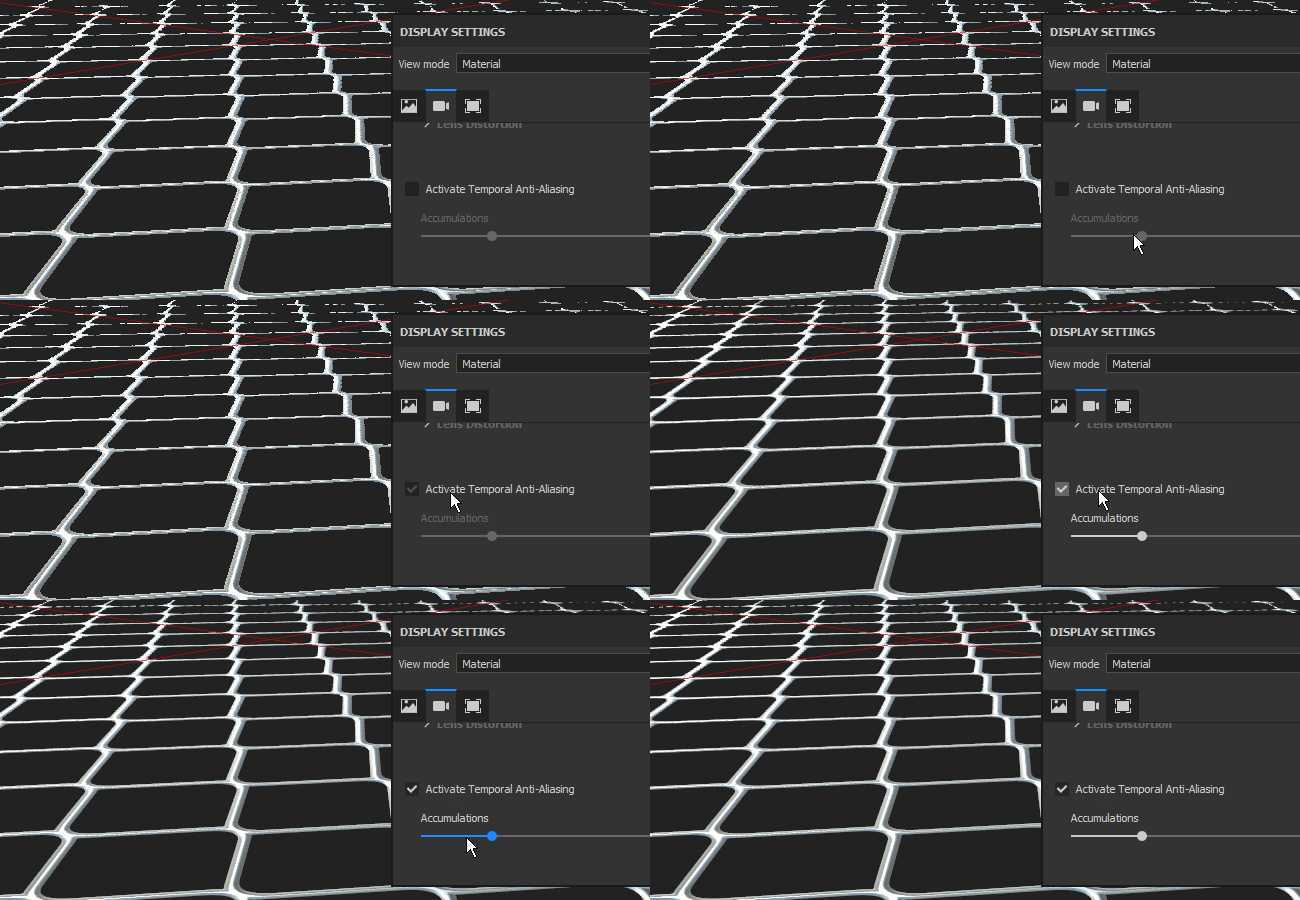
When enabled the Temporal Anti-Aliasing (TAA) will remove jagged edges in the viewport.
TAA works by accumulating information across multiple frames of rendering, this means the effect is disabled until the camera stops moving or other operation are performed.
Defines how many frames will be accumulated to reduce the aliasing.
- 16: Recommend value for most cases
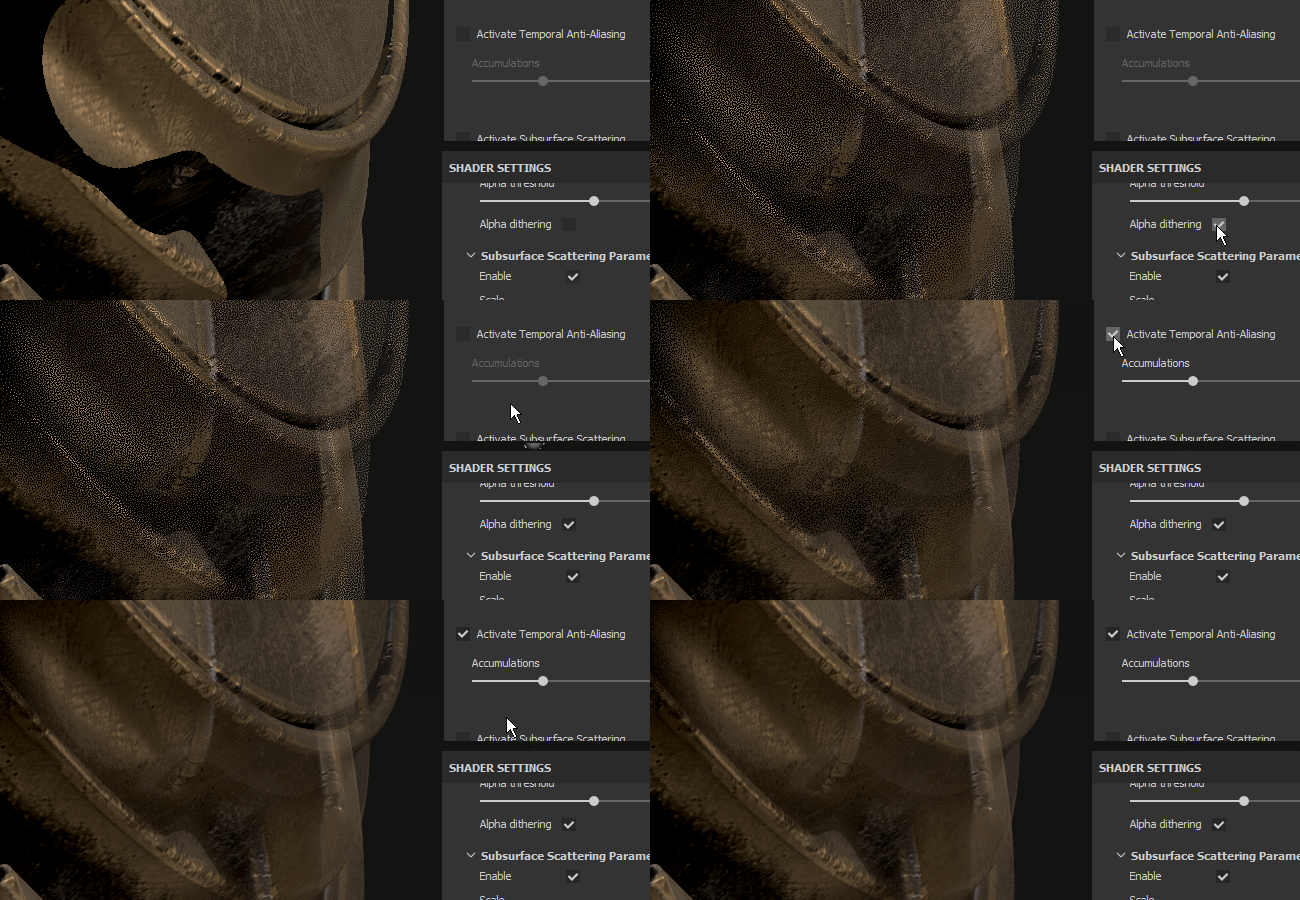
- 64: Useful for cleaning out high contrast values (such as Alpha Test shader and dithering combined)
Note: This setting doesn’t have any impact on performance; however, a high value may take longer to produce good results.
The Anti-Aliasing can also be used to filter the Alpha-Test shader if the setting “Alpha Dithering” is enabled:
Subsurface scattering
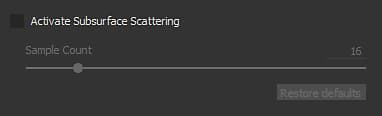
See the Subsurface Scattering page for more information.
Color profile
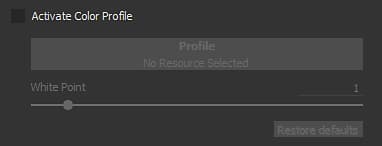
See the Color Profile page for more information.
Tone mapping
Specify the function used to fit color values exceeding the monitor display capabilities (remapping of HDR values to a LDR range).Possible values are:
- Linear (default): no transformation, values above 1.0 are clamped.
- ACES: use the ACES Filmic tone mapping curve.
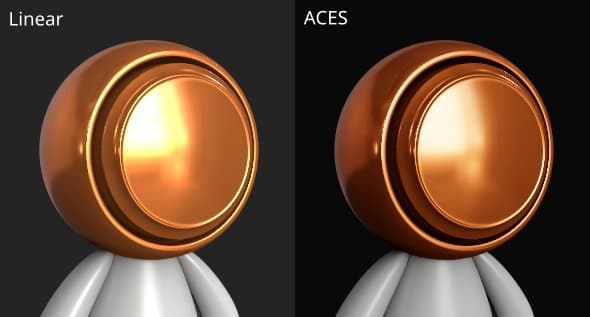
Note: Some Game Engines and Rendering software use the ACES tone mapper. Enabling this function will help matching colors between applications and avoid differences.