Grayscale Conversion
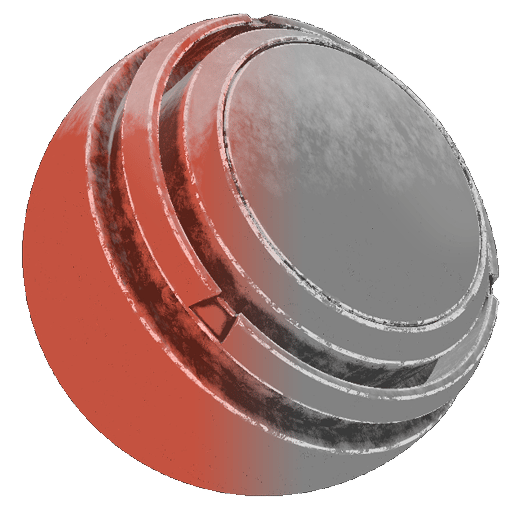

In: generator, grayscale, color
Description
The Grayscale Conversion generator converts a texture or map into grayscale values.

The Grayscale Conversion generator outputs a monochrome (black-and-white) texture. As a result, it’s useful for generating masks from a full color input map.

Inputs

Input name
Description
Source Color
Use a custom color texture or an anchor point.

Parameters

Parameter name
Description
Grayscale type

Set the grayscale conversion method:

  • Desaturation: Uses the value halfway between the strongest and weakest of the RGB channels.

  • Luma: Uses weighted RGB coefficients matching perceived brightness by the human eye (favoring green).

  • Average: Mixes the red, green, and blue channels in equal amounts.

  • Max: Uses the highest value from the RGB channels.

  • Min: Uses the lowest value from the RGB channels.

    • Red channel: Uses only the red channel.
    • Green channel: Uses only the green channel.
    • Blue channel: Uses only the blue channel.
Invert
Inverts the mask.
Balance
Adjusts the balance of the converted source image, shifting midpoint toward black or white like a brightness control.
Contrast
Defines the contrast/falloff of the converted source image.
Tile
Sets the tiling of the converted source image.
Rotation
Tweaks the angle of the converted source image.
Safe Rotation
Toggles Safe rotation mode on or off. When true, Safe rotation locks rotation to 45 degree angles.
recommendation-more-help
substance-3d-painter-help-guide