Sliders
This page shows how to use the sliders in the application interface.
Action
Example
Description
Drag
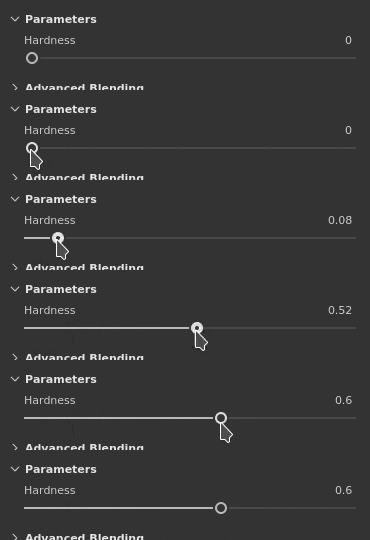
Click and drag when hovering a slider to change its value.
Precision drag
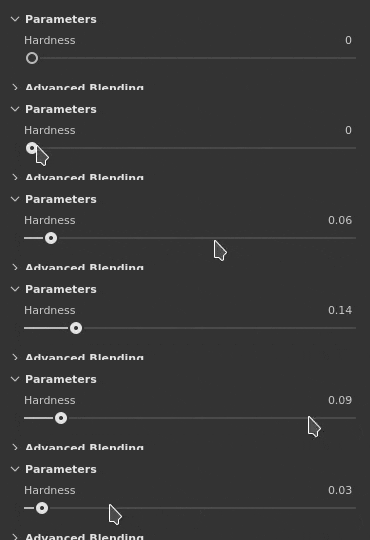
Press and maintain the Shift key on the keyboard while clicking to increase the drag distance of the slider. This shortcut allows to tweak more precisely the slider while dragging it.
Jump
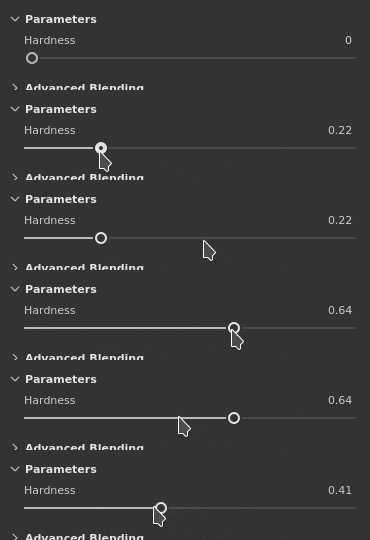
Click anywhere on a slider to make jump to the value under the mouse position.
Up / Down
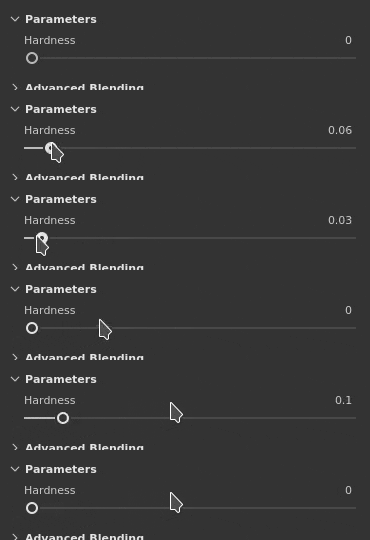
After getting the focus of a slider by clicking on it, use the Up and Down arrow keys on the keyboard to increase or decrease the value step by step.
Value edition
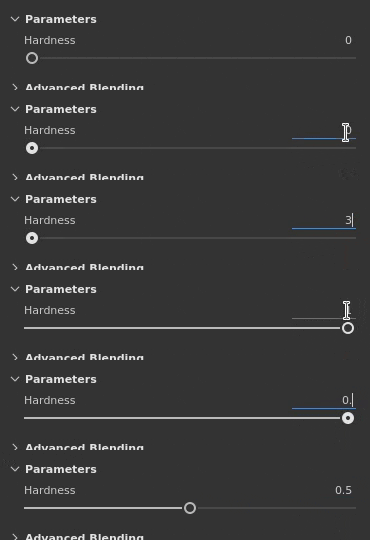
Click in the text field just above a slider to manually edit its value via the keyboard.
recommendation-more-help
substance-3d-painter-help-guide