3D Distance
In: mask, generator
Description
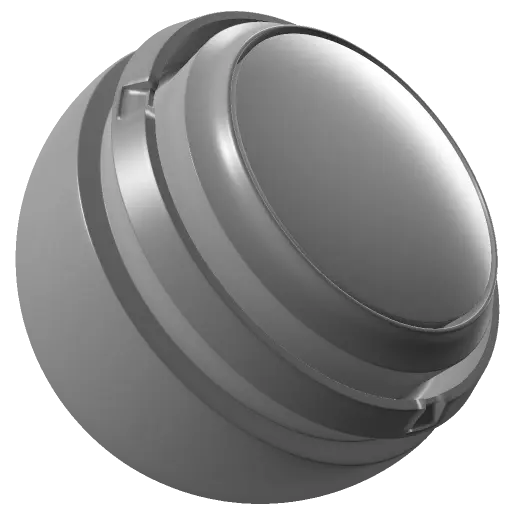
The 3D Distance generator defines a point in 3D space (source point) and displays the distance from that point with a monochrome gradient. Areas on the mesh surface closer to the point are darker, and areas farther away are lighter (by default).
A baked position map is required as image input. Learn more about baking here.
3D Distance outputs a monochrome (black and white) texture. As a result, it’s useful for generating masks that create a gradient away from a given position.
The 3D Distance generator defines a point in 3D space (source point) and displays the distance from that point with a monochrome gradient. Areas on the mesh surface closer to the point are darker, and areas farther away are lighter (by default).
A baked position map is required as image input. Learn more about baking here.
3D Distance outputs a monochrome (black and white) texture. As a result, it’s useful for generating masks that create a gradient away from a given position.
Inputs
Input name
Description
Position
Use the baked Position map to calculate the distance.
Parameters
Parameter name
Description
Invert
Invert the gradient.
Position X
Transform the source point along the x axis.
Position Y
Transform the source point along the y axis.
Position Z
Transform the source point along the z axis.
Radius
Adjust the size of the distance falloff.
Offset
Shift the start and end positions of the gradient towards or away from the source point. Shifting away from the source point (increasing the offset) results in a larger dark area near the source point. Shifting closer to the source point lightens the gradient, potentially removing it altogether if Offset is set to 0.
Contrast
Adjust the contrast of the spherical gradient.
recommendation-more-help
substance-3d-painter-help-guide