Managing layers
Here are the possible manipulations inside the layer stack :
Action
Demonstration
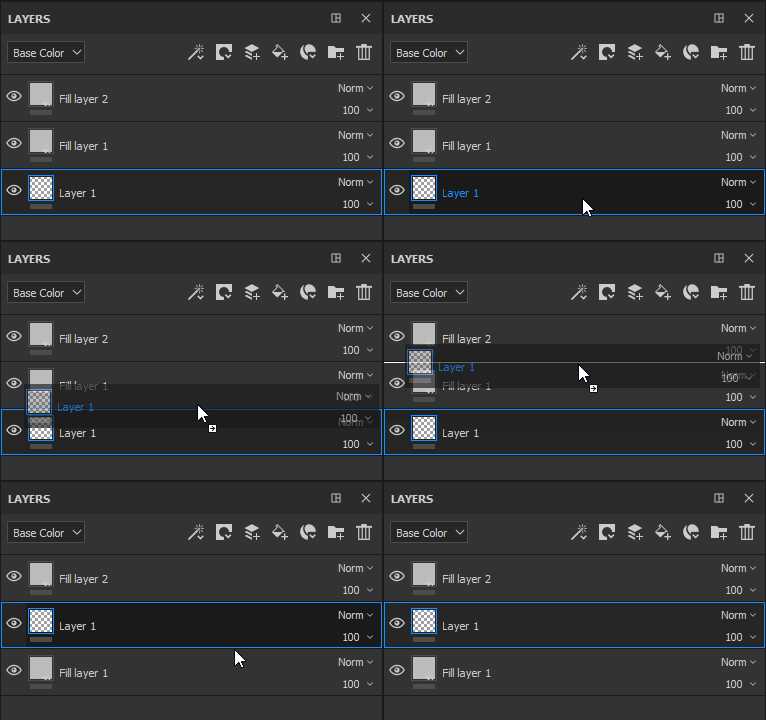
Click and drag to move a layer. When moving a layer, a bar can be visible which indicates where the layer will be put :
- Bar above a layer : the layer will be put above the layer
- Bar between two layers : the layer will be put between the two layers
- Bar below a layer : the layer will be put below the layer
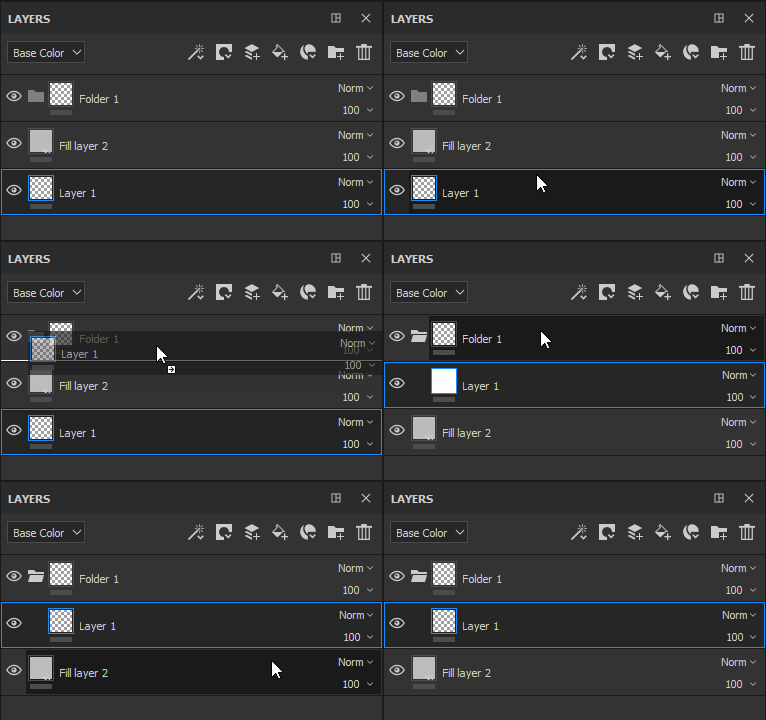
Move into a folder : click and drop a layer hover a folder to put it inside
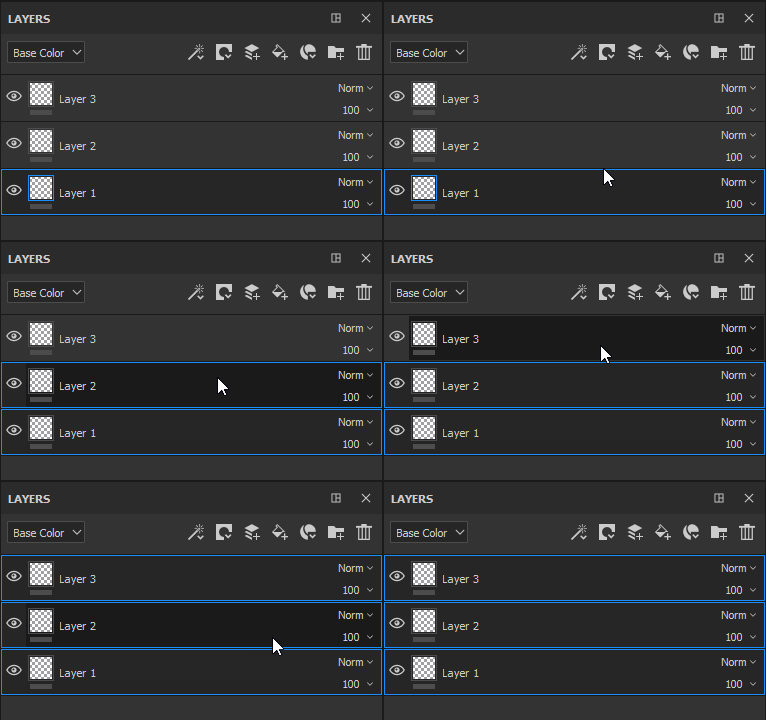
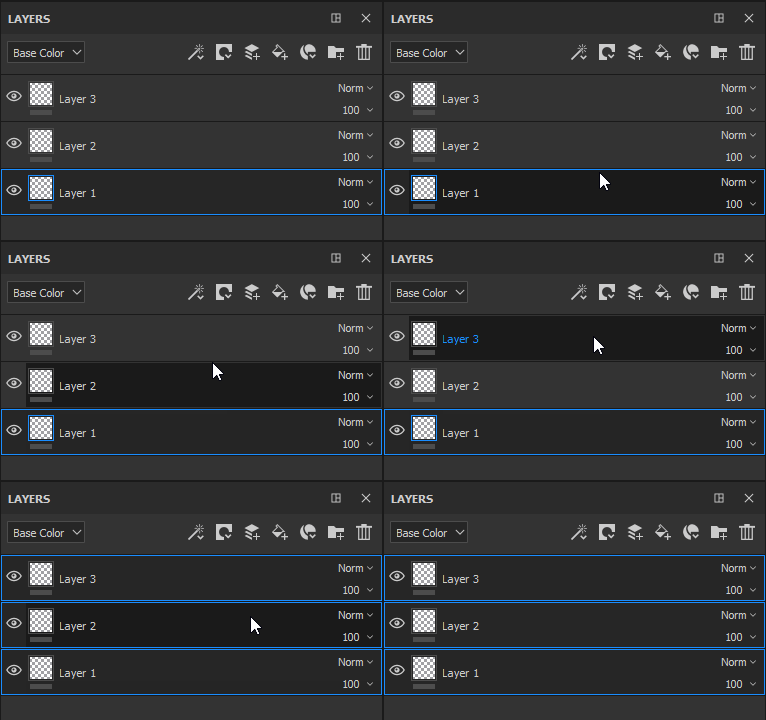
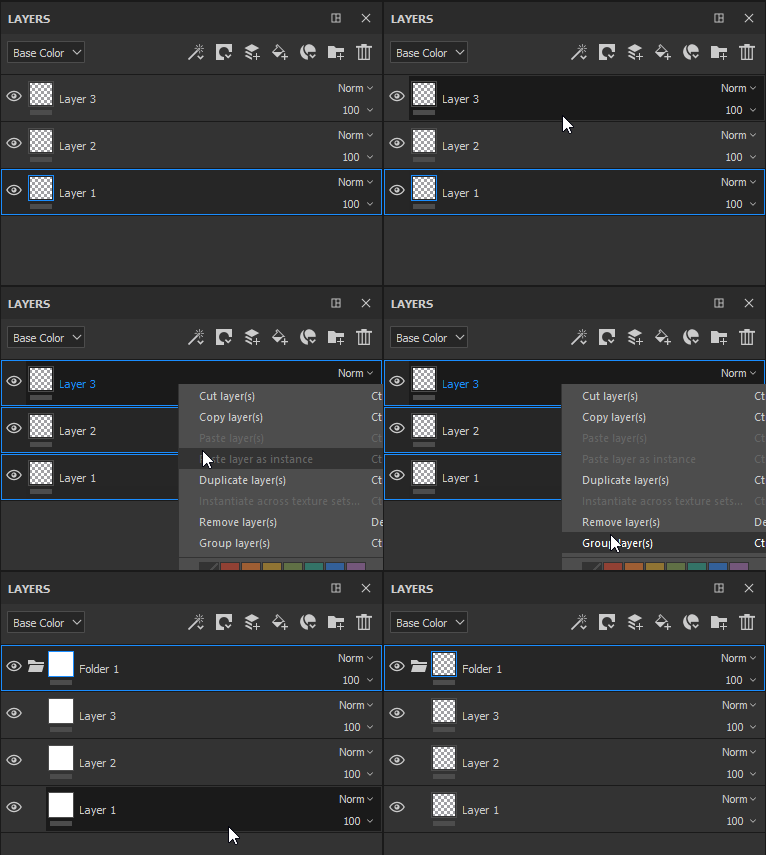
Multi-selection : it can be done in two different ways :
- Press and maintain the key Ctrl or Command
- Press the Shift key while by clicking on the first and last layer
Grouping layers : a folder can be created with the currently selected layer by one of the following actions :
- Right-click > Group Layers
- Pressing Ctrl+G or Command+G
recommendation-more-help
substance-3d-painter-help-guide