Output templates
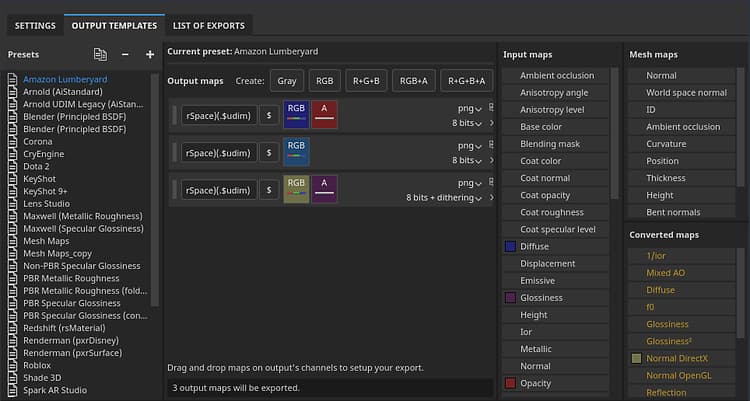
The Output template tab allows you to manage and create new Output templates. You can use Output templates to modify the names, formats, and configuration of exported textures.
Presets list
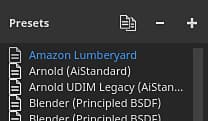
The Presets list show all the available Output templates. This list includes a collection of Default Output templates, as well as any custom templates that you have created.
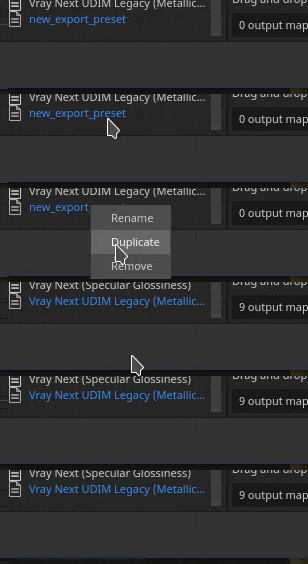
From this list, templates can be created, renamed, duplicated, or deleted.



Output maps list
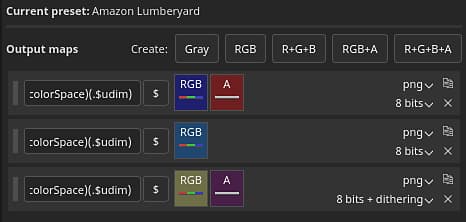
This section lists all the textures that will be generated by the template and their composition.
Map types and keywords
The top line list all the type of texture types that can be made:



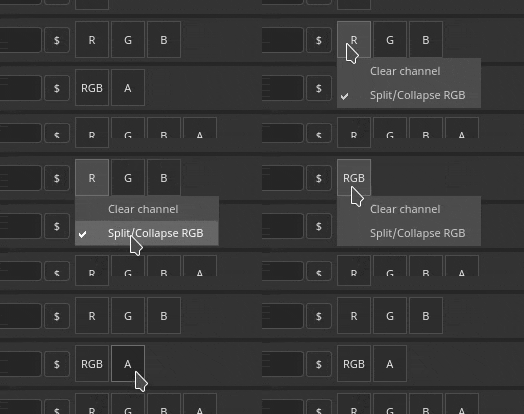
Map name

Each texture can be named using a custom naming convention. A few keywords can be added (with the help of the $ button) to be automatically replaced by the application when generated the final file:
Map file format and bit depth
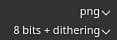
The first dropdown can be used to specify the file format of the current output map.
The second dropdown is sued to specify the bit depth of the output map. The bit depth depends on the file format selected. See Export settings for more details.
Source map list
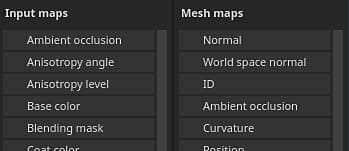
Input maps
The input map list regroups all the channels that can be added via the Texture Set settings.
Mesh maps
The mesh maps are the baked textures:
Converted maps
Converted maps are maps that are generated by the application from another source: