Viewer and MDL Settings
Environment
Identical to the regular viewport, the environment map used in Iray will control the lighting.
The environnement map can be changed by clicking on the button or by drag and dropping an HDR texture into it.
- Environment Exposure : Control the exposition level of the HDR environment map.
- Environment Rotation : to shift the environment texture and rotate the lighting around the scene.
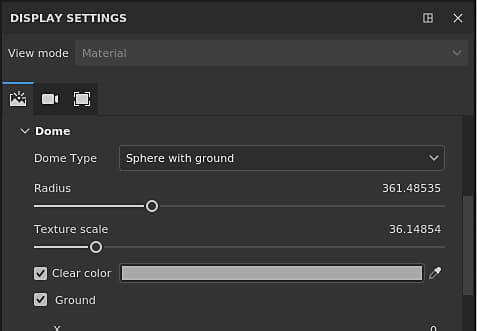
Dome
The dome is the shape on which will be projected the environnement map in the background.
3 types of dome are available, to use depending of the scene :
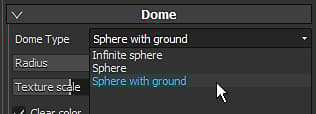
- Infinite Sphere : The environnement is project in the background on a sphere to simulate the horizon, so always far from the scene
- Sphere : The environnement is projected on a regular sphere, that can be scaled
- Sphere with ground : Similar to the previous shape, this one also has a control to flatten the bottom of the sphere to simulate a floor.
Depending of the type chosen, the lighting can be affected.
Additional settings are available:
Ground settings
The ground settings allow to specify where a floor is located.
By default the value is set to fix the bottom of the bounding box of the scene.
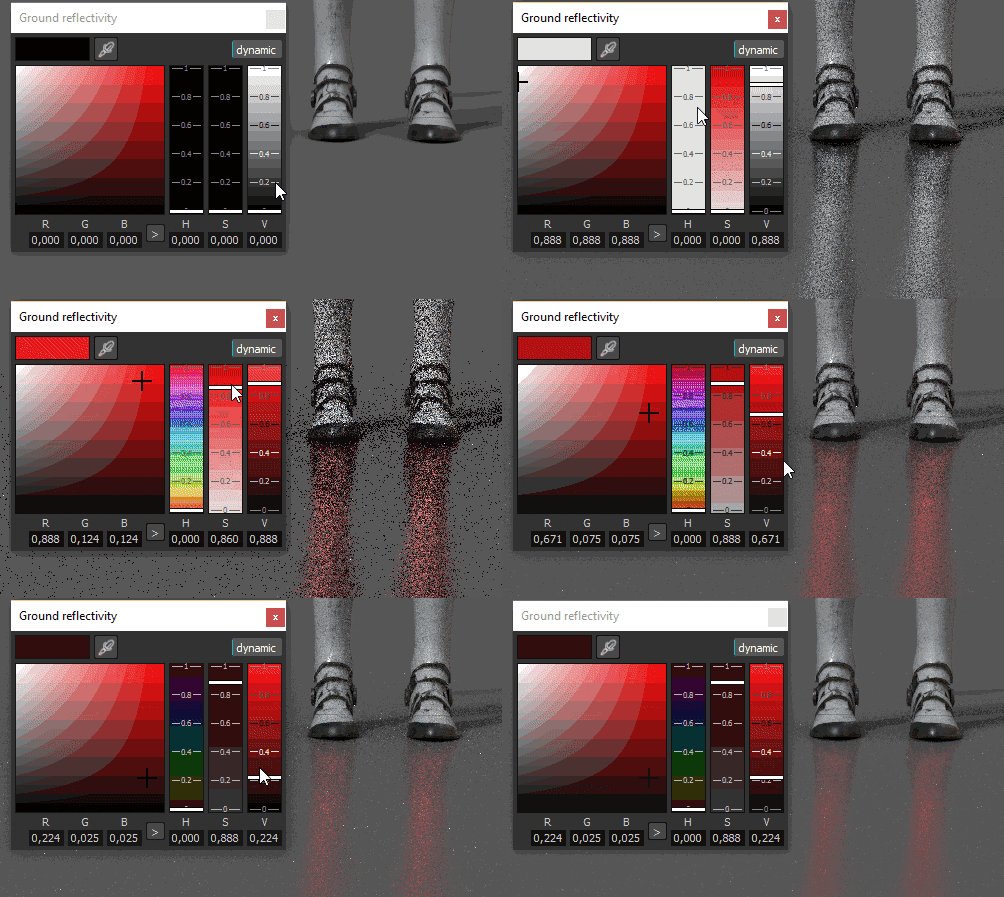
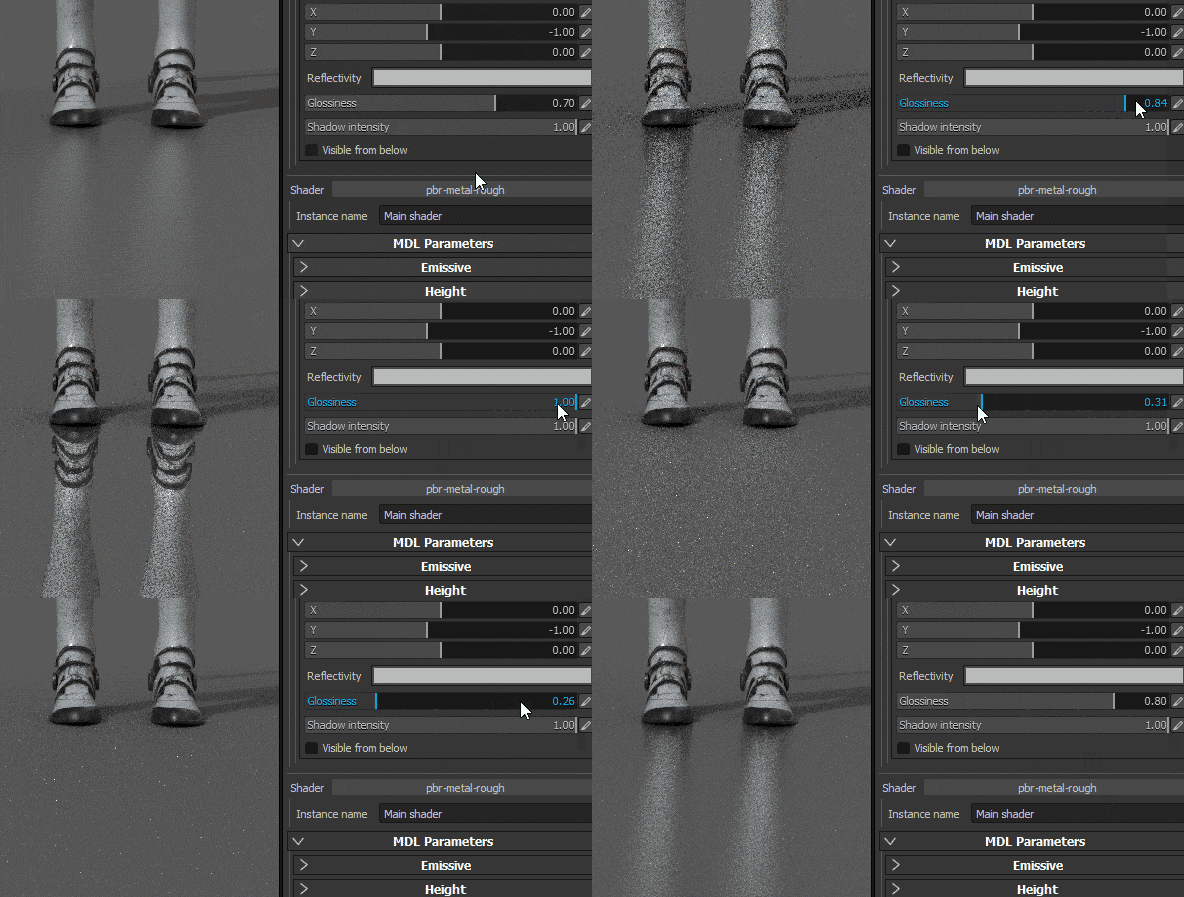
Defines the intensity and the color of the ground reflection. A white brightness value means that the ground is 100% reflective while black means not reflective at all.
Defines how glossy (or rough) is the reflection.
MDL and Shader parameters
Iray use MDL to define the materials used for the rendering of an object. For more information, see the official Nvidia page of the format .
By default in Substance 3D Painter, an MDL is associated with a GLSL shader, allow to switch between the regular viewport and Iray without having to configure anything.
The parameters of the MDL are then displayed in the bottom of the viewer settings. Below are the parameters of the default MDL (Compatible with the PBR Metallic/Roughness shader).
In the shader, some metadat can be added to specify the mdl path :
- mdl : define the Iray mdl material to use with the shader. The path syntax is as follow: mdl::material_name where folder1::mdl_filename is the path inside one of your shelf mdl folder to a mdl file and ::material_name is the name of a material declared inside this mdl file. (ex: “mdl” : “mdl::physically_metallic_roughness”)
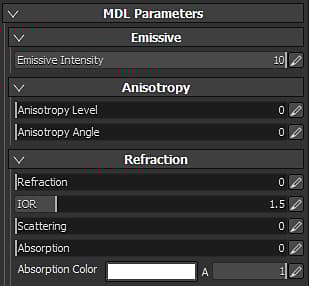
The default MDL of Substance 3D Painter supports the following properties:
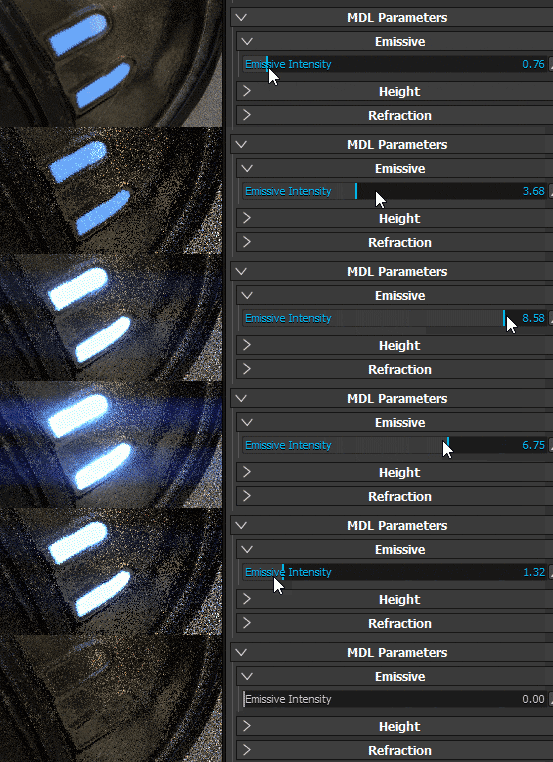
Multiplier of the Emissive channel. A high value will start to emit light.