Customizing the layout
There are a few interface options, such as sub-libraries, reduced width and thumbnail size, which allow you to change the Assets panel layout to suit your needs.
Docking and Orientation
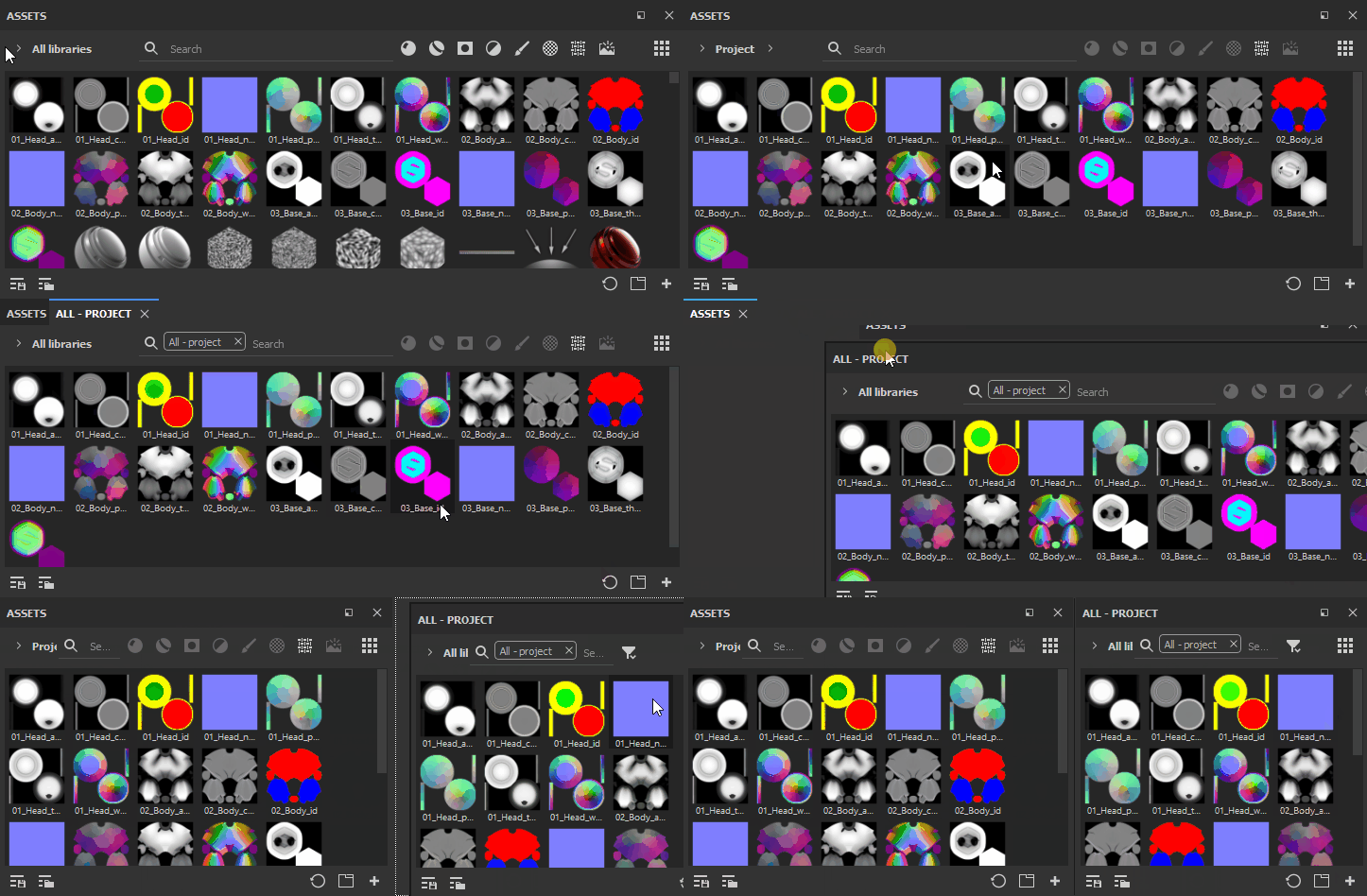
When you first open Painter after installation, you will find the Asset window docked vertically on the left of the app. However it can undocked and placed horizontally. And if you use additional sub-library windows, they too can be docked and undocked at will.
Reduced Width
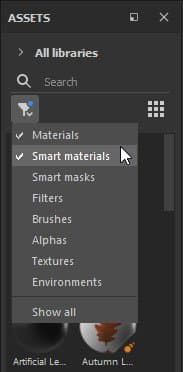
Its size can be reduced, in which case asset types collapse into a single menu where you can select one or multiple options.
Thumbnail Size
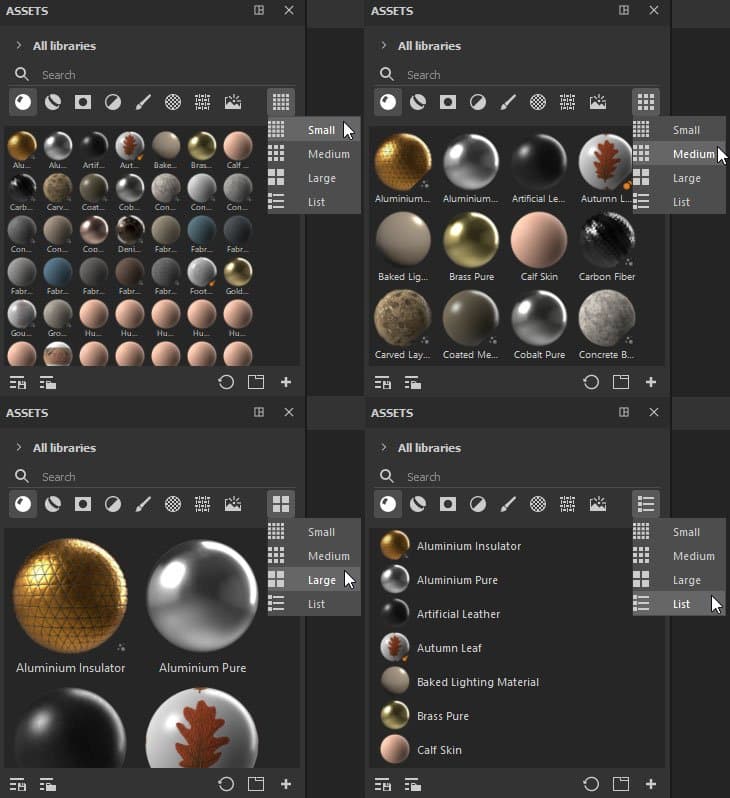
Asset thumbnail size can be adjusted using the left-most icon, which offers Small, Medium (default), Large and List options.