Metal Edge Wear
In: mask, generator
Description
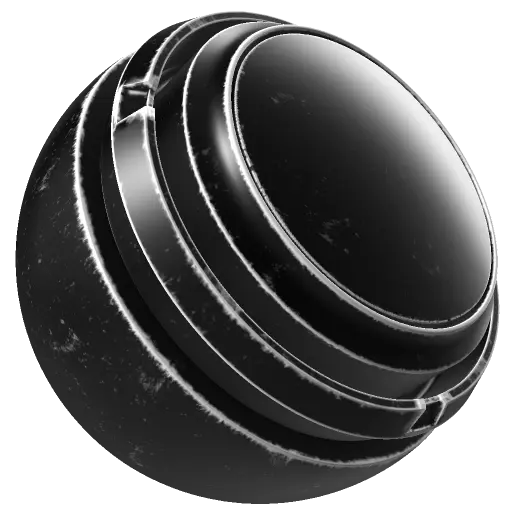
The Metal Edge Wear generator creates the appearance of damage and wear on areas of your mesh that are most likely to be knocked or scratched.
The Metal Edge Wear generator outputs a monochrome (black and white) texture. As a result, it’s useful for generating masks to add edge wear details to a layer.
Baked position, curvature, ambient occlusion, and world space normal maps are required as image inputs. Learn more about baking here.
The Metal Edge Wear generator creates the appearance of damage and wear on areas of your mesh that are most likely to be knocked or scratched.
The Metal Edge Wear generator outputs a monochrome (black and white) texture. As a result, it’s useful for generating masks to add edge wear details to a layer.
Baked position, curvature, ambient occlusion, and world space normal maps are required as image inputs. Learn more about baking here.
Inputs
Input name
Description
World space normal Color
Use the baked World Space Normal map.
Position Color
Use the baked Position map.
Custom grunge Grayscale
Use a custom texture or an anchor point.
Curvature Grayscale
Use the baked Curvature map.
Ambient Occlusion Grayscale
Use the baked Ambient Occlusion map.
Micro Normal Color
Use a custom normal texture or an anchor point.
Micro Height Color
Use a custom texture or an anchor point.
Parameters
Micro Details
recommendation-more-help
substance-3d-painter-help-guide