Symmetry
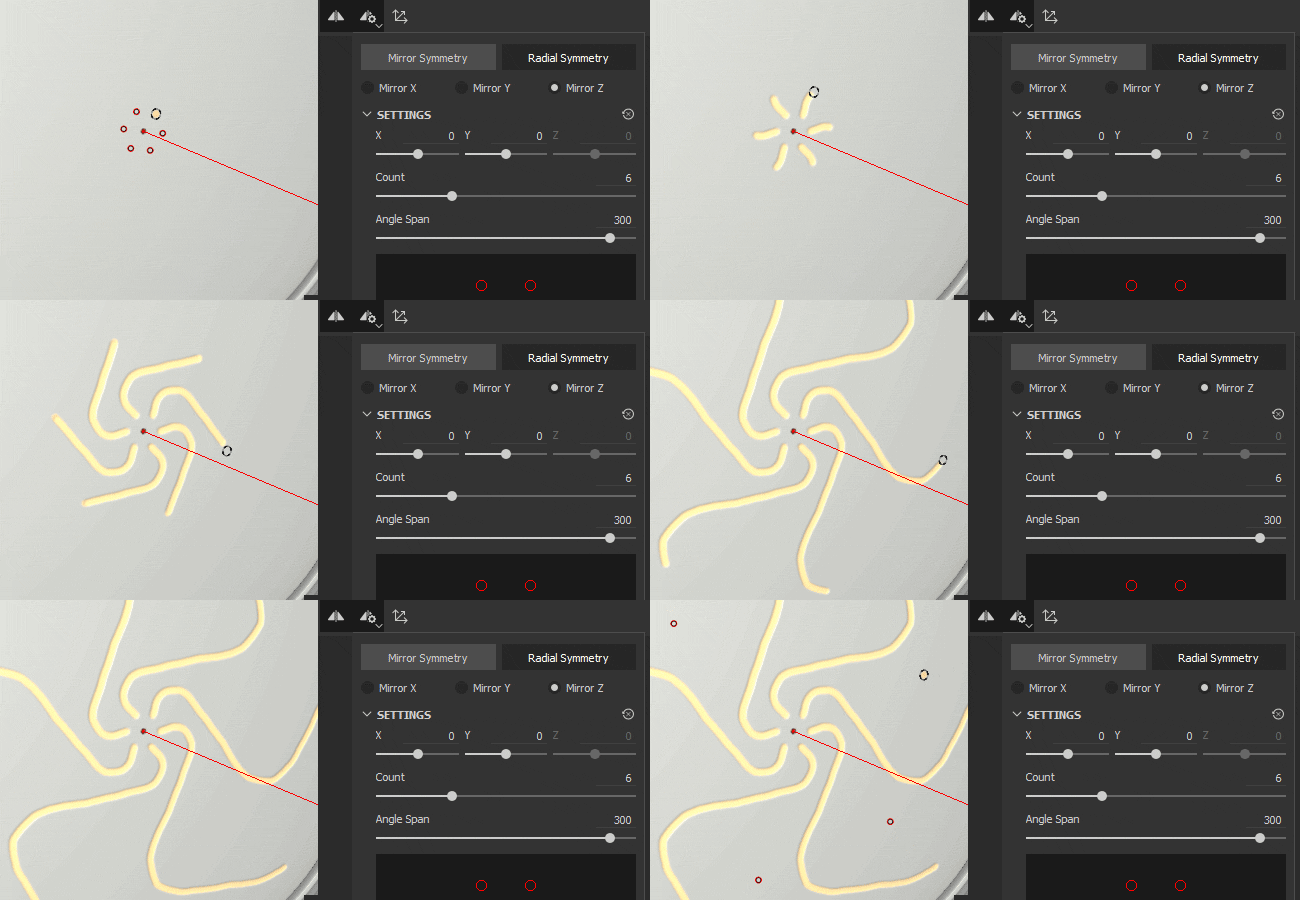
Symmetry is a helpful setting that you can use on brush and fill layers to easily and precisely duplicate content based on geometric constraints:
- With Brush layers, use symmetry to duplicate your individual brush strokes in other locations on your mesh based on the axis of symmetry.
- With Fill layers, use symmetry to duplicate the entire fill layer around the axis of symmetry.
Learn more about the types of symmetry you can use in Painter:
Use Symmetry with the Paint tool
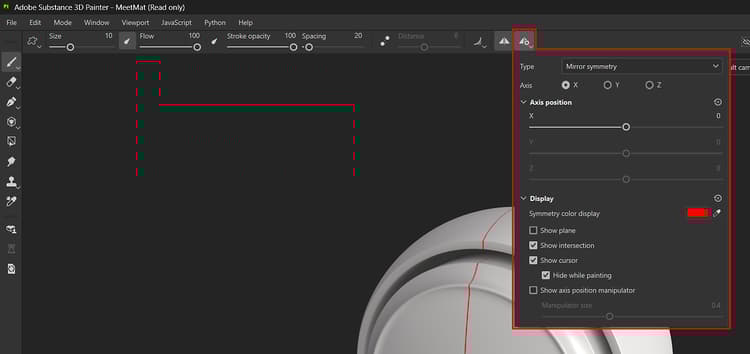
You can enable symmetry with the Symmetry button in the contextual toolbar.

Adjust Symmetry options with the Symmetry settings button in the contextual toolbar.
Use Symmetry with Fill layers
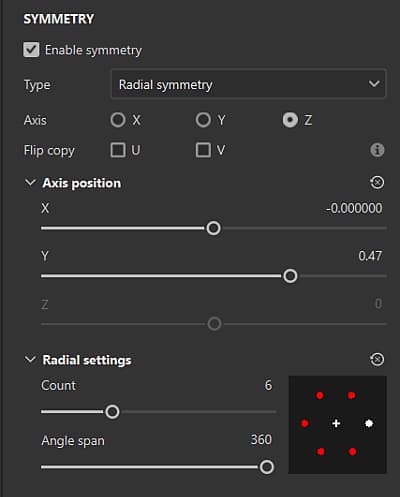
When a Fill Layer is selected, you can use the Symmetry button in the contextual toolbar, just like with Brush tool symmetry. With Fill layers, you can also enable and access Symmetry options from the Properties panel. Symmetry is only available with the following projection methods:
- Tri-planar projection
- Planar projection
- Sphere projection
- Cylindrical projection
- Warp projection
When an eligible projection method is selected, Enable symmetry in the Symmetry section of the properties panel to access symmetry options.
If an unsupported projection method is selected, the Enable symmetry option won’t be available, and the Symmetry button in the contextual toolbar will be greyed out.