Creating layers
There are multiple ways of adding/creating layers in the Layer Stack :
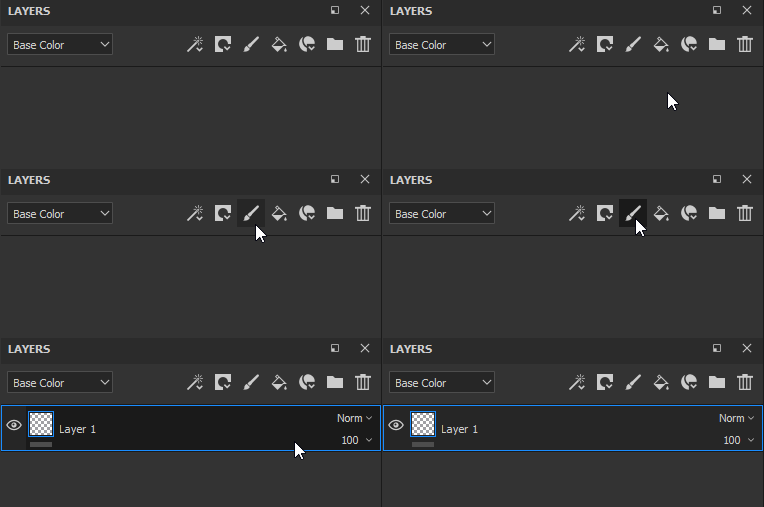
Create a paint layer by clicking on the dedicated button

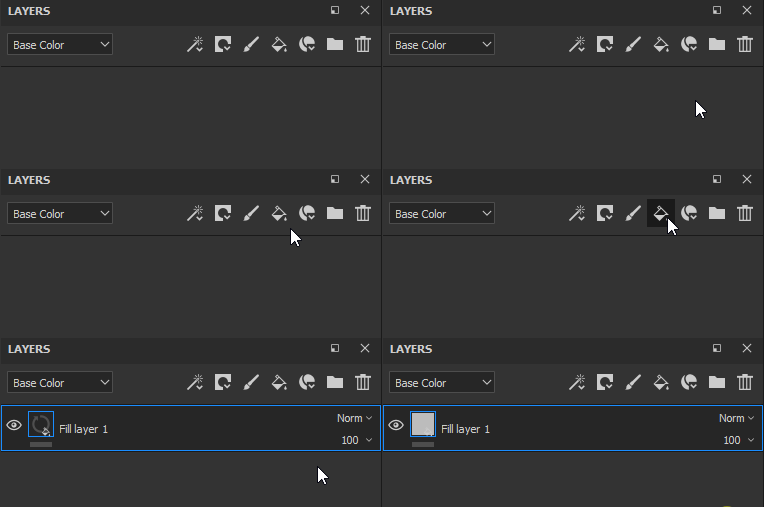
Create a fill layer by clicking on the dedicated button

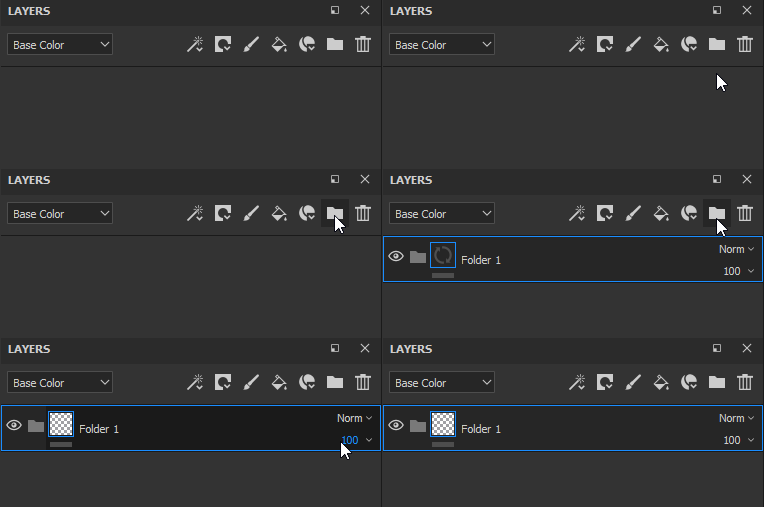
Create a folder by clicking on the dedicated button

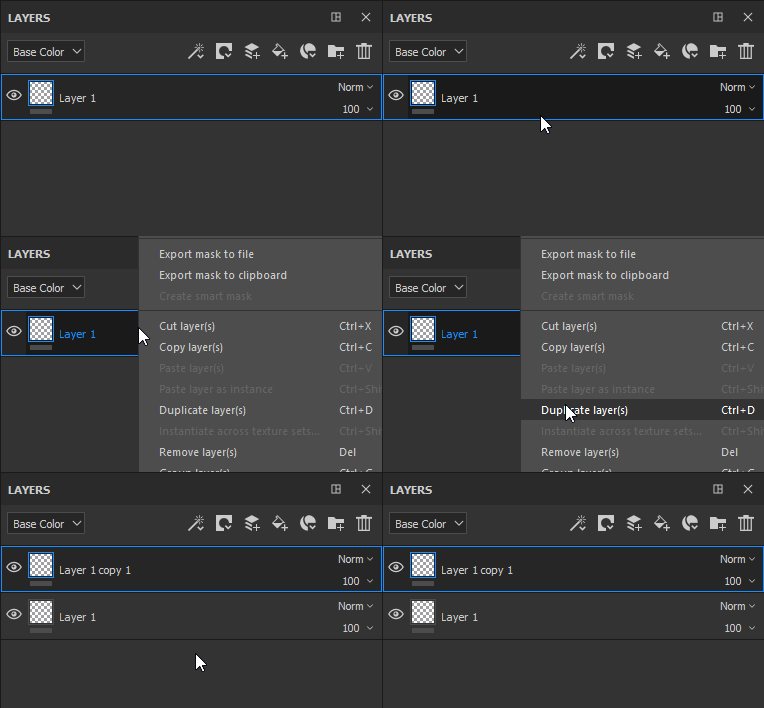
Duplicate a layer by using one of the following method :
- Right-click > Duplicate
- Shortcut CTRL+D or COMMAND+D
- Press and maintain CTRL or COMMAND and drag and drop the layer(s)
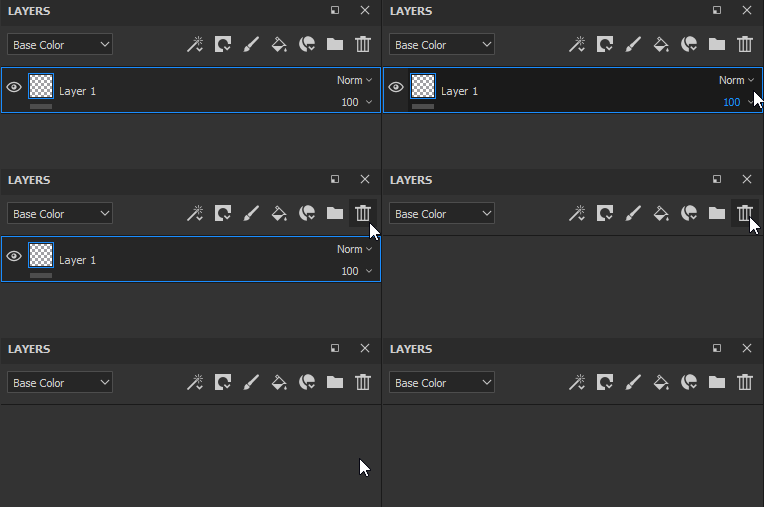
Delete a layer by clicking on the dedicated button

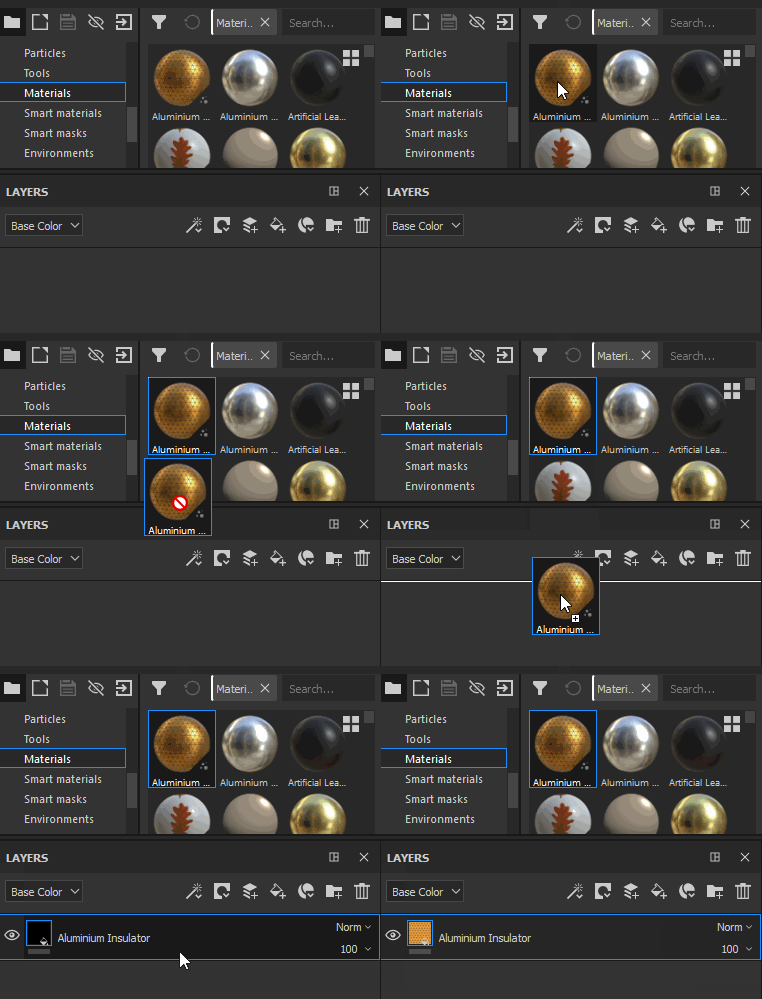
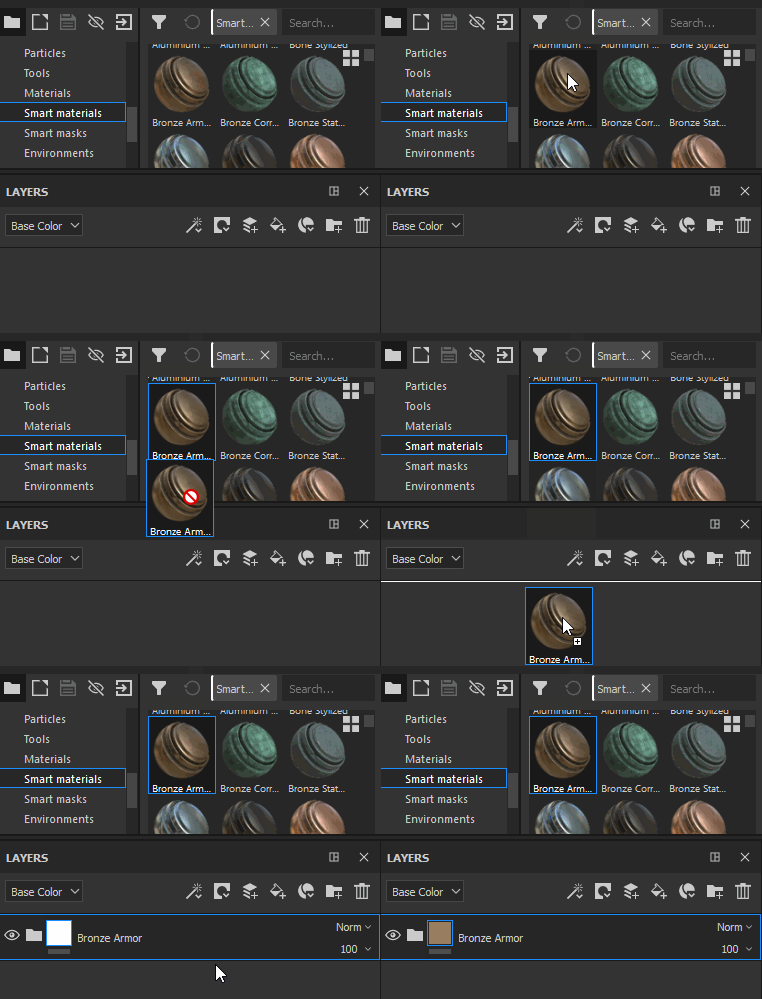
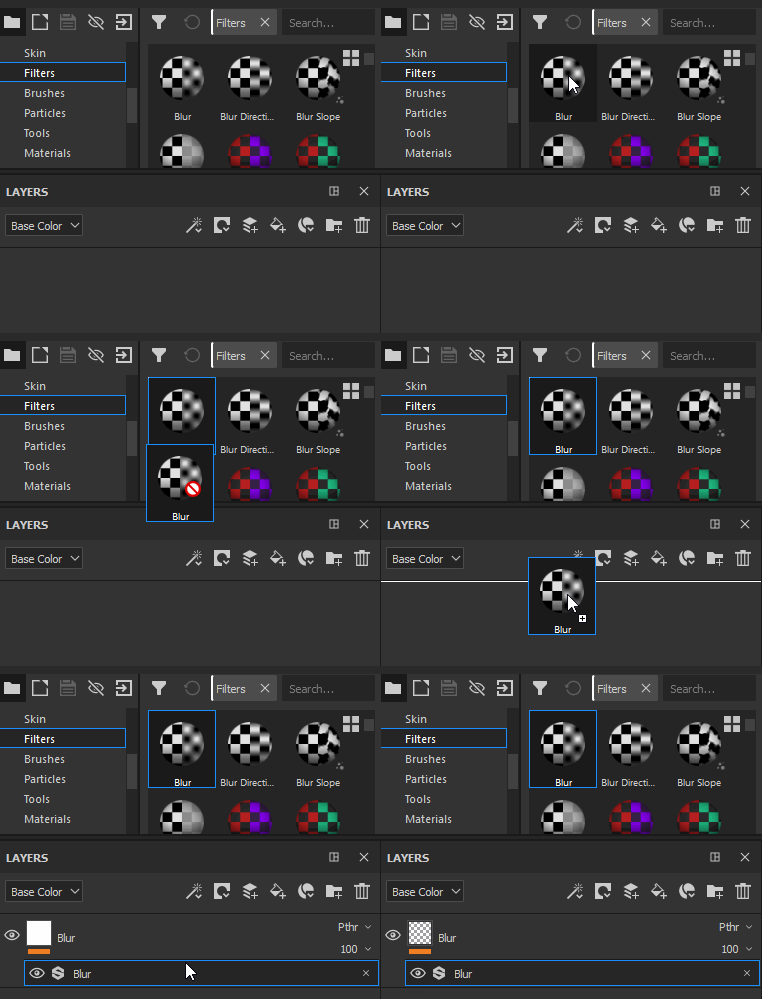
Drag and dropping resources from the shelf can be a way of creating layers as well :