Mobile overview

Send documents for signature, track e-signing progress, and get real-time updates all on your mobile device.

What’s new

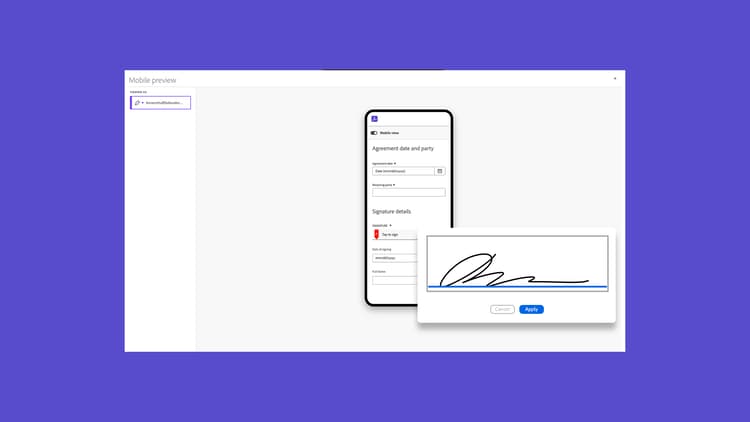
Mobile-friendly view
Learn how to use mobile-friendly view to complete forms on your mobile device.
Create mobile-friendly view
Learn how to generate a mobile-friendly document seamlessly, without any developer support.
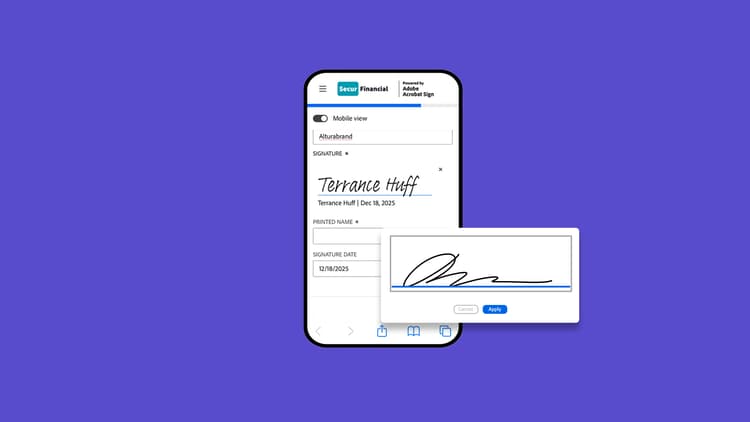
Sign documents on the go

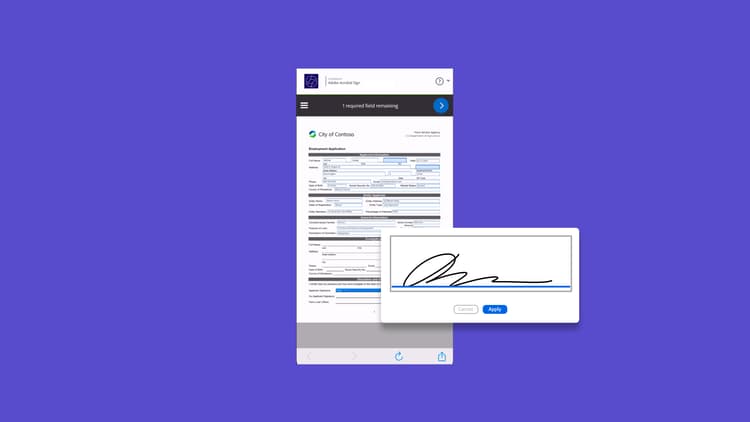
Sign documents on the go

Learn how to sign documents using the Acrobat Sign mobile app

Mobile-friendly view

Mobile-friendly view

Learn how to use mobile-friendly view to complete forms on your mobile device

Create mobile-friendly view

Create mobile-friendly view

Learn how to generate a mobile-friendly document seamlessly, without any developer support
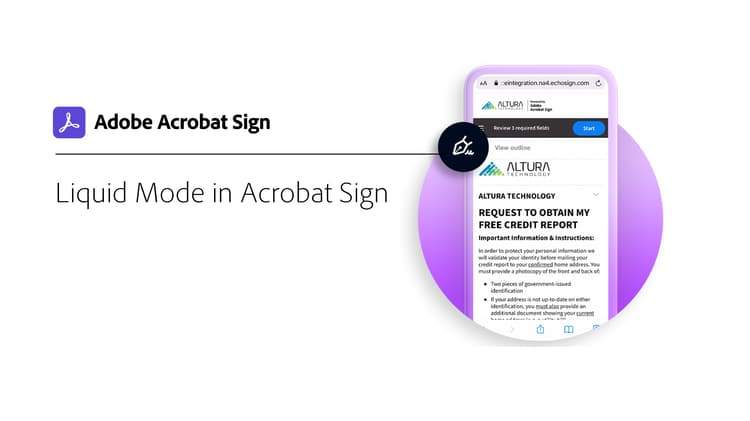
Liquid Mode in Acrobat Sign

Liquid Mode in Acrobat Sign

Learn how Liquid Mode improves the mobile signing experience

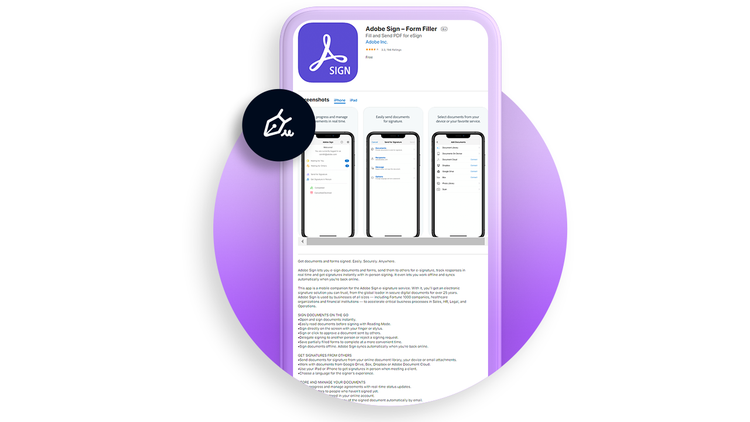
Download Acrobat Sign mobile app for iOS

Download Acrobat Sign mobile app for iOS

Download Acrobat Sign mobile app from the App Store

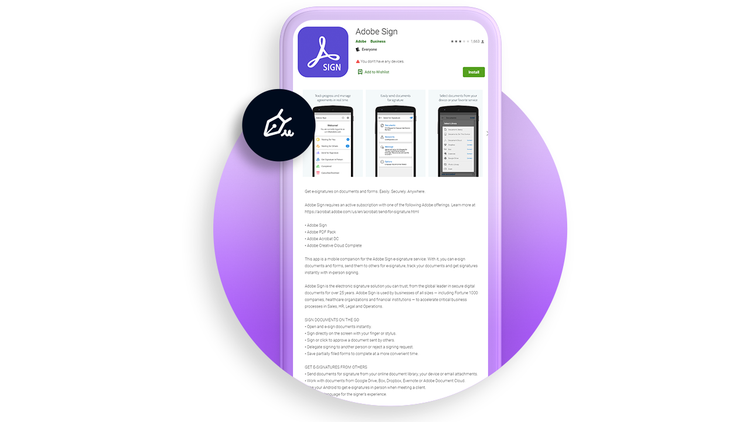
Download Acrobat Sign mobile app for Android

Download Acrobat Sign mobile app for Android

Download Acrobat Sign mobile app from Google Play

Spacer
Spacer
recommendation-more-help
ac8d3f8e-a625-4146-84f3-0eb730a583a3