Configuring Opt-in with tags configuring-opt-in-with-launch
Simplify enabling CX Enterprise solution for Opt-in using tags.
Configure an Opt-in scenario with tags section-8aa1b58bf8374c938aa8cfdeddbad6ff
Tags in Adobe Experience Platform Data Collection makes it easy to configure and set up an opt in scenario with Adobe solutions. You can simplify gathering visitor opt-in consents for CX Enterprise solutions by enabling Analytics, Target, Audience Manager, and other or all select CX Enterprise solutions to opt in to your consent management system.
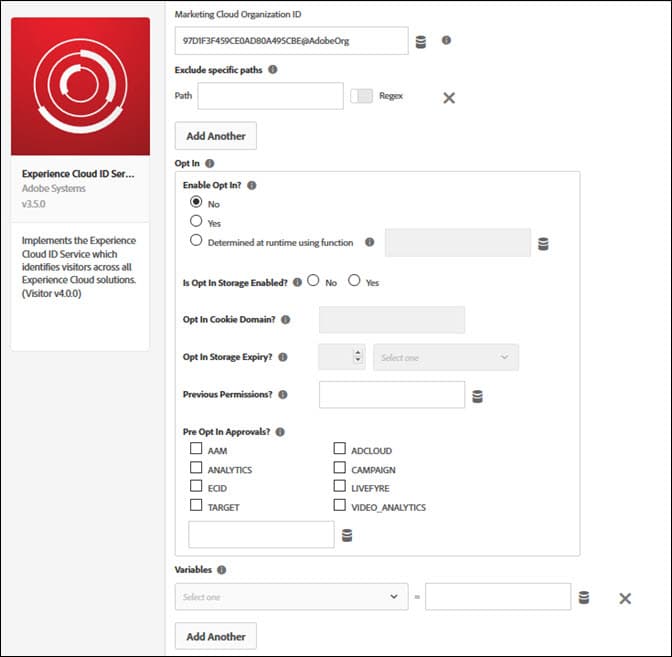
Configure the Experience Cloud ID Service tag extension
If the Experience Cloud ID Service tag extension is not yet installed, open your property, then click Extensions > Catalog, hover over the Experience Cloud ID Service tag extension and click Install.
To configure the extension, open the Extensions tab and hover over the extension. Then click Configure.
For additional reference information, read the Experience Cloud ID Service tag extension overview (the extension that implements the Visitor ID Service).