Stores menu
The Stores menu provides access to settings that are used less frequently, but referenced throughout your Adobe Commerce or Magento Open Source installation. These functions include setting up the store hierarchy, configuration, sales and order settings, tax and currency, product attributes, product review ratings, and customer groups.
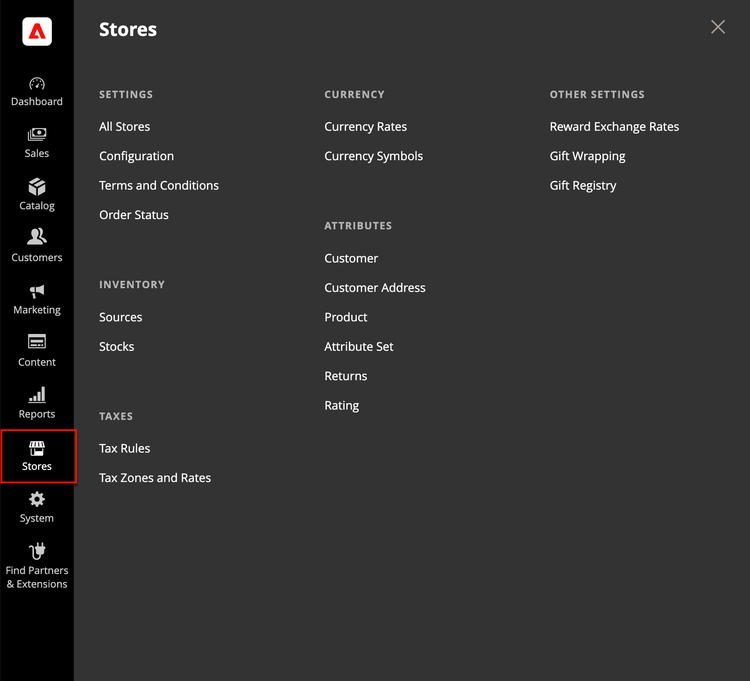
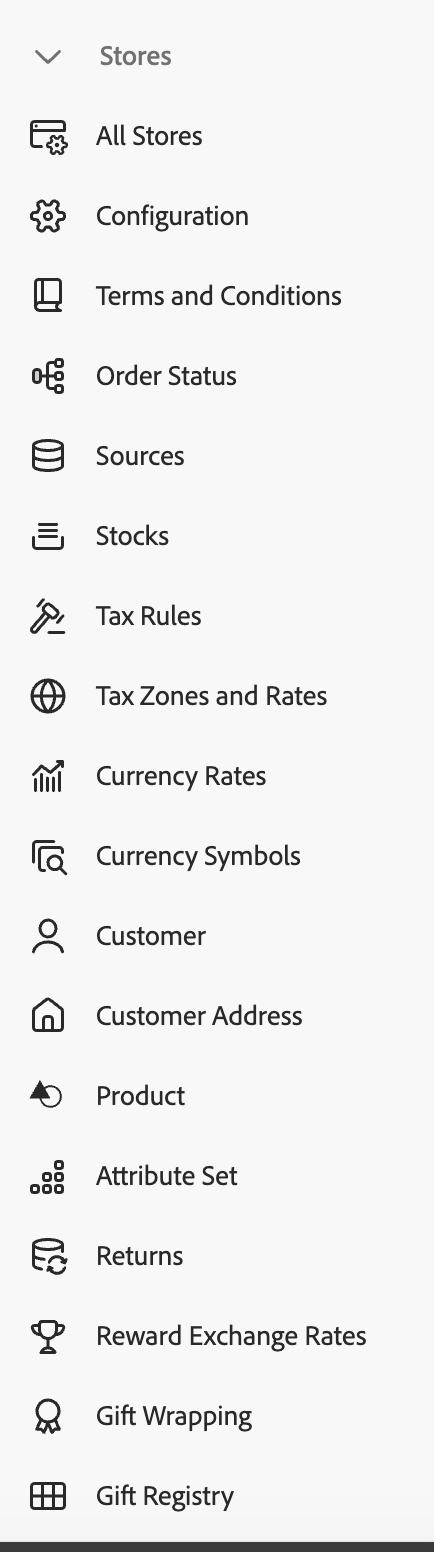
Display the Stores menu
On the Admin sidebar, click Stores.
Main sections
Settings
Manage the hierarchy of websites, stores, and store views in your Adobe Commerce or Magento Open Source installation, and all configuration settings. In addition, you can set up the Terms and Conditions of a sale, and manage order status settings.
Inventory
Manage and create stocks to link your sales channels or websites to sources. Stocks provide an aggregated salable quantity of products. Single Source merchants use the Default Stock while Multi Source merchants use additional custom stocks.
Taxes
Manage all types of tax functions across your store, set up the tax rules for your store, define customer and product tax classes, and manage tax zones and rates. You can also import tax rate data into your store.
Currency
Manage the rates for the currencies that are accepted as payment in your store and customize the currency symbols that appear in product prices and sales documents.
Attributes
Manage attributes that are used for customer or product information, returns, and product ratings. You can create attributes, edit existing attributes, and manage attribute sets.
Other Settings
Manage additional settings for reward exchange rates, gift wrapping, and gift registries.
Adobe Commerce Optimizer integration
When the Adobe Commerce Optimizer Connector is installed, you can synchronize website and store view data to Adobe Commerce Optimizer. Website scope controls price sync (prices and price books). Store view scope controls product sync (products and product attributes).
For the sync status indicators shown on the All Stores grid, see Adobe Commerce Optimizer sync status. For connector setup and configuration behavior, see Customize the Commerce scopes export configuration in the Adobe Commerce Optimizer Connector Guide.
If the Adobe Commerce Optimizer Connector for B2B is installed, data is also synchronized for available B2B shared catalogs. See Manage catalog views.