Journey Optimizer — 移动学习中心
通过 Adobe Journey Optimizer 快速启动或提升您的移动设备参与度策略。 移动学习中心为开发人员、管理员、营销人员和分析师提供了配置入站与出站移动渠道所需的一切,使他们能够将这些渠道无缝集成到强大的跨渠道营销活动和客户历程中。
探索最佳实践、了解如何推动采用并设置集中报告工作流(所有这些都在一个位置),以提供可随时随地触及客户的、具有影响力的数据驱动型移动体验。
移动渠道概述
Journey Optimizer支持入站和出站移动渠道:
出站渠道
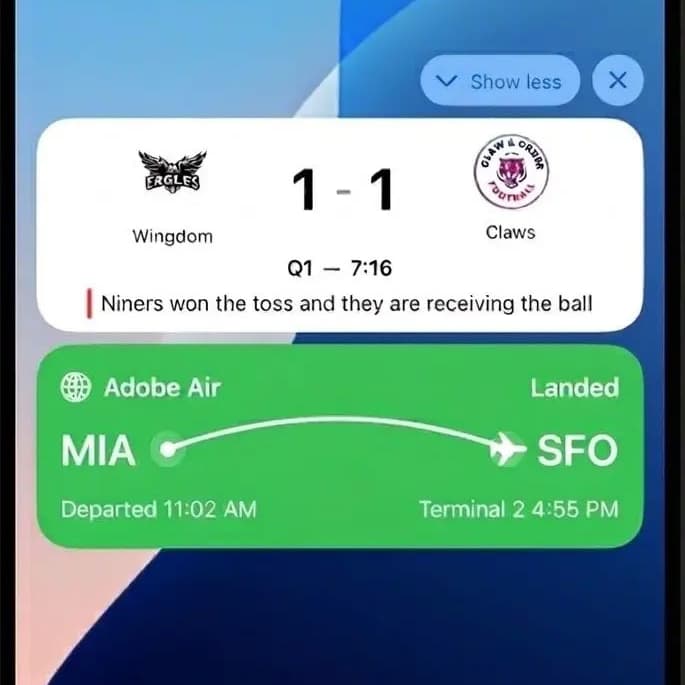
利用出站渠道,您可以主动向客户投放消息,而无需事先进行交互。 这些交互非常适合营销活动、促销活动或事务性事件。
Adobe Journey Optimizer中的所有出站渠道在消息发送时强制实施自定义同意策略。 如果未授予对特定营销操作的同意,则将自动禁止显示该消息,以确保符合规范的投放。



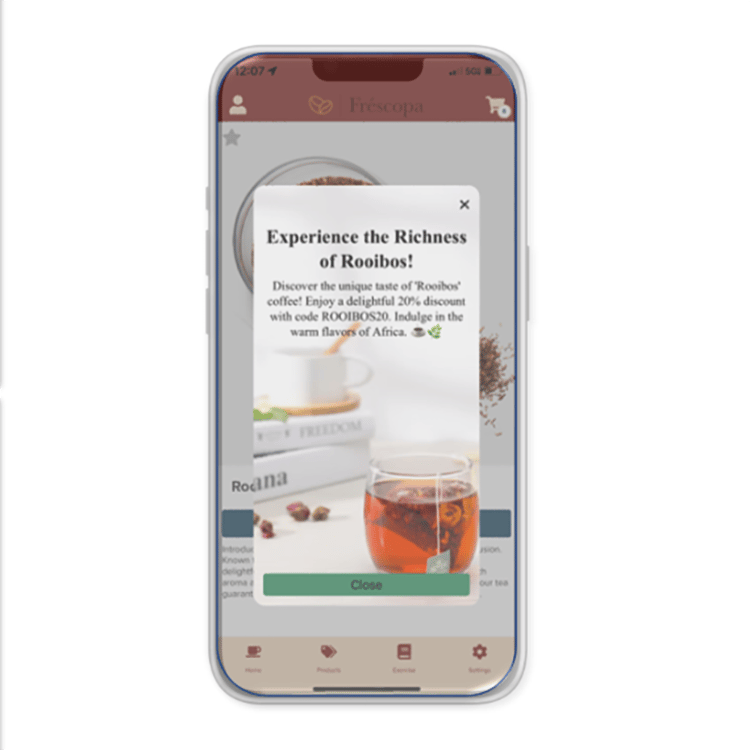
入站渠道
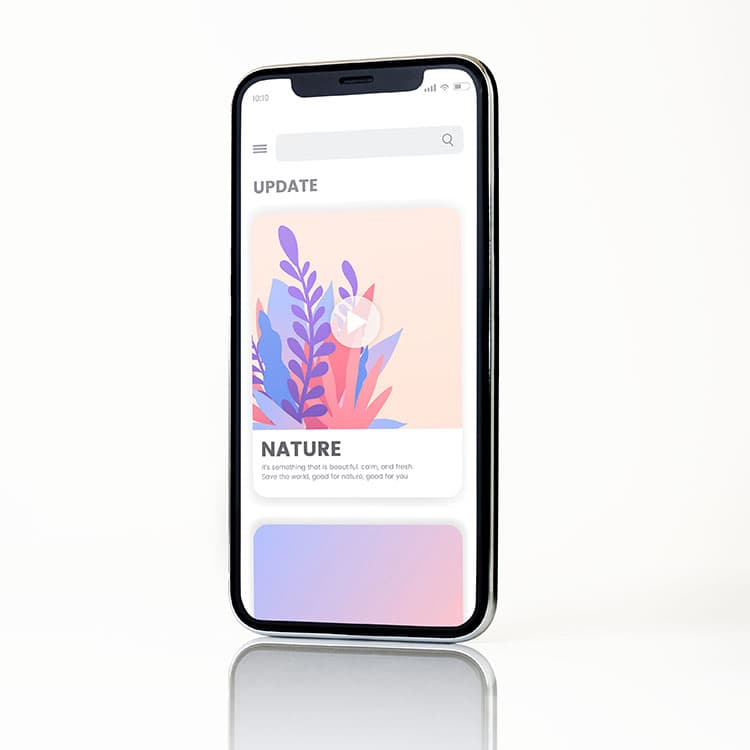
入站渠道支持客户启动的交互,从而能够在用户与您的品牌互动时提供个性化体验。 它们支持实时个性化和数据捕获(如登陆页面表单或现场行为),这些内容直接馈送到Adobe Experience Platform (AEP)中,以便跨历程进行分段、定位和激活。

移动渠道如何协同工作?
通过将这些渠道结合起来,您可以创建一种无缝而有效的客户体验:
构建您的基础
了解相关概念及操作方法
配置并启动
配置移动渠道并与移动应用集成。
设计和交付
使用移动渠道构建可实时吸引客户的个性化历程和营销活动。

衡量和优化
访问报表、分析绩效并优化策略以获得更好的结果。
常见移动业务用例
— 应用程序内消息突出显示功能并鼓励首次操作。
— 电子邮件或广告中的深层链接可将用户引导到特定应用程序屏幕以进行无缝载入。
- SMS/MMS提供本地化的优惠和更新。
— 应用程序内横幅和卡片根据实时位置调整内容。
— 短信跟进包含要恢复的奖励或直接链接。
— 用户返回时会显示应用程序内提示,并提供个性化推荐。
— 应用程序内消息和内容卡显示互补项目。
- SMS营销活动以具有独占优惠的细分受众为目标。
— 推送通知和短信提供忠诚度奖励或个性化内容。
— 应用程序内调查会收集反馈以改进保留策略。
- SDK支持跨渠道的实时个性化。
— 内容卡跨会话保留,以强化关键消息。