
Product Details
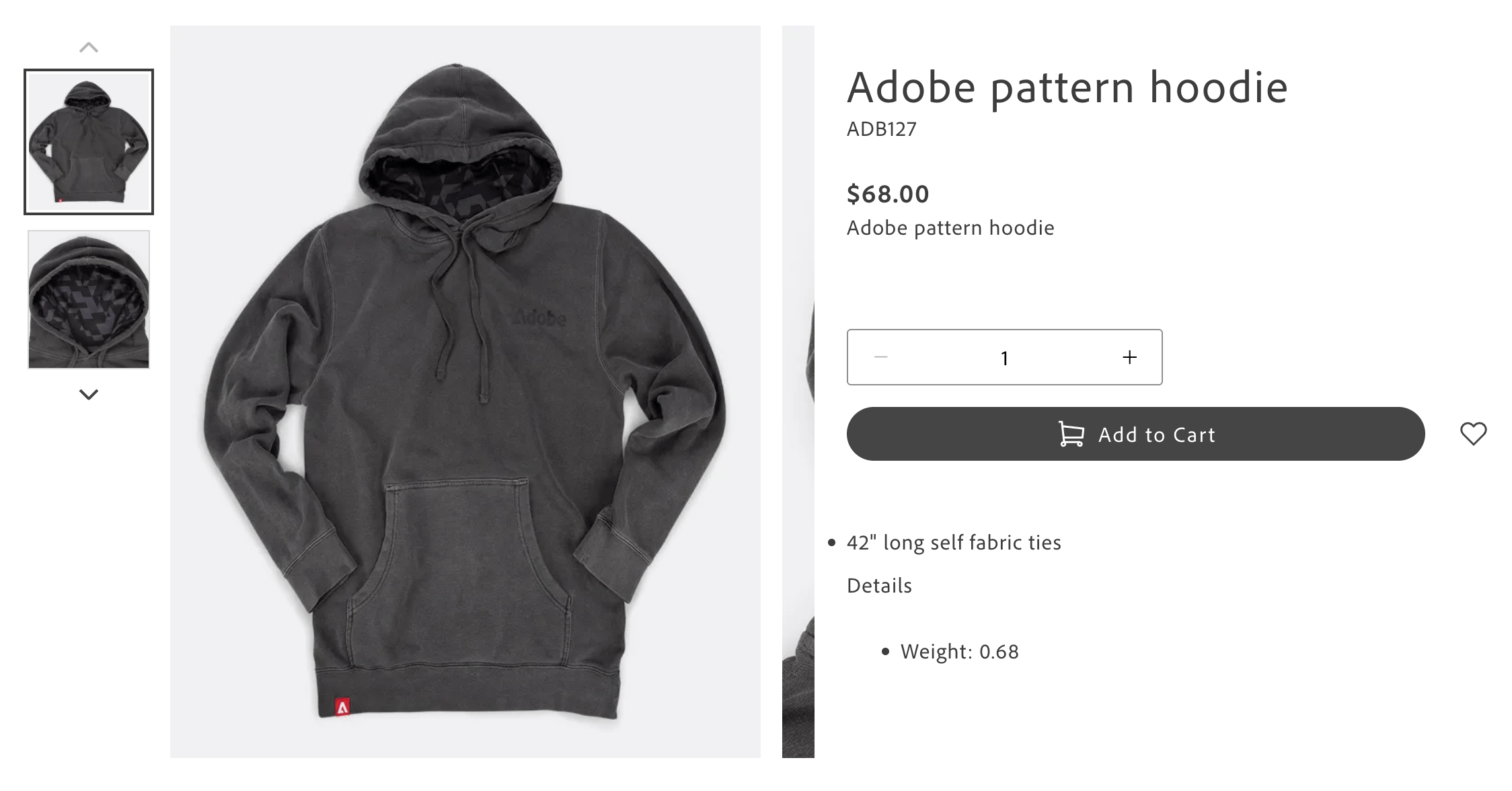
The Product Details block renders the page that shoppers see when they view a single product: the image gallery, price, options, add-to-cart button, and more. Most shopper sessions go through the product page before a purchase, so it is one of the most important Commerce blocks on your site. Your storefront already includes this block, so you do not need to add it from scratch.
What shoppers see
Section titled “What shoppers see”Product names, prices, images, and descriptions all come from your catalog, so you do not create or edit them here. Code controls the layout and what appears in each region, not the block table in Document Authoring.
Preview a product
Section titled “Preview a product”The /products/default document is shared by product pages. Follow Preview a product to choose a catalog SKU and view the template in the inline live-preview pane.
View a real product page
Section titled “View a real product page”Real product URLs normally identify the product using /products/<url-key>/<sku>. Use Check a real product page to verify the shopper-facing result outside the editor.
Feature a product on a marketing page
Section titled “Feature a product on a marketing page”Follow Feature a product on a campaign page when you need purchasing controls directly on a campaign page. Prefer linking to the existing product page when that meets your needs.
Add companion blocks to a product page
Section titled “Add companion blocks to a product page”Follow Add supporting content to product pages to place headings, images, or companion blocks around the product details. This changes the shared template. For content that should appear only for selected products or categories, use Show enrichment content.