Sidebars
Sampler has two sidebars, the Left sidebar and Right sidebar.
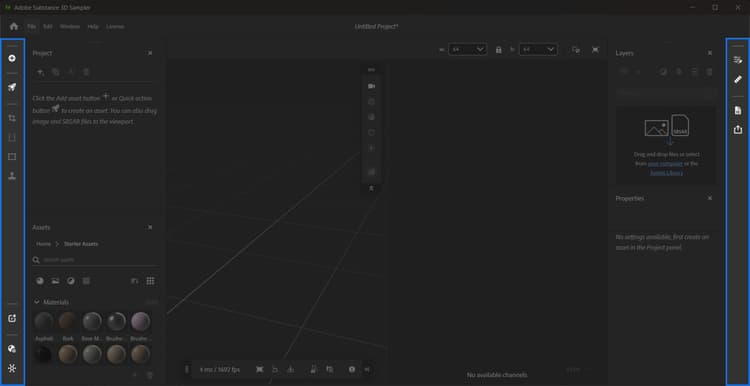
Left sidebar
From the Left sidebar you can:
-
Add and import content: Import images and select how they should be integrated into your project.
-
Browse 3D Assets: Access thousands of materials from Substance 3D Assets inside Creative Cloud Desktop.
-
Access Quick actions: A collection of actions to quickly achieve certain goals. Learn more about Quick Actions.
-
Quickly add filters to the layer stack:
- Crop: Crop images and materials using handles in the 2D view.
- Perspective transform: Correct perspective errors with handles in the 2D view.
- Transform: Resize images and materials with handles in the 2D view.
- Clone stamp: Paint areas in the 2D view to fix seams or other issues.
-
Reopen the following panels when they are closed:
For more information on the filters available from the Left sidebar, see to Tools and Widgets.
Right sidebar
The Right sidebar holds the following panels when they are closed:
recommendation-more-help
substance-3d-sampler-help-guide