Exposed Parameters Panel
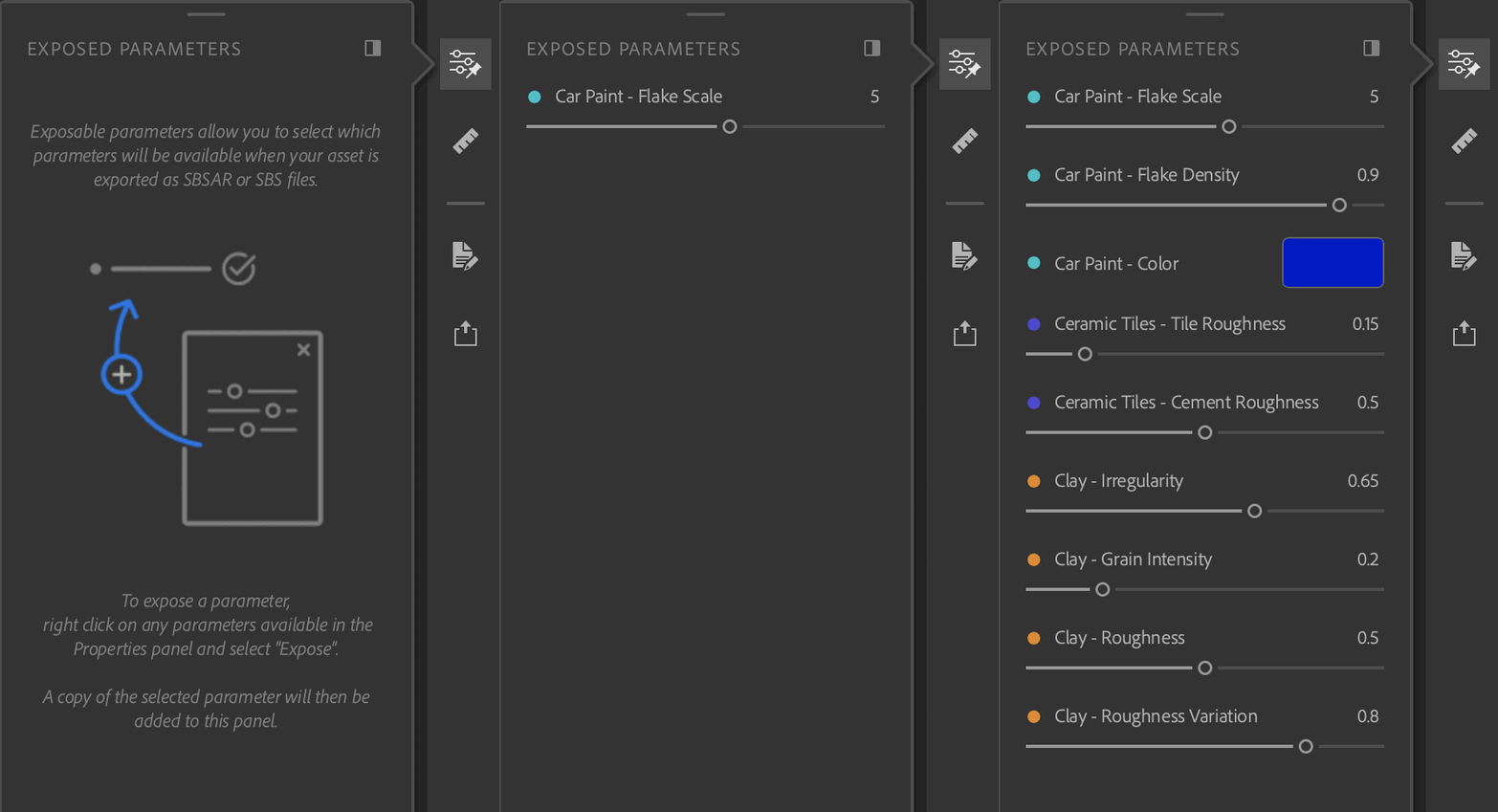
The Exposed Parameters panel holds the parameters exposed from the Properties panel.
The colored dots serve to help visualize which layer the parameter is connected to. Empty dots indicate that the parameter is from a blend layer.
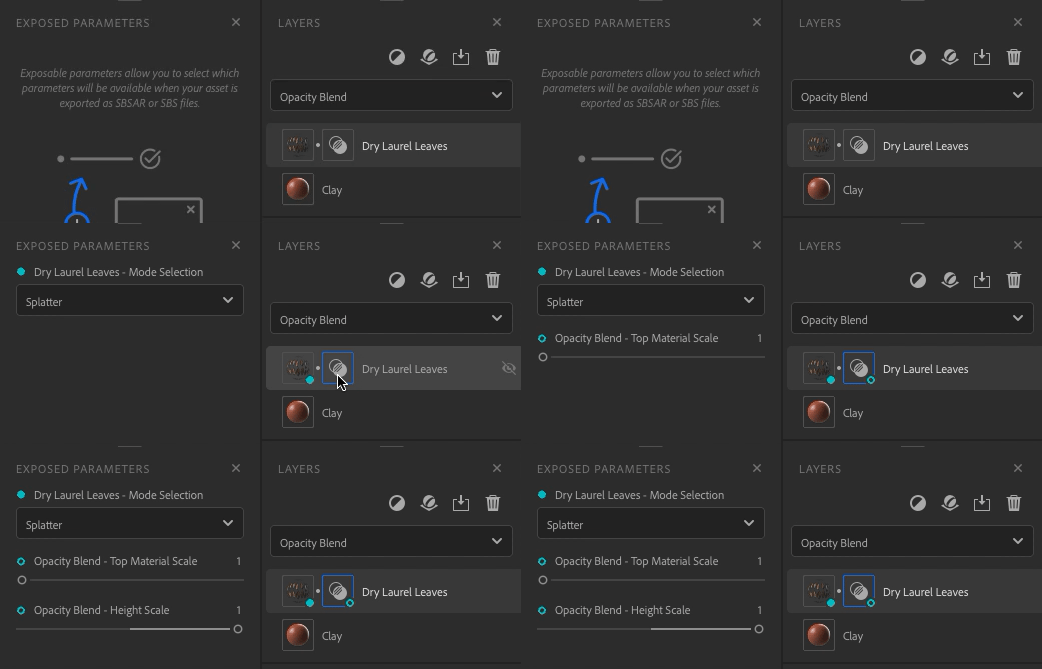
There are a few ways to interact with the exposed parameters:
Actions
How to
Unexpose a parameter
Right click on a parameter and select “Unexpose”.
Edit the label of a parameter
Right click on a parameter and select “Edit”, enter the new label.
You can interact with all parameters as you normally would with the Properties panel. Changes will be reflected in the 3D viewport.
recommendation-more-help
substance-3d-sampler-help-guide