On this page: Design and test your Action campaign content for the channel you selected so each message is ready before you activate the campaign.
To configure the message content, navigate to the Content tab or click the Edit content button.
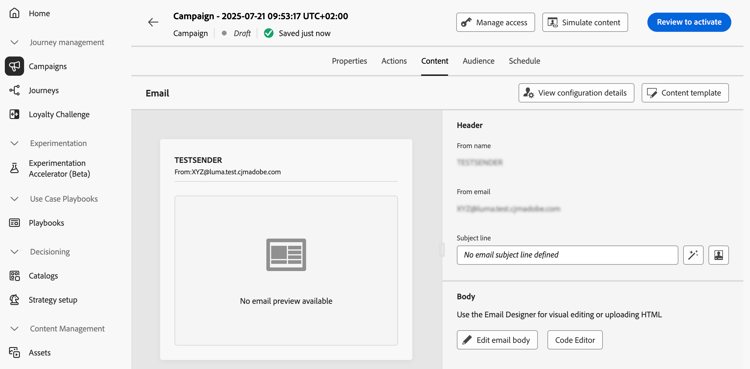
Design the content action-campaign-channels
The content creation process depends on the channel you selected. Learn detailed steps to create your message content in the following pages:


Test and check your content
Once your content is defined, use the Simulate content button to preview and test your content. You can use either simulation method:
- Click Simulate content to test content variations with sample input data or AI auto-generation.
- Click Simulate content, then select Simulate content (AEP profiles) from the dropdown to preview with test profiles.
Learn how to preview and test content
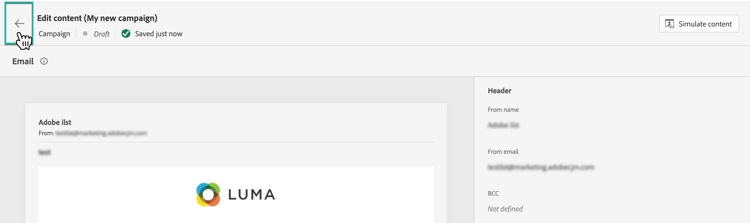
To browse back to the campaign creation screen, click the left arrow.
Next steps next
Once the content of your Action campaign is ready, you can define the campaign audience. Learn more