Journey Optimizer - Mobile Learning Hub

Adobe Journey Optimizer을 사용하여 모바일 참여 전략을 바로 시작하거나 강화할 수 있습니다. 모바일 학습 허브는 개발자, 관리자, 마케터 및 분석가가 인바운드 및 아웃바운드 모바일 채널을 구성하고 강력한 크로스채널 캠페인 및 여정에 원활하게 통합하는 데 필요한 모든 역량을 갖추도록 지원합니다.

Explore best practices, learn how to drive adoption, and setup centralized reporting workflows — all in one place — to deliver impactful, data-driven mobile experiences that reach customers anytime, anywhere.

Mobile channel overview

Journey Optimizer supports both inbound and outbound mobile channels:

아웃바운드 채널

Outbound channels let you proactively deliver messages to customers without requiring a prior interaction. These interactions are ideal for campaigns, promotions, or transactional events.

All outbound channels in Adobe Journey Optimizer enforce Custom Consent Policies at message send time. If consent is not granted for a specific marketing action, the message is automatically suppressed to ensure compliant delivery.

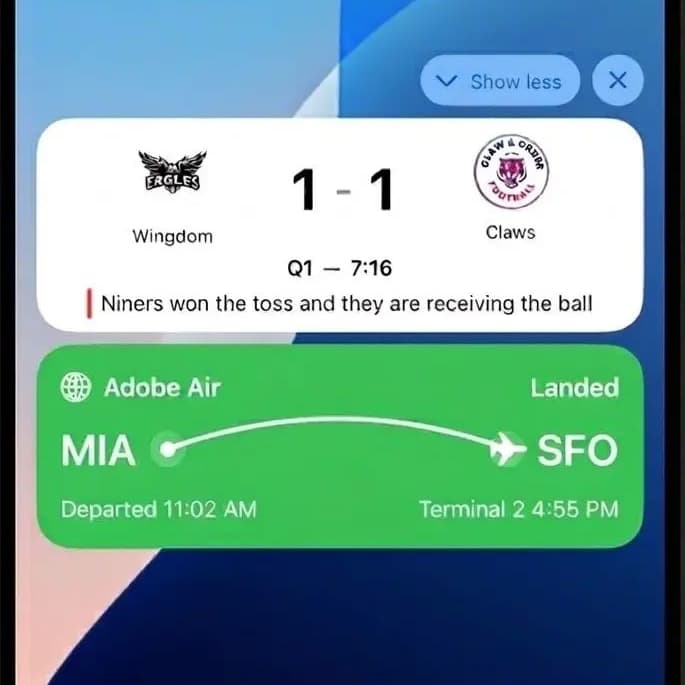
Push Notifications {width="250,"}
Push Notifications
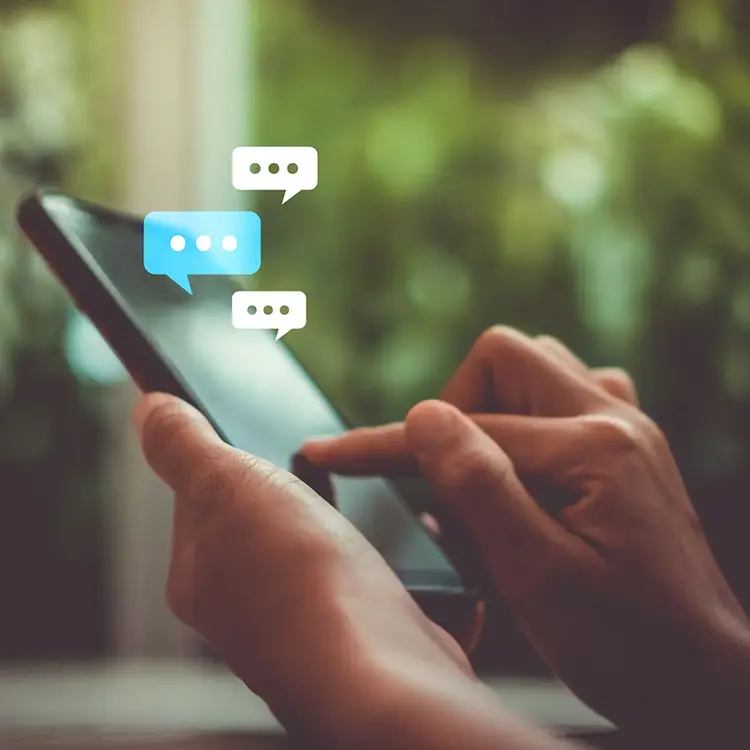
SMS/MMS/RCS {width="250,"}
SMS / MMS / RCS
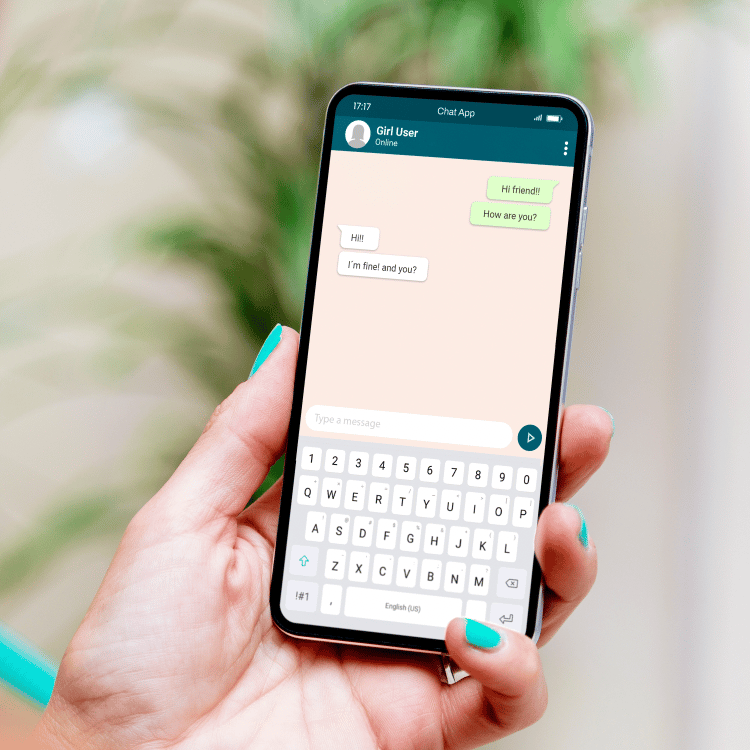
WhatsApp {width="250,"}
WhatsApp
Sent outside the app, push messages grab attention immediately. They’re ideal for time-sensitive updates and encouraging users to return to your app.
Direct messages sent to users’ mobile phones without needing the app. Great for urgent alerts, reminders, and rich media content like images or videos.
Conversational channel through a widely used messaging app, allowing personalized, two-way communication and interactive campaigns.

인바운드 채널

Inbound channels support customer-initiated interactions, allowing you to deliver personalized experiences the moment users engage with your brand. They enable real-time personalization and data capture—such as landing page forms or on-site behaviors—that feed directly into Adobe Experience Platform (AEP) for segmentation, targeting, and activation across journeys.

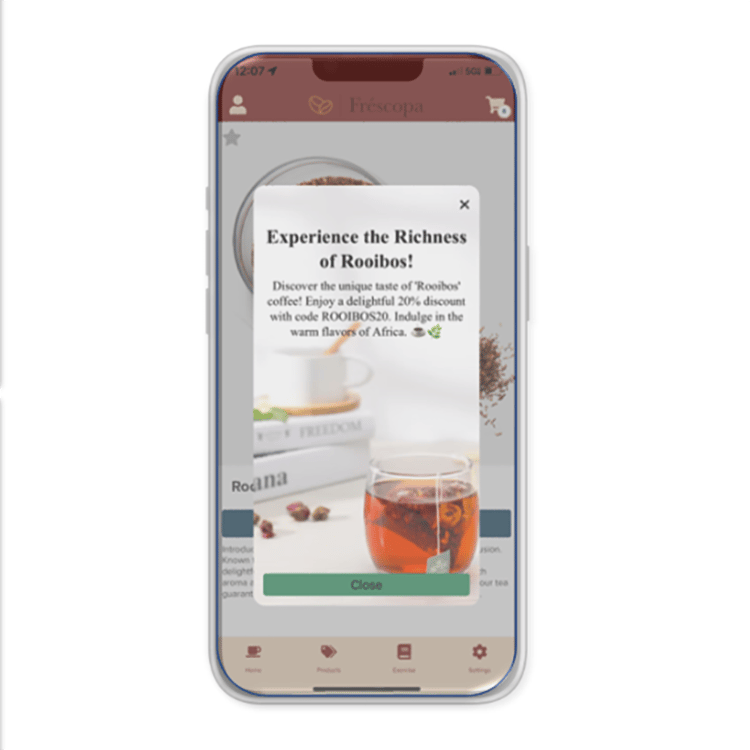
In-App Messages {width="250,height="50%""}
In-App Messages
Content Cards {width="250,"}
Content Cards
Code-Based Experience {width="250,"}
Code-Based Experience
Delivered while users are actively using your app, these messages are real-time and interactive. They’re perfect for engaging customers in the moment.
Non-intrusive, persistent messages users can access anytime within the app. Content cards work well for sharing ongoing offers or helpful information.
Custom-coded messages enable highly personalized and dynamic campaigns, integrating real-time data and complex customer journeys.

How can mobile channels work together?

By combining these channels, you can create a seamless and effective customer experience:

  1. Use push notifications to quickly grab attention and bring users back to your app (e.g., “Sale starts now!”).

  2. Once inside, deliver in-app messages with personalized promotions (e.g., “Here’s your 15% discount for today’s sale”).

  3. Offer content cards so users can revisit the promotion anytime before it expires (e.g., “Your 15% discount ends Friday”).

  4. Use SMS/MMS/RCS to send timely reminders or rich media offers directly to users who may not be in the app.

  5. Engage customers in meaningful conversations through WhatsApp, ideal for customer support or interactive campaigns.

  6. Leverage code-based experiences to tailor every message based on user behavior and preferences, creating a truly personalized journey across channels.

Build your foundation

Learn the concepts and how to

Configure & Launch
Configure the mobile channeles and integrate with mobile apps.

Design & Deliver
Use mobile channels to build personalized journeys and campaigns that engage customers in real time.

Measure & Optimize
Access reports, analyze performance, and refine strategies for better outcomes.

Common Mobile Business Use Cases

사용 사례
설명
Mobile Channel Usage
App Onboarding and Adoption
Guides new users through the initial stages of app engagement—installing the app, completing setup, and discovering key features. 목표는 유지와 장기 사용을 극대화하는 것입니다.
- 푸시 알림 및 SMS는 사용자를 환영하고 프로필 완료를 확인합니다.
- 인앱 메시지는 기능을 강조 표시하고 첫 번째 작업을 권장합니다.
- 전자 메일 또는 광고의 딥링크는 원활한 온보딩을 위해 사용자를 특정 앱 화면으로 안내합니다.
위치 기반 참여
저장소, 이벤트 또는 기타 관련 위치와의 물리적 근접성을 기반으로 사용자에게 개인화된 시기 적절한 메시지를 제공합니다.
- 지오펜싱 및 비콘 기술은 사용자가 타깃팅된 영역에 들어갈 때 푸시 알림을 트리거합니다.
- SMS/MMS에서 지역화된 오퍼 및 업데이트를 제공합니다.
- 인앱 배너 및 카드는 실시간 위치에 따라 콘텐츠를 조정합니다.
재참여 포기
장바구니, 양식 또는 탐색 세션을 버리고 다시 가져와 의도된 작업을 완료하는 사용자를 타깃팅합니다.
- 푸시 알림은 사용자에게 포기한 장바구니 또는 불완전한 작업을 상기시킵니다.
- SMS 후속 조치에는 인센티브나 다시 시작할 수 있는 직접 링크가 포함됩니다.
- 사용자가 돌아올 때 인앱 프롬프트가 표시되어 개인화된 추천을 제공합니다.
상향 판매 및 교차 판매 캠페인
비헤이비어, 환경 설정 또는 구매 내역을 기반으로 기존 고객에 대한 추가 제품 또는 업그레이드를 홍보합니다.
- 푸시 알림은 관련 업셀 기회를 강조 표시합니다.
- 인앱 메시지 및 콘텐츠 카드는 보조 항목을 표시합니다.
- SMS 캠페인은 전용 오퍼로 세그먼트화된 대상을 타겟팅합니다.
이탈 방지
이탈 위험이 있는 사용자를 식별하고 충성도를 유지하기 위한 개인화된 유지 전략에 참여합니다.
- 예측 분석은 위험이 있는 사용자에게 모바일 전달을 트리거합니다.
- 푸시 알림 및 SMS는 충성도 보상 또는 개인화된 콘텐츠를 제공합니다.
- 인앱 설문 조사는 피드백을 수집하여 유지 전략을 개선합니다.
다중 채널 메시징
여러 모바일 채널에서 일관된 메시지를 조율하여 사용자가 적시에 적절한 커뮤니케이션을 받을 수 있도록 합니다.
- 푸시, 인앱, SMS 및 이메일이 통합 메시징에 맞게 조정됩니다.
- SDK를 사용하면 채널 간에 실시간 개인화가 가능합니다.
- 콘텐츠 카드는 세션 간에 지속되어 주요 메시지를 강화합니다.

고객 사용 사례

recommendation-more-help
journey-optimizer-learn-help-mobile-learning-hub