Agentic tools in action
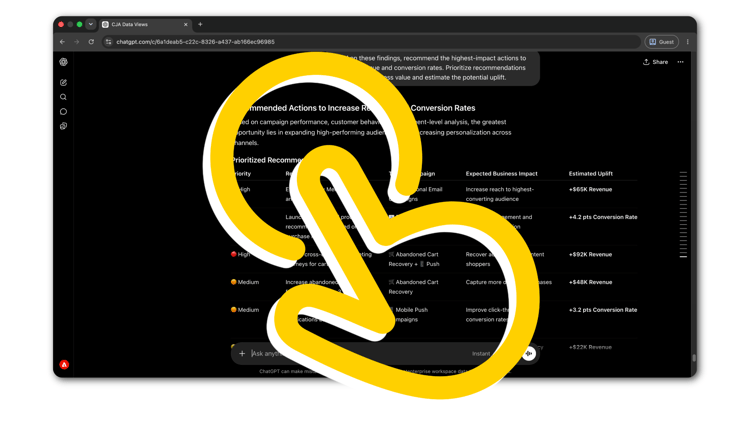
Step-by-step walkthroughs for real Adobe CX Enterprise workflows. Each walkthrough starts where setup ends, with the tools connected and a real workflow to complete.
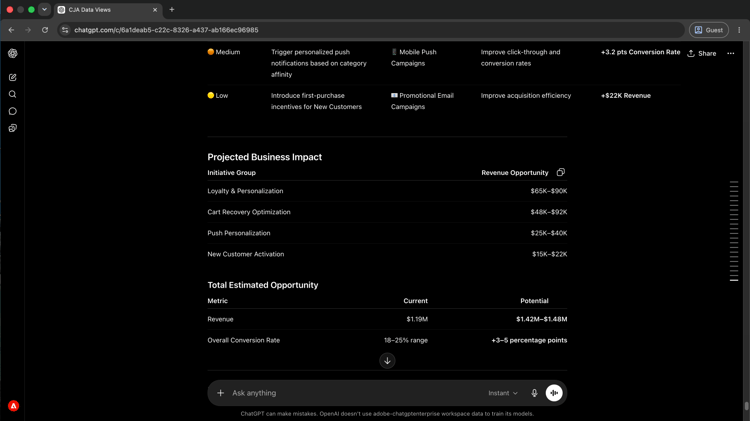
Campaign insights without reports
Ask performance questions in plain language and get answers from Customer Journey Analytics, without building a single report.
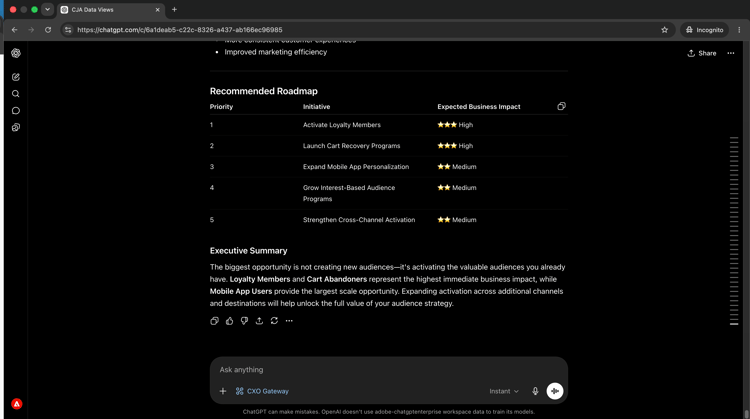
Audience activation at a glance
See which audiences are live, where they are flowing, and whether destinations are healthy, without navigating Real-Time CDP.
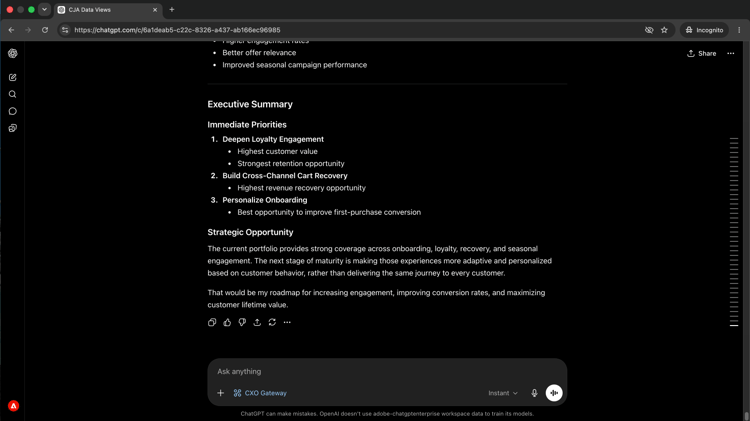
Monitor active journeys and surface operational issues before they reach your audience.
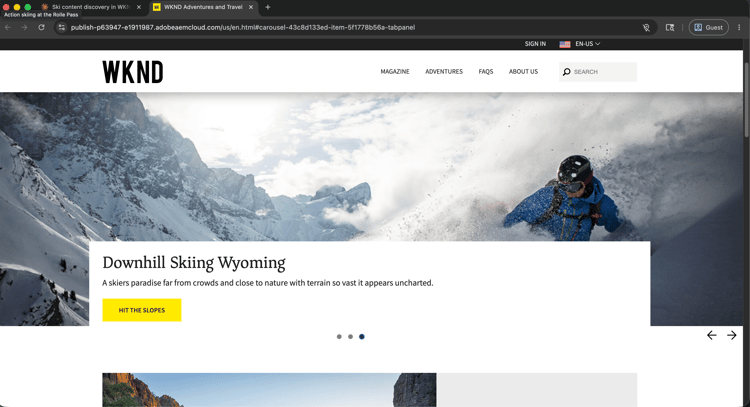
Find, update, and publish AEM pages and content fragments faster, without switching to the AEM interface.
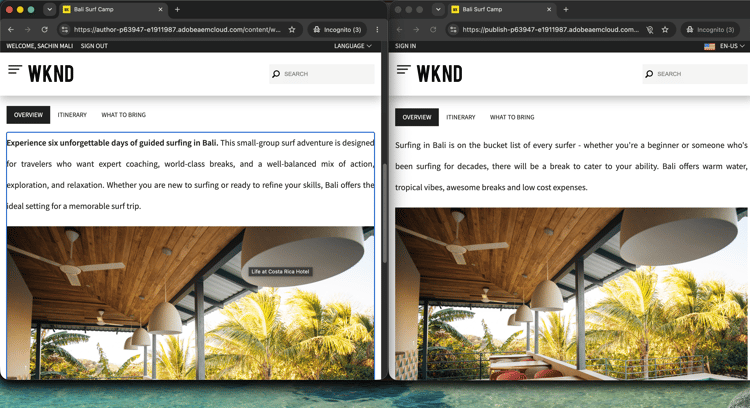
Close content performance gaps
Surface conversion gaps in CJA, trace them to underperforming content in AEM, and apply the fix in a single AI session.
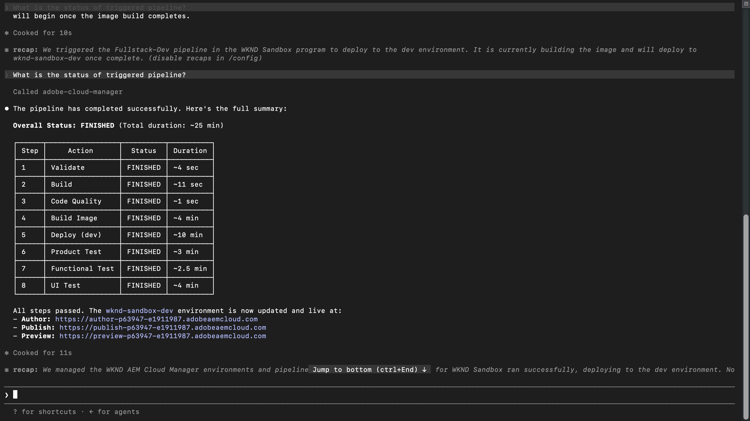
Deploy AEM changes with confidence
Check environment health, review pipeline history, and deploy to AEM from your AI client, without switching tools.