Get started for marketers
This guide gives an overview of the key functionality of Campaign v8. It is for marketers migrating from Campaign Standard to Campaign v8.
You can access Adobe Campaign v8 via the client console or the Web User Interface. The web interface lets you create, manage and execute key marketing actions.
Access and Explore the Campaign Web User Interface
Find help and guidance
Adobe Campaign Web User Interface Documentation
Create and manage profiles and audiences
Manage audiences
The general concept of creating and managing audiences in Campaign v8 is the same as in Adobe Campaign Standard.
Profiles
Learn how to access, manage, and explore profiles using the Campaign Web User Interface.
See Get started with Profiles for more information.
Audiences
Learn how to build and manage audiences, how to select audiences for a delivery, and define control groups.
See Get started with Audiences for more information.
Test profiles
Create and manage test profiles
Manage subscriptions
Use Adobe Campaign Web to manage and create your services such as newsletters, and to check the subscriptions or unsubscriptions to these services. Learn more:


Create and manage Cross-channel Campaigns and workflows

Get strated with Campaigns
See the product documentation to with campaigns
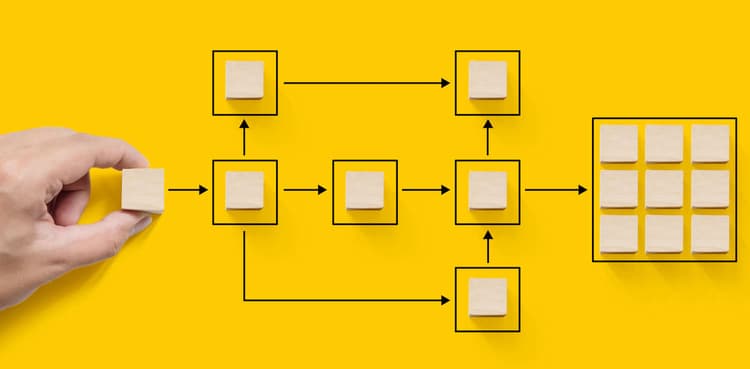
Create a workflow
-
Understand how workflows work and how to create a targeting workflow.
embed https://video.tv.adobe.com/v/3425873?quality=12&learn=on
Create and manage deliveries
Email delivery
Learn how to create an email delivery from scratch, define the audience, design the content, simulate preview, and send a proof.
1. Design and define content
Understand how to navigate the Email Designer. Learn how to structure and design an email from scratch, how to personalize, and test your email.
Learn how to create an email by uploading HTML, how to make it compatible with the Email Designer and how to convert it to a template.
2. Preview and test
Learn how to preview email message content and personalization, send test deliveries (proofs) and check the email rendering in popular desktop, mobile and web-based clients.
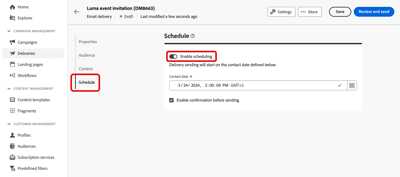
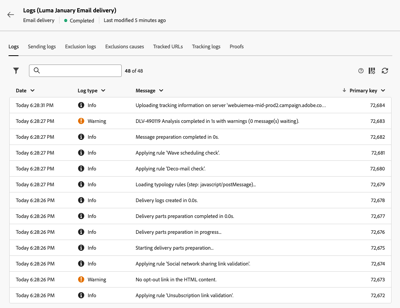
3. Send email and check logs
SMS delivery



Create and manage push notifications
Adobe Campaign v8 supports both Android™ and iOS Push Channel. To transition existing workflows and deliveries that are using the Push Channel, please connect with your Adobe Campaign Transition Manager.

Direct mail
Delivery best practices
Create and manage landing pages



Content management
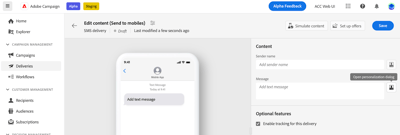
Personalize your content in Campaign
Learn how to personalize your content in Adobe Campaign Web
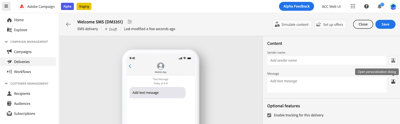
Learn how to define conditions to personalize your content in Adobe Campaign Web
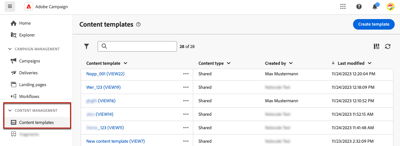
Learn how to create templates to reuse content in Adobe Campaign emails

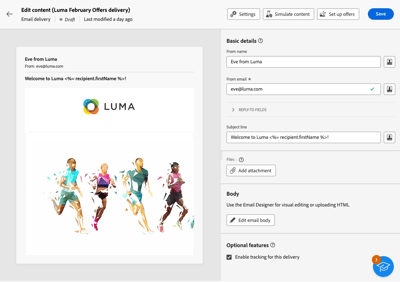
Send deliveries
Reporting
Adobe Campaign offers three different types of standard reports:
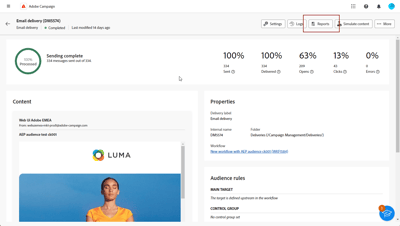
Offer a thorough analysis of each delivery's performance, per channel: success rates, audience engagement, and other essential metrics. They allow you to evaluate the overall effectiveness and impact of your campaign.
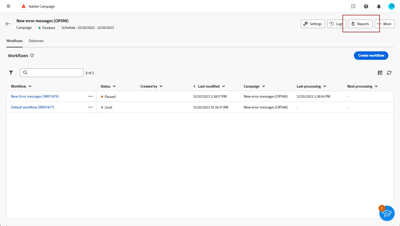
Provide detailed information on the performance, effectiveness, and outcomes of your individual deliveries, providing you with a comprehensive overview.
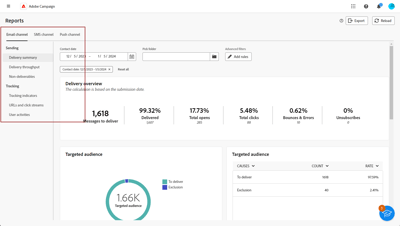
Offer a consolidated overall summary of traffic and engagement metrics for each channel within your Campaign instance. These reports consist of various widgets, each offering a distinct perspective on your campaign or delivery performance.
Integrations
Adobe Experience Manager
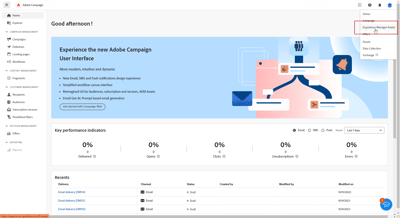
Manage assets with Adobe Experience Manager Assets as a Cloud Service
Learn how to manage assets with Adobe Experience Manager Assets as a Cloud Service

Manage assets with Adobe Experience Manager as a Cloud Service
Learn how to manage content with Adobe Experience Manager as a Cloud Service
Other
The following integrations are available from the Adobe Campaign client console, and not yet available in the Campaign Web User Interface. Use the provided links to browse the Campaign v8 (client console) documentation and learn more about these integrations:
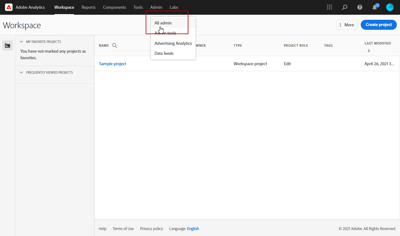
Sharing audiences with Adobe Experience Cloud
Sharing audiences with Adobe Experience Cloud

Work with Campaign and Adobe Experience Cloud triggers
Learn how to work with Campaign and Adobe Experience Cloud triggers