Report and monitor
Discover how Adobe Journey Optimizer reporting helps you track, analyze, and act on customer journeys with ease.
These tutorials give marketers the tools to monitor performance in real time, dive into detailed journey and channel insights, export data, set alerts, and leverage advanced analytics for smarter decisions.
Tutorials
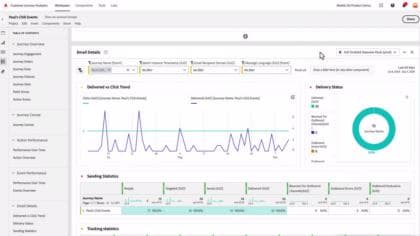
Introduction to reporting in Adobe Journey Optimizer(AJO)
Learn about reporting in Adobe Journey Optimizer(AJO).
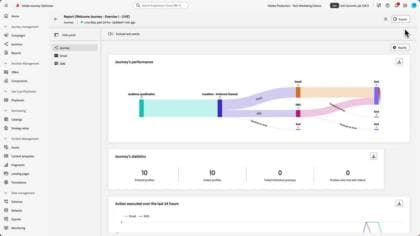
Monitor and analyze your journey with live reports
Learn how to effectively use Adobe Journey Optimizer's Live Report feature to monitor and analyze the performance of your journeys and messages in real-time. Learn how to customize dashboards, export reports, and interpret journey-specific metrics to optimize your marketing strategies.
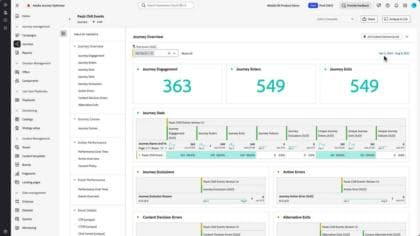
Monitor and analyze your journey with Journey Reports
Understand how to track the performance of individual journey how users interact with different steps in a journey, including entry and exit statistics, errors, and actions executed.
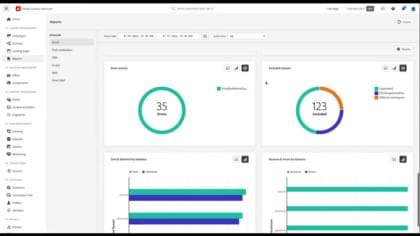
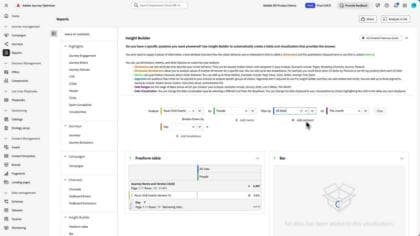
Analyze your journey's overall performance with all time reports
In this video, you'll learn how to effectively use all time reports in Adobe Journey Optimizer to uncover long-term performance insights across customer journeys, campaigns, and channels. It covers how to navigate key dashboards, interpret essential KPIs, apply filters and date ranges, and leverage tools like Journey Reports, Campaign Reports, and Insight Builder for deeper analysis and custom reporting—empowering marketers and managers to turn data into action.
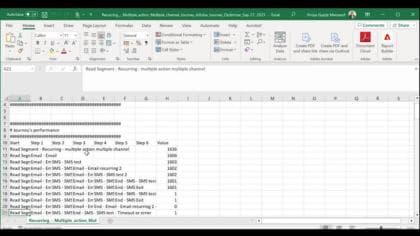
Understand how to download a CSV report for a report and for a single widget.
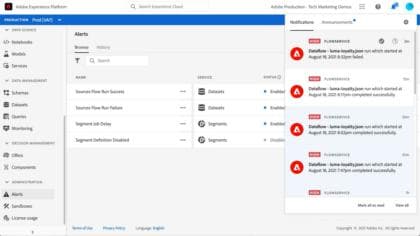
Learn how to subscribe to pre-defined alerts for unexpected journey behaviors and get notified via Email, within Journey Optimizer or using an API.
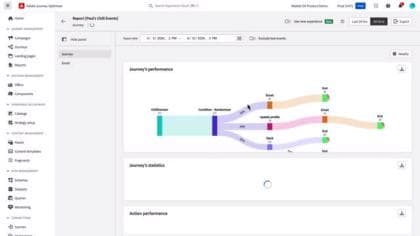
Enhanced reporting with Customer Journey Analytics
Journey Optimizer reporting is now fully integrated with Customer Journey Analytics capabilities, standardizing reporting across both platforms and improving data consistency and reliability. This seamless integration between Journey Optimizer and Customer Journey Analytics provides a clearer view of performance metrics, enabling users to make more informed decisions.
See the product documentation for more information on reporting in Adobe Journey Optimizer.