
Addresses container
The Addresses container is a standalone component that creates, edits, and deletes customer addresses. It supports custom address attributes and configurable validation through the Adobe Commerce Admin.
The Addresses container relies on the AddressForm container for address creation and editing. It inherits all behaviors from the AddressForm container.
Container views
Section titled “Container views”The Addresses container can be implemented in several views.
Full-size view
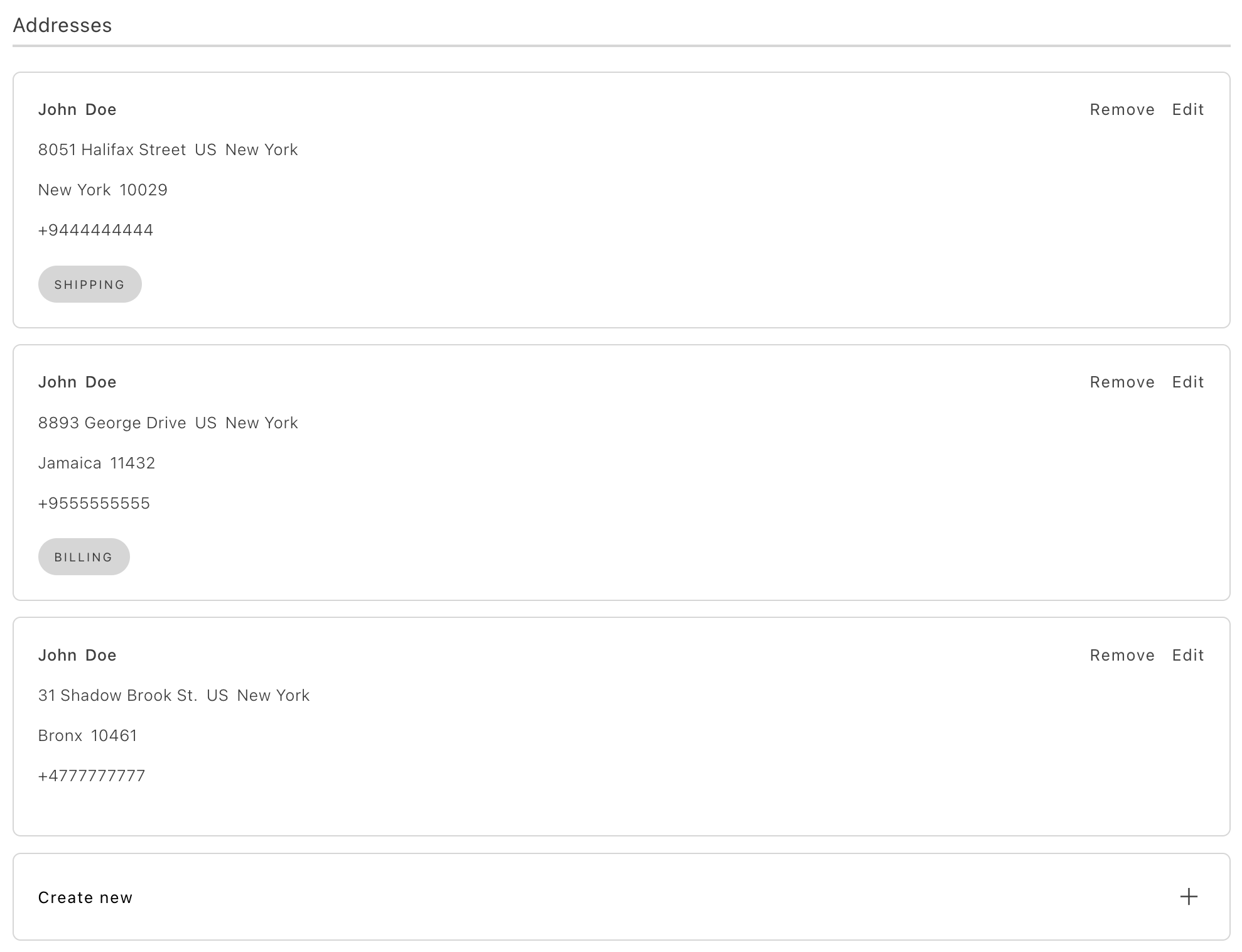
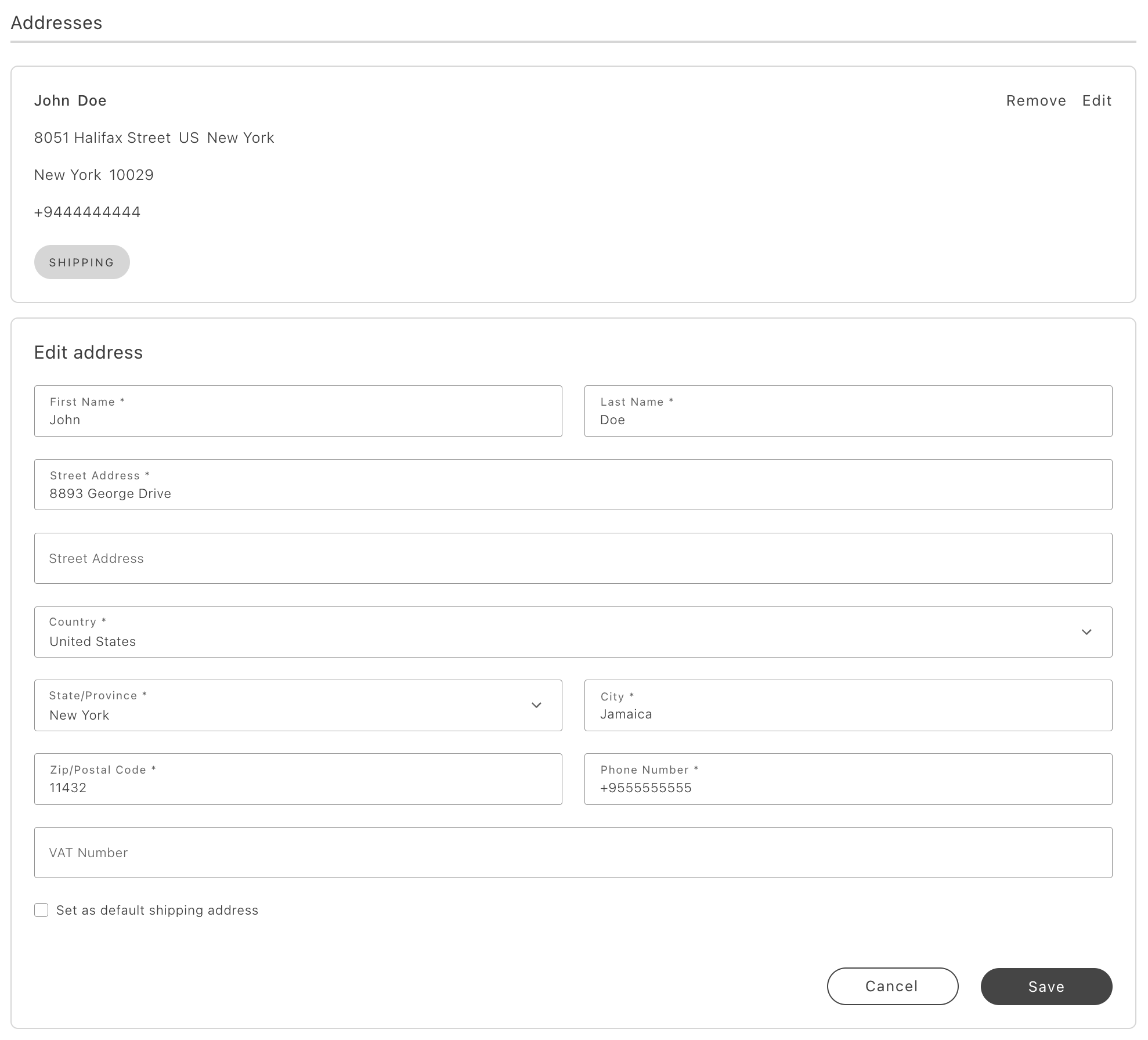
Section titled “Full-size view”The full-size view is used when the Addresses component functions as a standalone page. This view displays all addresses, enables pagination (based on backend configurations), and provides full functionality for creating, editing, and deleting addresses. A Create Address button can be displayed below the list. Clicking the button opens the address creation form, which is configurable from the Commerce Admin.
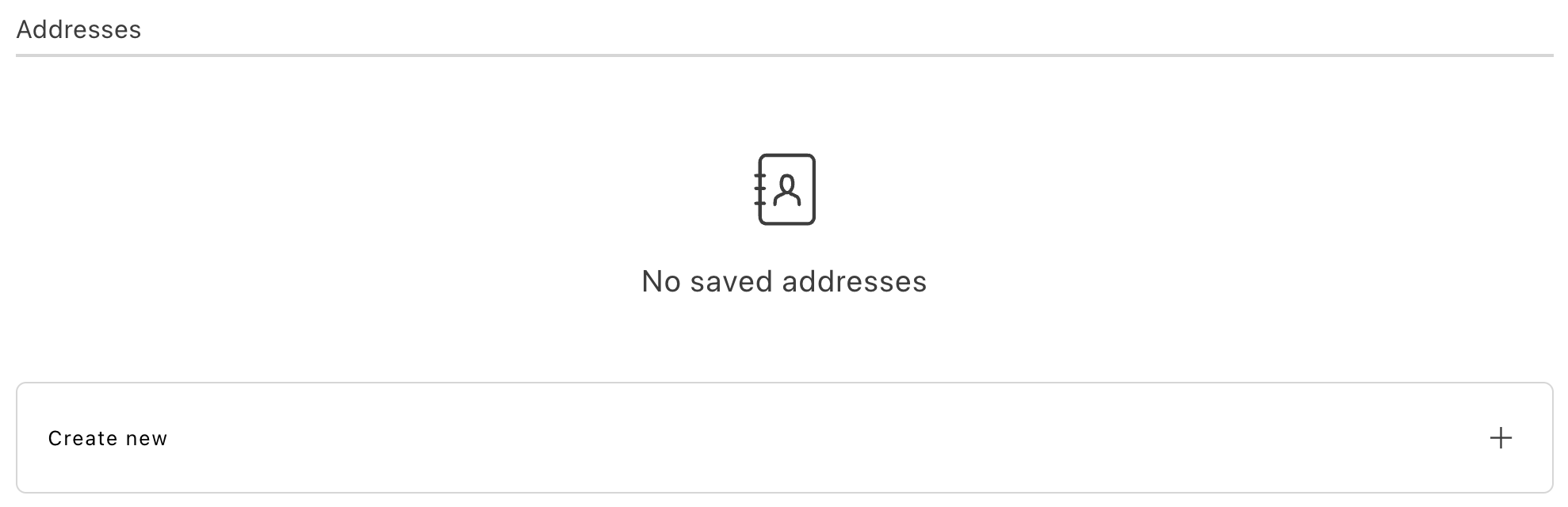
The following images illustrate the full-size view of the Addresses container with no addresses, all addresses, and an address being edited.
Minified view
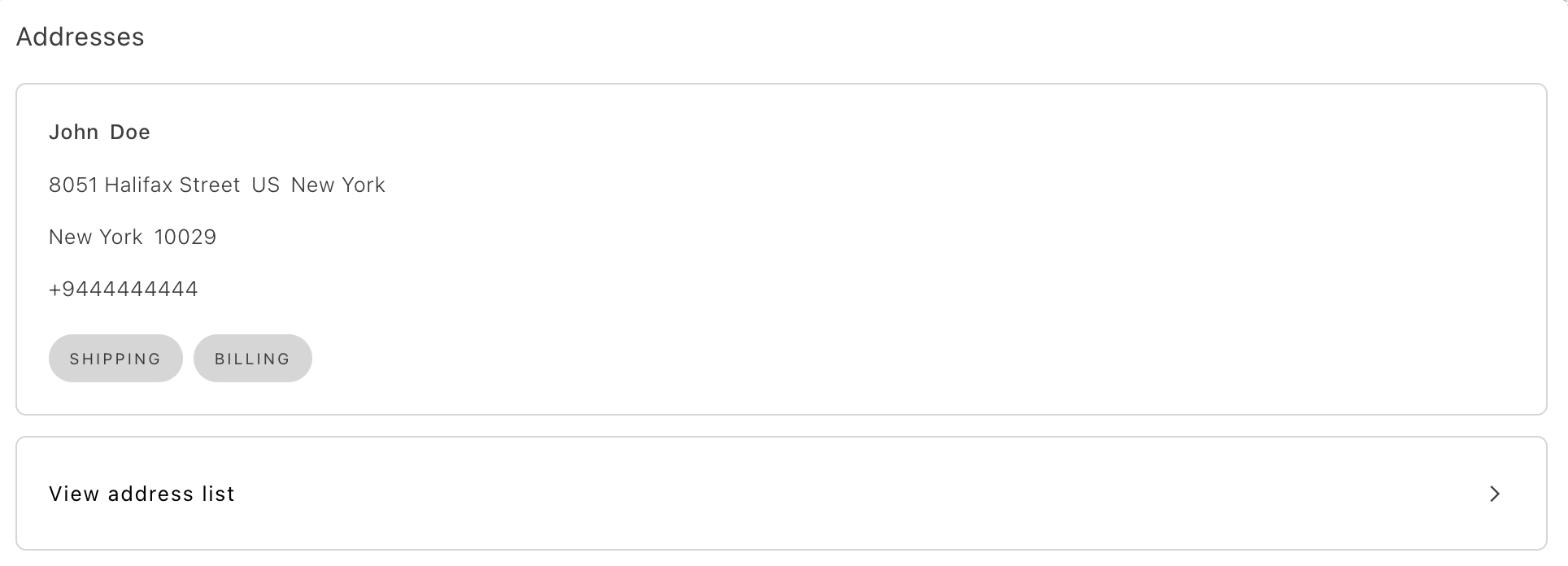
Section titled “Minified view”Use the minified view when the container is part of a page with other components, such as a user account dashboard. In this view, editing and deletion functionality is disabled, and the Create New Address button is replaced with a View All Addresses button. Only the default shipping and billing addresses are visible.
The following images illustrate the minified view of the Addresses container with no addresses, and with multiple addresses (but only one is displayed).
Selectable view
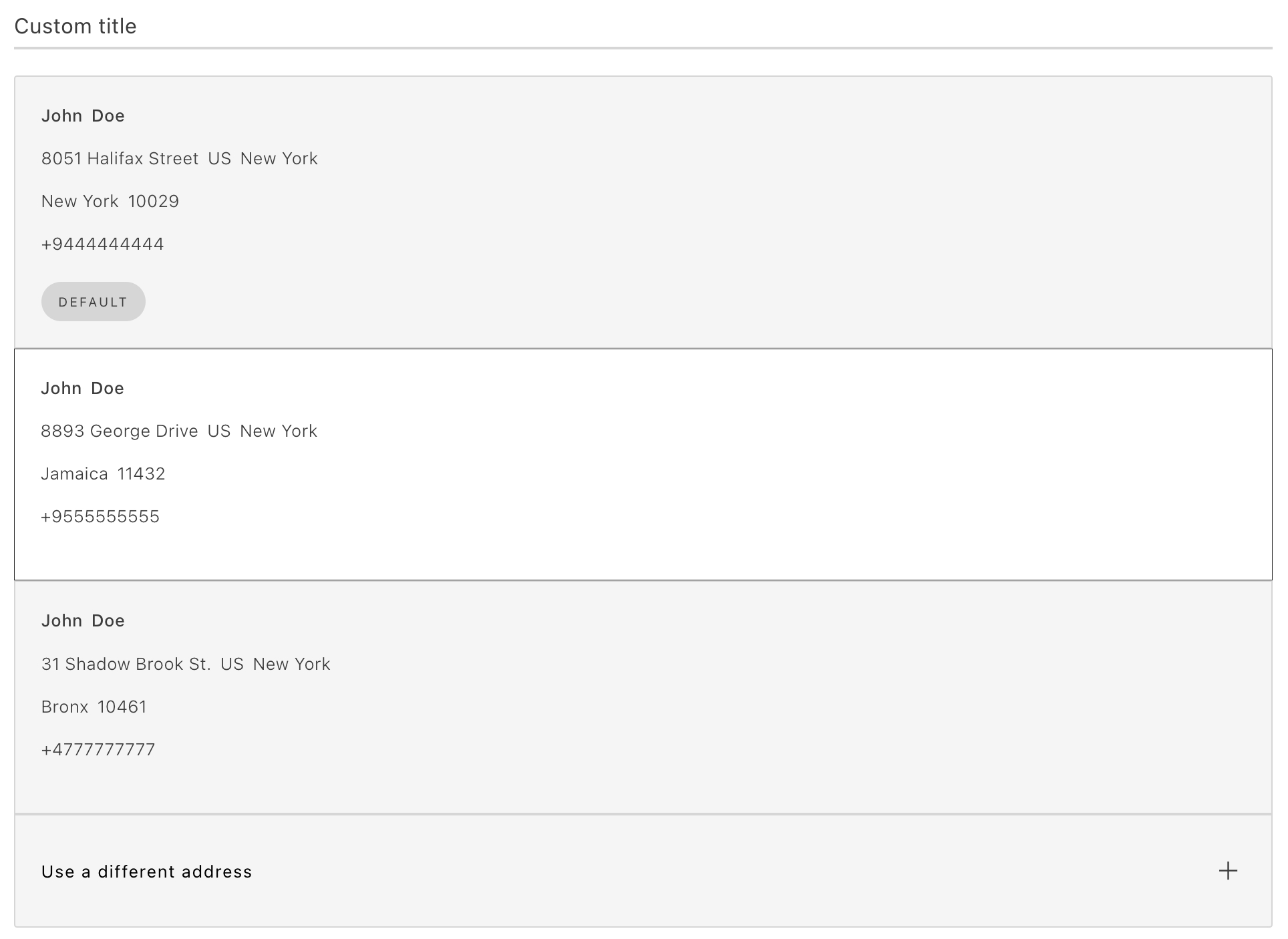
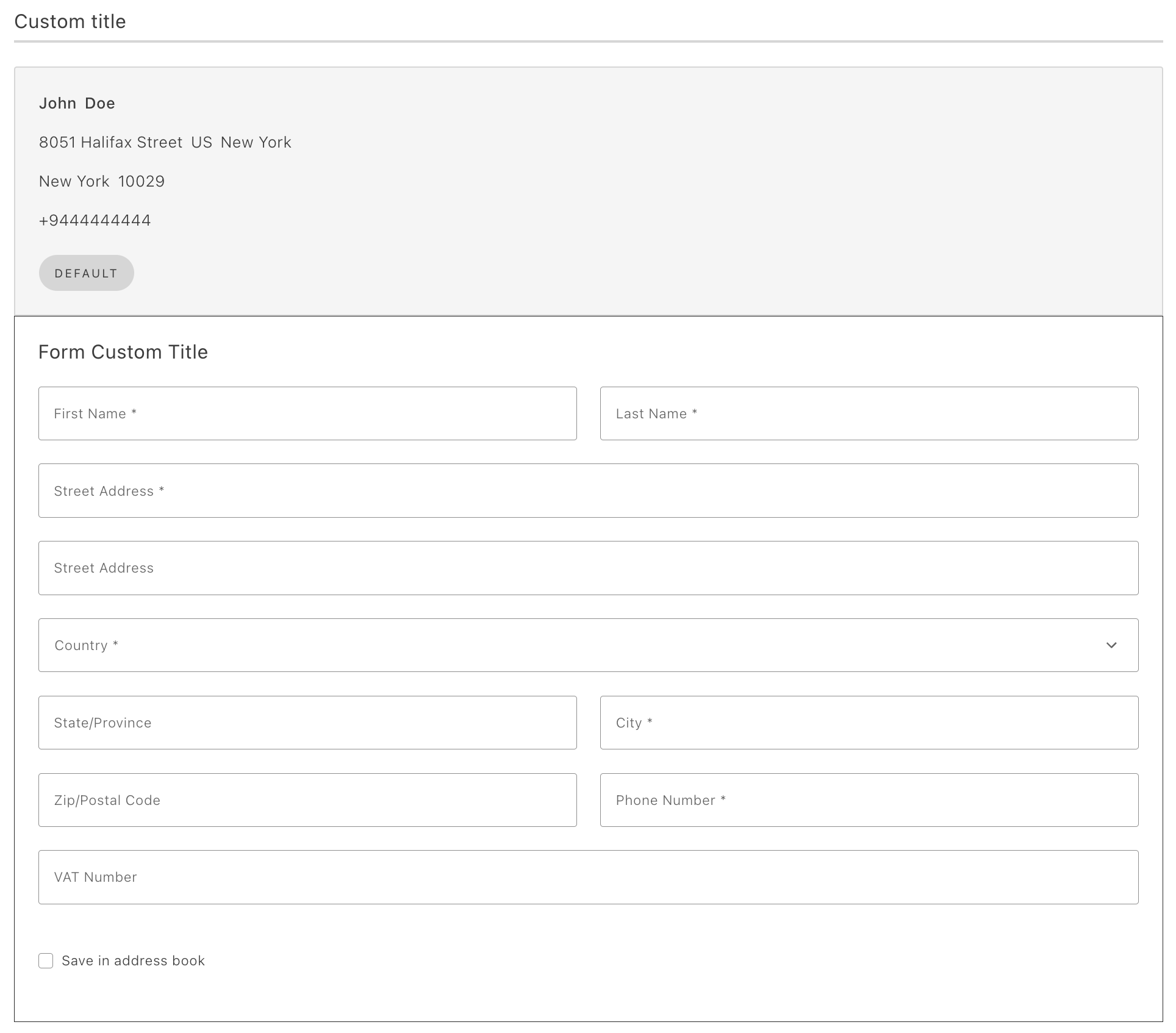
Section titled “Selectable view”The selectable view is intended for scenarios that require address selection, such as during checkout. This view includes styling adjustments and represents each address card as a selectable radio button, facilitating address selection.
The following images illustrate the selectable view of the Addresses container. In the first image an address has been selected. In the second, an address can be created.
Configurations
Section titled “Configurations”The Addresses container provides the following configuration options:
Example
Section titled “Example”The following example demonstrates how to use the Addresses container:
export default async function decorate(block) { const { 'minified-view': minifiedViewConfig = 'false', } = readBlockConfig(block);
if (!checkIsAuthenticated()) { window.location.href = CUSTOMER_LOGIN_PATH; } else { await accountRenderer.render(Addresses, { minifiedView: minifiedViewConfig === 'true', withActionsInMinifiedView: false, withActionsInFullSizeView: true, routeAddressesPage: () => CUSTOMER_ADDRESS_PATH, })(block); }}