On this page: Landing pages turn a click from an email, ad, or campaign into a dedicated web destination where customers opt in or out, manage their preferences, and share profile data — helping you grow consented audiences and capture the first-party data that powers personalization.
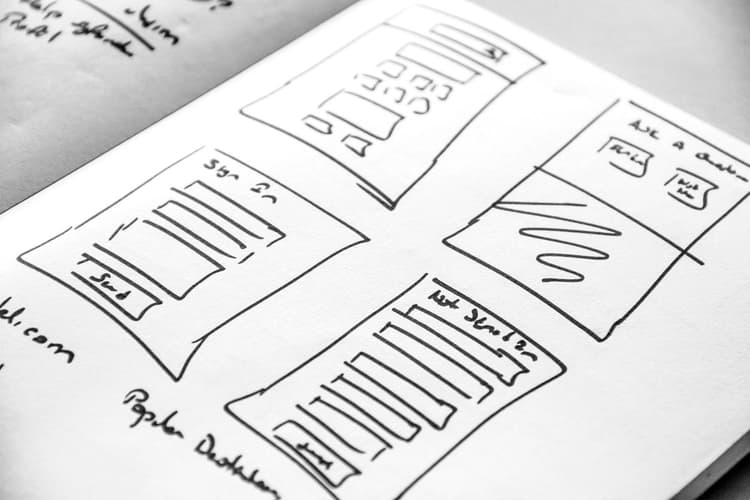
A landing page is a standalone web page that a user is directed to after clicking through from an email, a website, an ad, or any other digital location.
Journey Optimizer allows you to create and design landing pages to direct your users to online forms where they can opt in or opt out from receiving your communications or a specific service such as a newsletter.
➡️ Learn more about configuring subscriptions and creating landing pages in this video
When to use landing pages when-to-use
Use landing pages when you want to:
- Let customers opt in or opt out of marketing communications or a specific service or newsletter from a link in an email or campaign—including subscription lists for targeted services. Read more
- Collect consent before sending communications and send a confirmation email upon opt-in or opt-out. Read more
- Capture or update profile data using forms on Data Capture landing pages—for progressive profiling, preferences, registrations, and similar scenarios. Read more
- Redirect users to a dedicated web form without building an external page outside of Journey Optimizer
- Build responsive landing pages using Journey Optimizer’s content design capabilities
Data capture with landing pages data-capture-lp
Data Capture landing pages let you embed published forms so visitors can submit attributes that are written to your Adobe Experience Platform dataset through the streaming connection configured in your form preset. Learn how to create and embed forms in a landing page
The following are example use cases:
-
Progressive profile enrichment — Collect additional attributes from known customers—such as phone number, date of birth, or location—through a personalized landing page to enrich their existing Experience Platform profile for segmentation and personalization.
-
Preference center update — Allow known subscribers to manage their communication preferences (channel, topic interests) via a landing page, with changes typically reflected in their Experience Platform profile within about 15 minutes.
-
Event or webinar registration — Capture event-specific data from known profiles on a registration page, update the profile with registration attributes, and trigger a confirmation journey.
-
Loyalty or program enrollment — Let existing customers enroll in loyalty programs or membership tiers by submitting additional details through a landing page, enriching the profile for downstream targeting.
-
Competition or contest entry — Let known customers enter competitions or sweepstakes via a landing page form; capture entry-specific details (answers, preferences, or declarations) and write them to the profile to support eligibility, winner selection, and follow-up journeys.



Before you start prerequisites
Before creating a landing page, complete these setup steps:
- Configure a subdomain — Set up a subdomain dedicated to hosting your landing pages. Learn more
- Create a landing page preset — A preset defines the subdomain and other settings applied to your landing pages. Learn more
- Create a subscription list (for subscription use cases) — Required if you want customers to subscribe to or unsubscribe from a specific service. Learn more
- Create a form (for data capture use cases) — Required when you want to embed a form on a Data Capture landing page and send submissions to Experience Platform. Learn more
How it works how-it-works
Creating and deploying a landing page follows this sequence:
- Create and configure your landing page — Select a preset, set up the primary page, and add any required subpages. Learn more
- Design the page — Build the page content and form using Journey Optimizer’s drag-and-drop editor. Learn more
- Test and publish your landing page — Preview the page, test form behavior, then publish to make it live. Learn more
- Link in a message or journey — Add the landing page URL to an email, campaign, or journey action so customers can reach it. Learn more
How-to video video
The video below shows how to create a subscription list, set up landing pages to opt in to or opt out from a service, integrate the opt-in/opt-out option to a message and configure relevant journeys.
➡️ See it in practice: Explore landing page use cases for step-by-step examples covering subscription management, confirmation emails, and data capture scenarios.