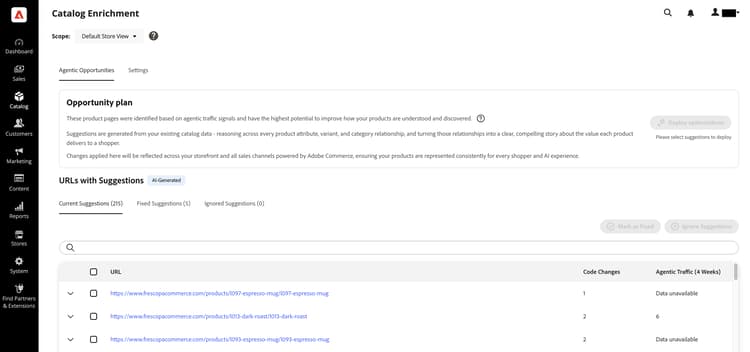
Catalog menu
The Catalog menu provides easy access to product creation, category, and inventory management tools, shared catalogs for custom pricing in B2B stores, and catalog enrichment for AI-assisted discovery.
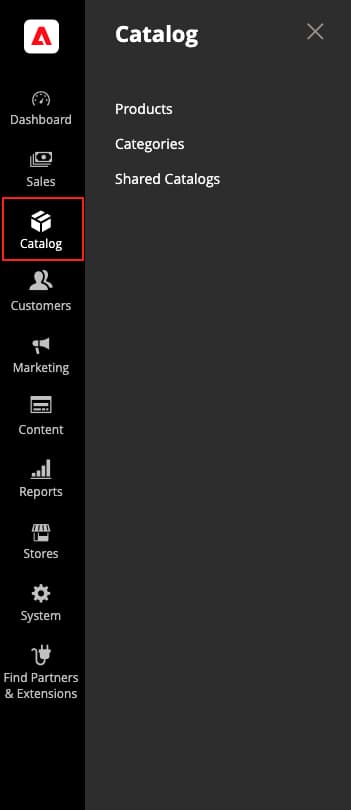
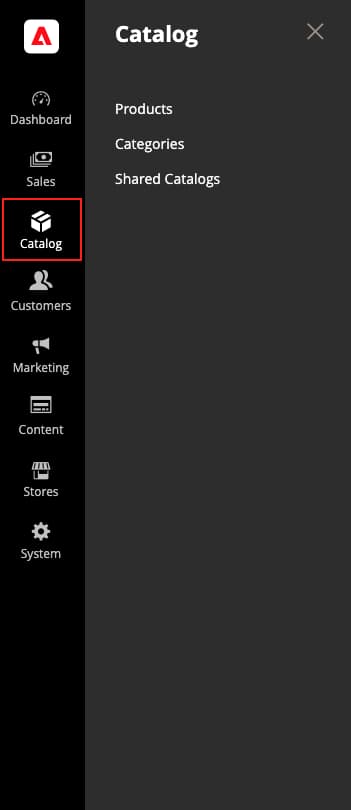
On the Admin sidebar, click Catalog.
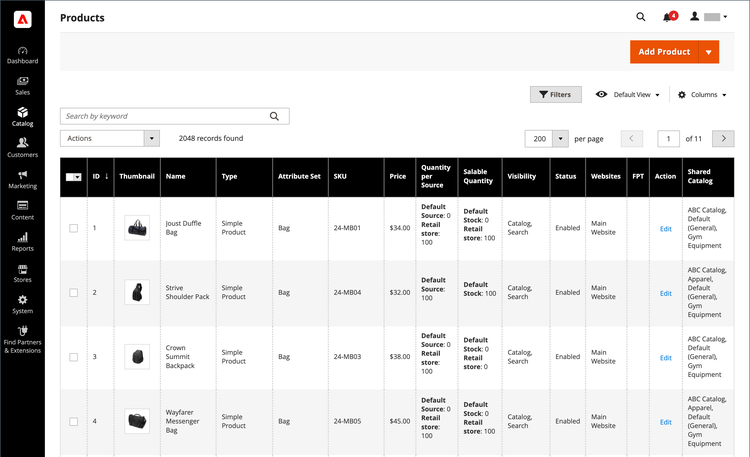
Products
Create products of every type and manage your inventory.
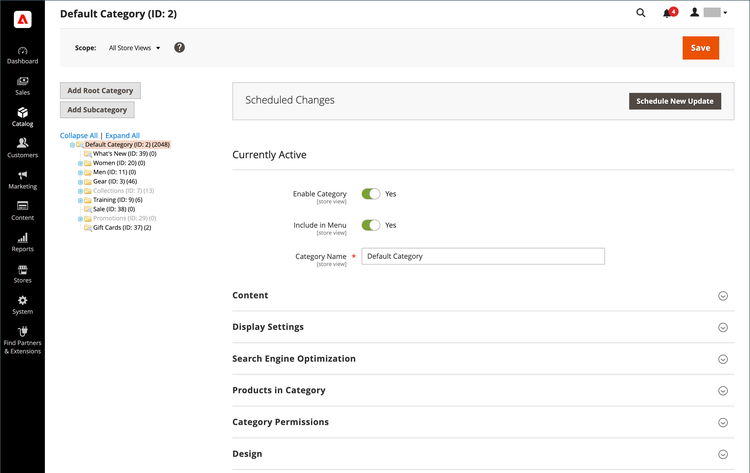
Categories
Create the category structure that is the foundation of your store’s navigation.
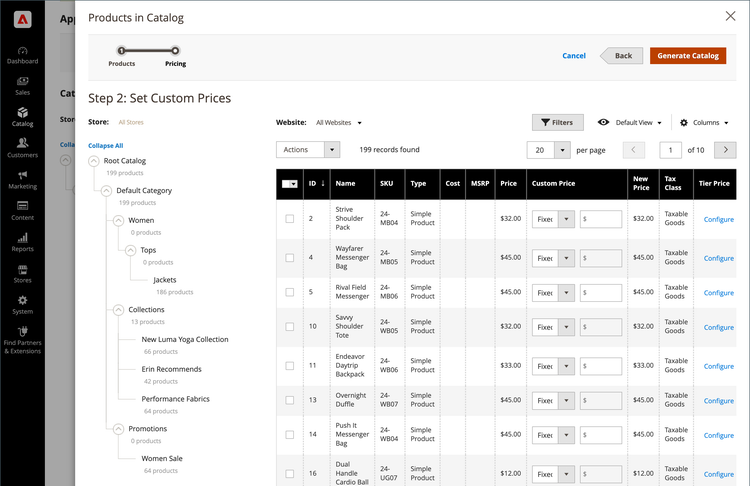
Shared Catalogs
For stores with Adobe Commerce B2B installed and enabled, shared catalogs give you the ability to make custom pricing available to different companies.
Catalog enrichment
Use catalog enrichment to review and apply AI-suggested improvements to product names and long descriptions so your catalog is represented accurately in LLM and AI-assisted discovery.