Quad Transform on Path
In: Spline & Path Tools > Path Tools
Description
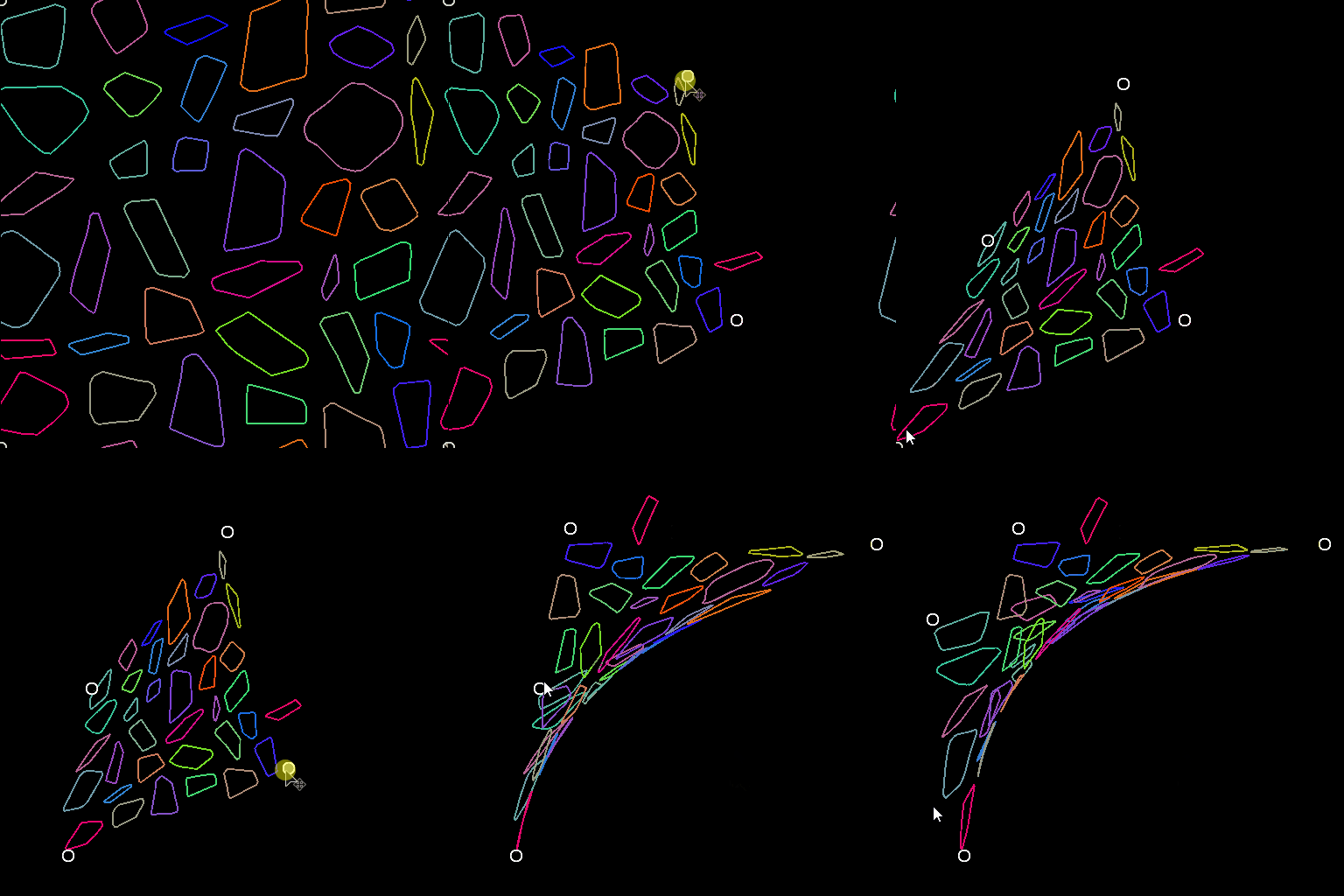
Deform a Paths using 4 handles.
Inputs
Paths Color
A list of encoded segments paths. Connect this input to the result of a Mask to Paths or to another Path-processing node.
Outputs
Paths Color
The transformed Paths. You can either use Preview Paths to get an idea of what the result represents, use another Paths-processing node, or input it to a Paths to Spline to further process it as Splines.
Parameters
p00 Float2
The position of the top-left handle.
p01 Float2
The position of the top-right handle.
p02 Float2
The position of the bottom-left handle.
p03 Float2
The position of the bottom-right handle.
Examples
| table 0-row-2 html-authored no-header | |
|---|---|
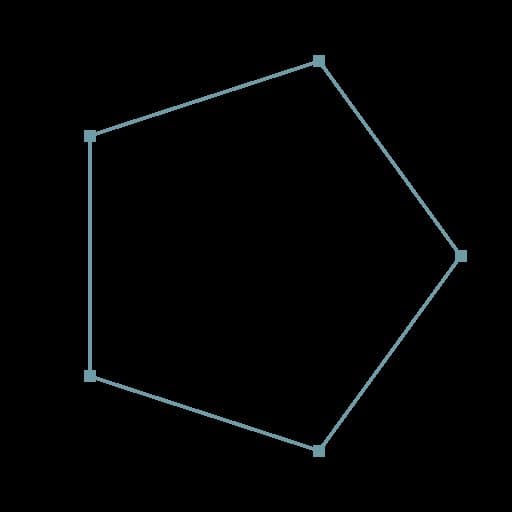
Before |
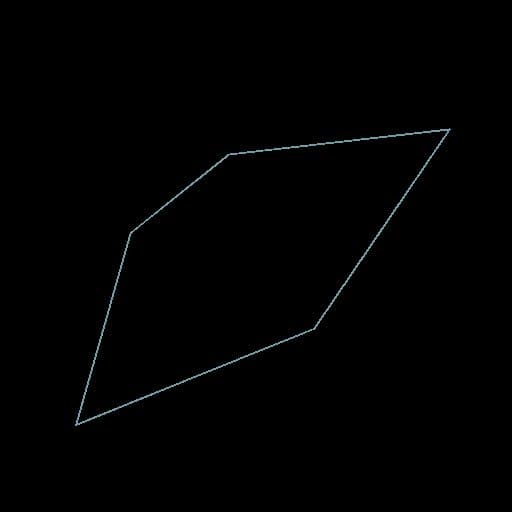
After |
| table 0-row-2 html-authored no-header | |
|---|---|
|
Before |

After |
recommendation-more-help
substance-3d-designer-help-guide